
.png)
Master Iterative Design Process Steps for Success

The Evolution of Iterative Design: Why Linear Methods Fail
Traditional linear design, often called the waterfall method, follows a rigid, step-by-step process. Each phase, from initial planning to final implementation, is completed before the next begins. This approach operates under the assumption that all project requirements can be perfectly defined upfront. However, in the real world, user needs and project specifics often change and evolve throughout the development lifecycle. This inherent rigidity in the waterfall method can lead to expensive revisions and a final product that doesn't quite meet the intended target.
This is where the iterative design process truly excels. Instead of a straight line from start to finish, iterative design is a cycle. This cyclical nature allows for ongoing improvement and adaptation throughout the project. Testing and feedback are integrated at every stage, enabling adjustments based on real-world user insights. This flexibility is essential in today's dynamic market.
For example, imagine building a house using the waterfall method. You meticulously plan every detail, from the foundation to the roof, before even breaking ground. But what if, during construction, you realize the kitchen is too small or the living room layout isn't practical? Changes at that stage would be costly and time-consuming. The iterative approach, conversely, allows you to build and test a section of the house, gather feedback, and make adjustments before moving on to the next section.
The iterative design process emphasizes continuous improvement through repeated cycles of planning, designing, implementing, testing, and evaluating. With historical roots in software and product development, this approach gained significant traction during the rise of Agile methodologies in the early 2000s. Explore this topic further: Learn more about the iterative process.
Embracing Change: The Benefits of Iteration
Adopting an iterative approach offers substantial benefits. A primary advantage is risk reduction. By identifying and addressing potential problems early, teams avoid expensive rework later in the project. Studies show that iterative design can significantly decrease project failure rates.
Iterative design also boosts stakeholder satisfaction. By involving stakeholders throughout the entire process and incorporating their feedback continuously, the final product is more likely to align with their needs and expectations. This collaborative approach fosters a sense of ownership and improves the chances of project success.
Iterative vs. Revision: A Crucial Distinction
It's important to distinguish between true iterative design and simply making revisions after a product is finished. True iteration involves a planned cycle of prototyping, testing, and refinement. Each cycle builds upon the last, incorporating feedback and resulting in a more polished and user-centered design.
Revisions, in contrast, are usually reactive, addressing unforeseen problems or overlooked requirements after the product launch. While revisions are sometimes unavoidable, they can be expensive and disruptive. Iterative design minimizes the need for extensive revisions by proactively addressing potential issues early and often. This approach saves time and resources, leading to a more efficient and successful design process.
Phase 1: Strategic Planning Without Analysis Paralysis
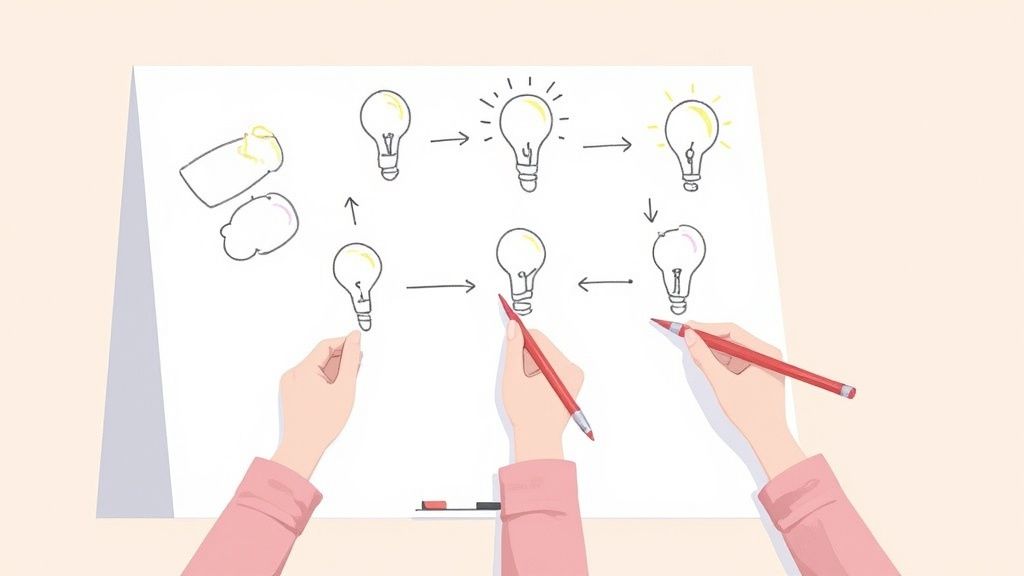
Successful iterative design relies on a strong foundation of strategic planning. But this doesn't mean getting lost in endless documents and spreadsheets. This initial phase focuses on efficiently pinpointing the core project goals and gathering just enough requirements to begin. Think of it like packing for a weekend trip – bring the essentials, not your entire closet.
Defining Core Goals and Gathering Requirements
This stage involves understanding the project’s purpose and desired results. Clearly defined goals act as a guide for the entire iterative design process. They provide the framework to measure progress and keep the team on track. Gathering requirements means understanding what the project needs to achieve these goals.
This might involve stakeholder interviews, user data analysis, and competitor product research. For example, if the goal is to boost user engagement on a website, requirements could include a more intuitive navigation, personalized content recommendations, and faster page load speeds. The key is gathering enough information to start building, not getting bogged down in excessive detail. You might be interested in: How to master sitemapping.
Creating User Personas and Defining Success Metrics
Developing user personas is another crucial part of this phase. Personas are fictional, yet data-driven, representations of ideal users. They help teams understand user behaviors, needs, and motivations. This user-focused approach ensures design decisions align with the target audience.
Along with personas, clearly defining success metrics establishes how the project's success will be measured. These metrics should be SMART: Specific, Measurable, Achievable, Relevant, and Time-bound. This could involve tracking key performance indicators (KPIs) such as conversion rates, user engagement, or customer satisfaction scores. Establishing these metrics early allows for ongoing monitoring and evaluation throughout the iterative design process.
Let's talk a bit more about different techniques for gathering requirements. The table below compares some common methods, highlighting their strengths and weaknesses. This will help you choose the right approach for your project.
Requirements Gathering Techniques Comparison
Technique | Best Used For | Time Investment | Stakeholder Involvement | Output Format |
|---|---|---|---|---|
Stakeholder Interviews | Understanding business needs and user expectations | Medium | High | Meeting notes, reports |
User Surveys | Gathering quantitative data from a large group | Low | Medium | Survey data, charts |
Competitor Analysis | Identifying market trends and best practices | Low | Low | Reports, spreadsheets |
User Testing | Evaluating usability and identifying pain points | High | Medium | Test results, videos |
This table provides a quick overview of various requirements gathering techniques. Choosing the right combination of techniques will ensure you have a solid understanding of user needs and project goals.
Setting Iteration Boundaries and Avoiding Over-Planning
Finally, each iteration cycle needs defined boundaries regarding scope and timeline. These boundaries keep each iteration focused and manageable. Think of each cycle as a sprint—a short, intense burst of work toward a specific goal.
Over-planning can be a major trap in this phase. While planning is essential, too much documentation and analysis can stall progress. The goal is to gather enough information to start building and learn by doing. This lean approach allows teams to adapt and respond to user feedback effectively, resulting in a more user-centered and successful final product.
Phase 2: Prototyping That Actually Drives Decisions
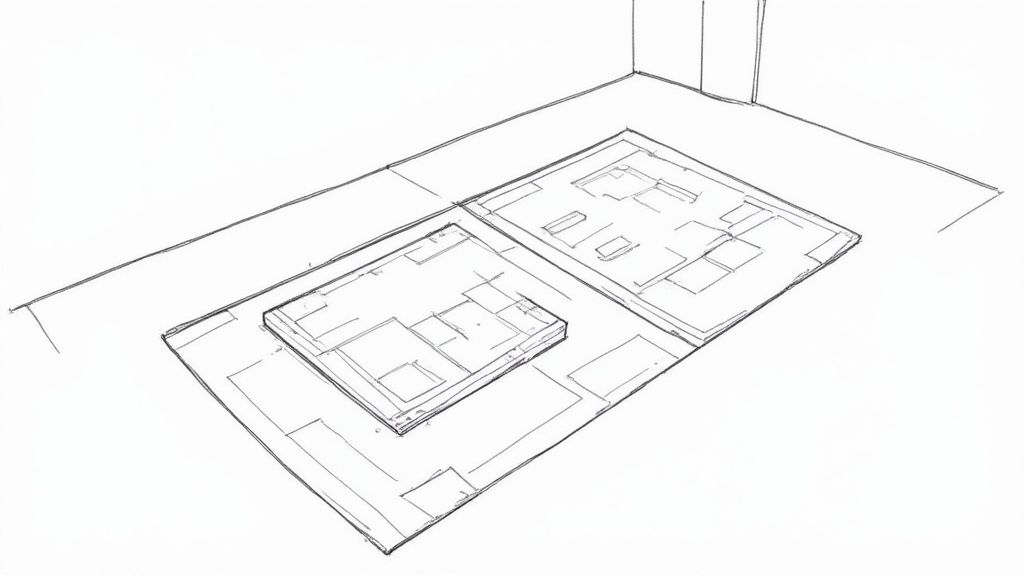
This phase goes beyond static mockups. It focuses on creating prototypes that provide valuable insights for your project. Effective prototyping in iterative design involves choosing the right fidelity level. This refers to the amount of detail and functionality within the prototype.
The fidelity level should match the project's current stage. This targeted approach helps the team focus on the most relevant design aspects at each step. Ultimately, it maximizes feedback value and speeds up the iterative design process.
Choosing the Right Fidelity for Each Stage
Early on, low-fidelity prototypes are ideal. Think paper sketches or simple wireframes. These allow for quick exploration of different ideas and fast feedback. You don't have to invest much time in detailed design work at this stage. For example, sketching various navigation flows on paper lets the team compare and discuss options quickly. This early feedback can be crucial for spotting potential usability problems before things get too complex.
As the design develops, you can move to mid-fidelity prototypes. Examples include interactive wireframes or clickable mockups. These allow users to experience basic interactions and user flows, giving you more specific feedback on the functionality. Tools like Figma and Adobe XD are great for creating these interactive prototypes.
Finally, high-fidelity prototypes closely resemble the final product. They include detailed visuals and advanced interactions. These prototypes are best for final-stage user testing and validation before development starts. This high fidelity helps uncover subtle usability issues and allows for fine-tuning the user experience.
Functionality Over Aesthetics: Gathering Effective Feedback
A core principle of iterative prototyping is prioritizing function over form in the early stages. Focusing on how the product works, rather than how it looks, helps gather better feedback on usability and user flows. Users are less likely to be distracted by visual elements and can concentrate on the core functionality.
This functionality-first approach also speeds up the iterative design process. Visual refinements can be added later, after the core functionality is validated. This streamlined approach reduces the risk of investing heavily in designs that may not be user-friendly. Iterative design processes have demonstrably improved project success rates and efficiency. Industry data and case studies show that iterative design reduces project failure rates by up to 50% compared to traditional waterfall methods. Learn more about the iterative design process here.
Collaborative Design and Rapid Iteration
Collaboration is key for successful iterative design. Breaking down barriers between UX, development, and business teams enables continuous feedback and a shared understanding. Tools like Beep facilitate this collaboration by allowing direct feedback on live websites, capturing screenshots, and streamlining communication. This leads to faster iteration cycles and keeps everyone aligned.
Using tools that support rapid prototyping allows for quick exploration of different ideas and fast incorporation of feedback. This agile approach lets the team experiment, learn, and adapt quickly, maximizing the benefits of iterative design. By embracing this cyclical process of prototyping, testing, and refining, teams can create user-centered designs that meet user needs and achieve project goals. This ensures the product not only functions well but also delivers a satisfying and intuitive experience.
Phase 3: Implementation That Preserves Design Integrity
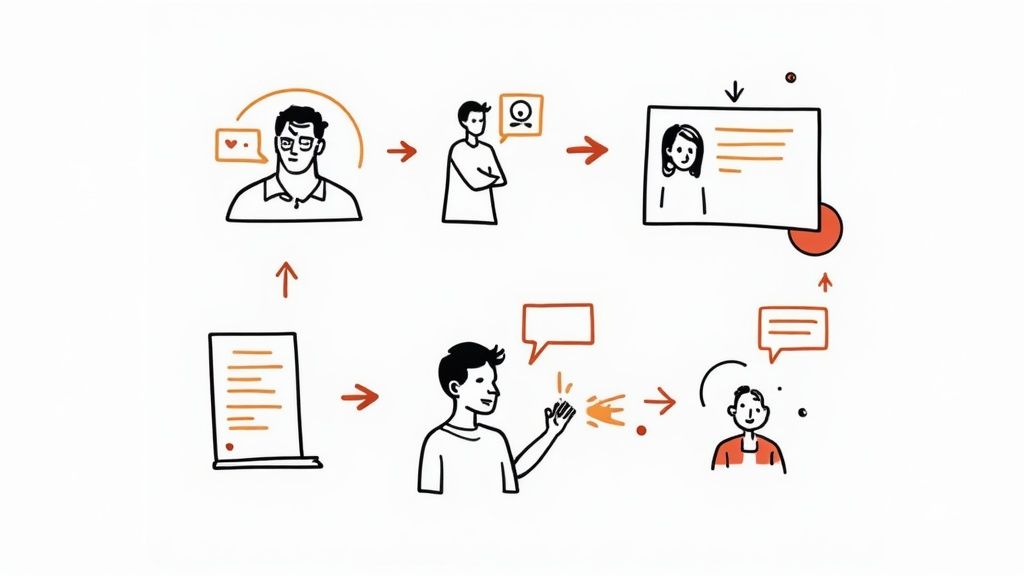
Turning a prototype into a working product is a crucial moment in iterative design. This is where the abstract becomes concrete. Unfortunately, it's also where many projects stumble. This phase is all about keeping the design's core intact while tackling the technical hurdles of bringing it to life. It's the bridge between the designer's vision and the developer's code.
Modular Development and Component-Based Architectures
Successful teams often use modular development and component-based architectures. This strategy breaks the project down into smaller, more manageable chunks. Imagine building with LEGO bricks: individual components come together to form a larger whole. This modularity brings several benefits to iterative design.
For example, tweaking one component doesn't require rebuilding the entire system. This allows for quick iterations without constantly starting from square one. A component-based approach also promotes code reuse, which saves development time and ensures consistency. Plus, it allows team members to work on different modules concurrently, speeding up the whole iterative process.
Documentation and Coding Standards for Smoother Iteration
Good documentation is essential for preserving design integrity during implementation. But, it shouldn't create unnecessary red tape. The trick is to be strategic, focusing on what developers actually need to understand the design's purpose.
Clear coding standards are just as important. These ensure consistency and readability, making future iterations easier. Consistent code simplifies understanding, modification, and expansion, leading to a smoother, more efficient process. It also reduces the risk of bugs creeping in during later iterations.
Managing the Designer-Developer Relationship
The designer-developer relationship is at the heart of successful implementation. Open and frequent communication is key. Tools like Beep make this easier by letting developers give feedback directly on design mockups, capture screenshots, and streamline conversations.
This proactive approach prevents the compromises that often weaken the initial design. A designer can use Beep to quickly clarify details, preventing misinterpretations and ensuring that the developer's work aligns with the original vision. This collaboration results in a final product that is both visually appealing and technically sound.
Preventing Implementation Compromises
Technical limitations or unexpected issues often force compromises during implementation. While some compromises are inevitable, anticipating and addressing potential problems early can lessen their impact. This requires close collaboration between designers and developers from the very beginning, discussing technical constraints and exploring alternatives early in the game.
By addressing potential roadblocks upfront, teams can avoid significant design deviations later. This keeps the final product true to the original vision and effectively addresses user needs. Maintaining this focus on design fidelity throughout the iterative process leads to a higher-quality, more user-centered result.
Phase 4: Testing That Reveals What Users Actually Do
This phase moves us from design theory to real-world user interaction. We're not interested in superficial feedback here. Instead, we dive deep to uncover how effective your design truly is through thorough testing. We'll look at a range of testing methods, from quick, informal checks to structured usability studies, all adaptable to various budgets and timelines. The goal? To see if users can successfully use your design, not just if they like it.
Structuring Tests and Recruiting Participants
Effective testing begins with clear questions. What are you evaluating? Navigation, calls to action, or the overall user experience? Defining your objectives will guide the process.
Participant recruitment is next. Participants should represent your target users, considering demographics, tech skills, and experience with similar products. This makes your results relevant to your audience. For more on understanding your target audience, you might find this helpful: Read also: How to master sitemapping.
Observing Behavior and Avoiding Bias
Observing user behavior is key, but avoid bias. Encourage participants to think aloud, verbalizing their thoughts and actions. This reveals their cognitive processes. Avoid leading questions.
For example, instead of "Don't you think this button is confusing?", ask "What are your thoughts on this button?" Neutral phrasing lets participants share genuine opinions. We want to understand the why, not just the what.
Analyzing Feedback and Prioritizing Improvements
Separate user preferences from usability problems. Disliking a color is different from a broken navigation element.
A structured framework for analyzing feedback helps prioritize. Focus on high-impact issues affecting user experience and goal completion. This ensures your team's efforts are focused effectively.
Measuring the Impact of Iterative Design
Speaking of impact, a 2023 survey highlighted the benefits of iterative design. Covering over 500 product teams, it found that 78% of companies using iterative design reported faster time to market, with improvements between 30-40%. This speed comes from catching design flaws early through continuous feedback. See more detailed statistics here.
Communicating Findings and Building Consensus
Communicating test findings to stakeholders is crucial for consensus. Present results clearly, using visuals and data. Connect findings to design goals and explain how changes will improve the user experience and achieve project objectives.
Testing Methods in Iterative Design
The following table provides an overview of different testing approaches and their application in iterative design. This helps you choose the best method for your project.
Testing Method | Sample Size | Resource Requirements | Best For | Typical Insights |
|---|---|---|---|---|
Usability Testing | Small-Medium | Medium-High | In-depth understanding of user behavior | Identifying usability problems |
A/B Testing | Large | Medium | Comparing different design variations | Measuring the effectiveness of changes |
Heuristic Evaluation | Small | Low | Expert review based on usability principles | Identifying potential usability issues |
Analytics Analysis | Large | Low | Tracking user behavior on live products | Understanding usage patterns |
This testing phase is where iterative design truly proves its value. By focusing on real user behavior, you gather actionable insights that lead to meaningful improvements and a more successful, user-centered product.
Phase 5: Refinement That Transforms Good Into Great
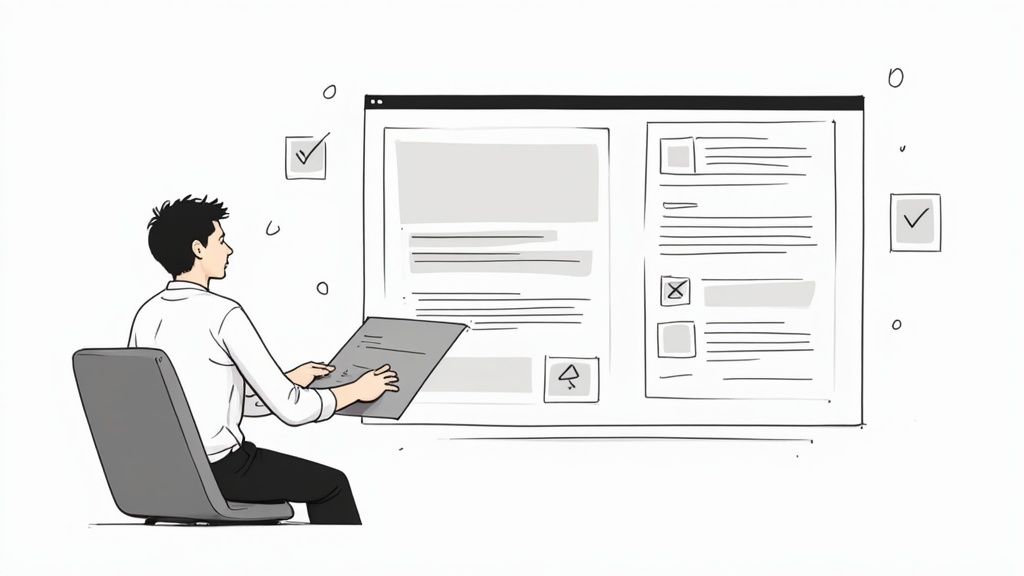
The iterative design process doesn't simply stop after testing. The real transformation happens during the refinement phase. This is where a good design evolves into something truly exceptional. Think of it as polishing a gem – you’re taking something valuable and making it shine. You tweak, adjust, and perfect based on the feedback you’ve gathered and the results from your testing.
This crucial step elevates a functional design to a user-centered, successful product. It's about transforming insights into tangible improvements that resonate with users.
Prioritizing Improvements: Balancing Feedback and Constraints
Refinement isn't about blindly implementing every single piece of feedback. It's a strategic process. User feedback often clashes with business objectives, technical limitations, or budget realities. This is where prioritization frameworks become invaluable.
One effective method is categorizing feedback by impact and feasibility. Focus on high-impact, high-feasibility improvements first. These offer the best return on investment. For example, a minor button redesign that dramatically boosts conversion rates would be a top priority.
Analyzing Patterns, Not Just Individual Opinions
Looking for patterns in user behavior data is more insightful than focusing on individual opinions. This helps uncover underlying usability issues and create more effective solutions. Tools like Beep are excellent for gathering this data, letting you track user comments and interactions directly on live websites. This helps you spot recurring trends and pinpoint areas ripe for improvement.
The iterative design process typically begins with defining requirements and assumptions, which shape the initial product version. After creating a prototype or an initial product, it's tested and evaluated. Stakeholders and users offer feedback on performance and usability. Each cycle, or iteration, concludes with a review comparing the results to the original requirements, informing the next cycle of improvements. Find more detailed statistics here.
Productive Iteration Review Meetings: Avoiding Design by Committee
Iteration review meetings are crucial for discussing feedback, prioritizing improvements, and making key decisions. However, these meetings can quickly become unproductive "design by committee" sessions. To prevent this, establish clear meeting objectives, assign specific roles, and follow a structured agenda.
Using a tool like Beep to share feedback and gather insights before the meeting can streamline discussions and ensure everyone's on the same page. This focused approach allows for more productive meetings and faster decision-making.
Documenting Design Decisions: Maintaining Institutional Knowledge
Documenting design decisions throughout the refinement process creates a valuable resource for future iterations. This documentation ensures consistency and prevents redundant work. It also provides context for future design choices, preserving valuable learnings.
Defining Completion Criteria: Knowing When to Stop
Knowing when to stop refining is just as crucial as knowing when to begin. Establish clear criteria for when a design is considered "complete." This might involve meeting predefined success metrics, reaching a target level of user satisfaction, or implementing a specific set of features.
Communicating Changes to Stakeholders: Building Confidence
Finally, clearly communicate the reasons behind design changes to stakeholders. This builds trust in the process and ensures everyone understands the value of the refinements. Use data and user feedback to support your decisions, showcasing the impact of the iterative approach. This transparency fosters confidence and encourages stakeholder buy-in. Effectively communicating the value of these iterative steps helps gain support for future iterations and ensures the continued success of your design projects.
Adapting Iterative Design Process Steps Across Industries
Iterative design isn't confined to the digital realm of software and websites. Its core principles, centered around feedback and adaptation, resonate across diverse fields, from tangible products like cars to intangible services like customer support.
Iterative Design in Physical Product Development
Imagine designing a chair. A traditional, linear approach would involve a complete design, followed by prototype construction and testing. This can be risky. An iterative approach, conversely, might begin with prototyping just the seat. This allows for early feedback on comfort and ergonomics, informing the design of the legs and back before significant resources are invested.
This targeted prototyping can significantly reduce the cost and time associated with later redesigns. It's about catching potential issues early.
Iterative Design in Service Industries
The service sector also benefits greatly from iteration. Consider a bank revamping its online banking portal. Instead of a complete overhaul, they could incrementally introduce new features, like an improved bill pay system. Testing this single feature with a small user group offers invaluable insights before a full-scale launch, minimizing potential disruption and maximizing user satisfaction.
This cycle of refinement allows teams to react quickly to change and avoid costly errors by identifying problems early on. The standard iterative design stages typically involve planning, analysis, implementation, testing, and evaluation, culminating in improved product versions with each cycle. Discover more about iterative design processes here.
Overcoming Resistance to Iteration in Enterprise Organizations
Larger organizations sometimes struggle with embracing iterative design. Established processes and ingrained habits can create resistance. Highlighting the advantages of iteration—faster development, reduced risk, and improved stakeholder satisfaction—can facilitate a shift toward a more agile approach. It's about demonstrating value and building confidence in the process.
Startups and Iterative Design: Maximizing Limited Resources
Startups, often constrained by resources, are naturally well-suited for iterative design. This lean approach facilitates rapid testing of assumptions, enabling crucial pivots when necessary and maximizing the impact of limited budgets. Iteration empowers startups to learn and adapt quickly.
Scaling Iterative Design: Strategies for Different Project Sizes
Scaling iterative design requires adjusting to project complexity and team size. Smaller projects might employ rapid prototyping and frequent feedback loops. Larger projects benefit from segmentation into smaller, manageable iterations, each with defined goals and deliverables. For more on scaling iterative design, learn more in our article about dynamic use cases.
Integrating Iterative Design with Existing Processes
Incorporating iterative design into established workflows is often best approached gradually. A pilot project can demonstrate success, paving the way for broader adoption across teams and departments. This measured transition minimizes disruption and allows teams to adapt smoothly.
Demonstrating ROI of Iterative Design to Skeptical Stakeholders
Quantifying the return on investment (ROI) of iterative design is vital for gaining stakeholder support. Tracking development time, cost savings from reduced rework, and customer satisfaction improvements provides concrete evidence of its value. Sharing real-world success stories, highlighting the obstacles overcome and the results achieved, can also persuade those who are hesitant.
Customized Frameworks for Effective Implementation
Effective implementation of iterative design necessitates tailored frameworks specific to each project. A website redesign, for example, differs significantly from the development of a physical product. Adapting the iterative process steps to each project's context is essential for optimal results.
Beep, a feedback platform, streamlines iterative design by enabling direct feedback on live websites, capturing annotated screenshots, and integrating with project management tools. Start using Beep today! to experience efficient collaboration and streamlined iteration.
Comments