
.png)
12 Best Bug Tracking Tools for Dev Teams in 2025

Finding the right bug tracking tool is essential for shipping high-quality software on schedule. A disorganized or inefficient process for managing defects leads directly to missed deadlines, frustrated developers, and a poor user experience. The core problem these platforms solve is creating a centralized, transparent system for identifying, prioritizing, and resolving issues throughout the software development lifecycle. Without a dedicated tool, bugs get lost in email threads, Slack messages, or forgotten sticky notes.
This guide provides a comprehensive breakdown of the best bug tracking tools available, designed to help product managers, developers, and UX designers find the perfect fit for their team's specific workflow. We'll move beyond generic feature lists to offer a practical analysis of each platform, focusing on real-world use cases and honest limitations. Before you can track bugs, however, you need an effective way to find them. For a deeper look into a critical part of this process, this technical guide explains how to automate software testing to catch defects earlier and more reliably.
Each entry in our list includes a detailed overview, key features, pricing information, and a clear "best for" recommendation to match the tool with your role or team structure, whether you're a startup, a large enterprise, or a remote-first company. We will cover a range of options, from comprehensive project management suites like Jira and Azure DevOps to developer-centric solutions like GitHub Issues and modern, streamlined platforms like Linear and Beep. You will find screenshots and direct links for every tool, allowing you to quickly evaluate the options and make an informed decision without wading through marketing jargon.
1. Beep
Beep takes the top spot in our list by fundamentally reimagining how teams capture and manage website issues. It transforms the often-chaotic process of bug reporting into a streamlined, visual, and highly contextual workflow. Instead of cumbersome forms and endless email chains, Beep empowers users to simply point, click, and comment directly on any live webpage, making it one of the most intuitive and efficient bug tracking tools available.
This visual-first approach is its core strength. When a user flags a bug, Beep automatically captures a screenshot, browser details, screen size, and other critical metadata. This eliminates the ambiguity that plagues traditional bug reports, saving developers from the frustrating back-and-forth of trying to reproduce an issue. The context is captured instantly, allowing technical teams to understand and address problems faster.
Key Features and Workflow Analysis
What sets Beep apart is its integrated task management system. Every comment or bug report automatically becomes an actionable item on a built-in Kanban board. This closes the loop between identification and resolution, ensuring no piece of feedback gets lost.
In-Context Visual Feedback: Users can drop a pin anywhere on a site to leave a comment. This is perfect for identifying UI glitches, broken links, or layout issues with pinpoint accuracy.
Automatic Data Capture: Each report includes a screenshot and essential technical details (OS, browser, viewport size), which drastically reduces the time needed for triage.
Integrated Kanban Board: All feedback is centralized into a project board with customizable statuses (e.g., To-Do, In Progress, Done), assignees, and priorities. This provides a clear, at-a-glance view of all outstanding issues.
Seamless Collaboration: Teams can invite clients or external stakeholders to provide feedback using a simple guest link, no registration required. This frictionless experience is ideal for UAT (User Acceptance Testing) and client reviews.
Best For and Pricing
Beep is an exceptional choice for cross-functional teams, including UX/UI designers, product managers, and marketing professionals, who need to collaborate closely with developers. Its simplicity makes it accessible to non-technical users, bridging the communication gap that often slows projects down. You can see how Beep streamlines this process by learning more about reporting bugs with Beep.
You can start using Beep for free without a credit card, and the company claims you can get started in under a minute. Detailed pricing for advanced tiers is not listed publicly, suggesting a custom or sales-led approach for larger teams.
Pros:
Extremely fast and intuitive visual feedback capture.
Built-in Kanban board turns feedback into trackable tasks.
Guest access simplifies collaboration with external stakeholders.
Robust integrations with Jira, Slack, Notion, and more.
Cons:
Primary delivery via a browser extension may have limitations.
Enterprise features like SSO or on-premise support are not clearly documented.
Website: https://www.justbeepit.com
2. Atlassian Jira Software
Jira Software is a powerhouse in the world of agile project management and is widely regarded as one of the best bug tracking tools for development teams that require deep customization. It’s not just a bug tracker; it's a comprehensive platform for planning, tracking, and releasing software. Its strength lies in its highly configurable workflows, which allow teams to map out their exact processes for bug resolution, from initial report to final verification.
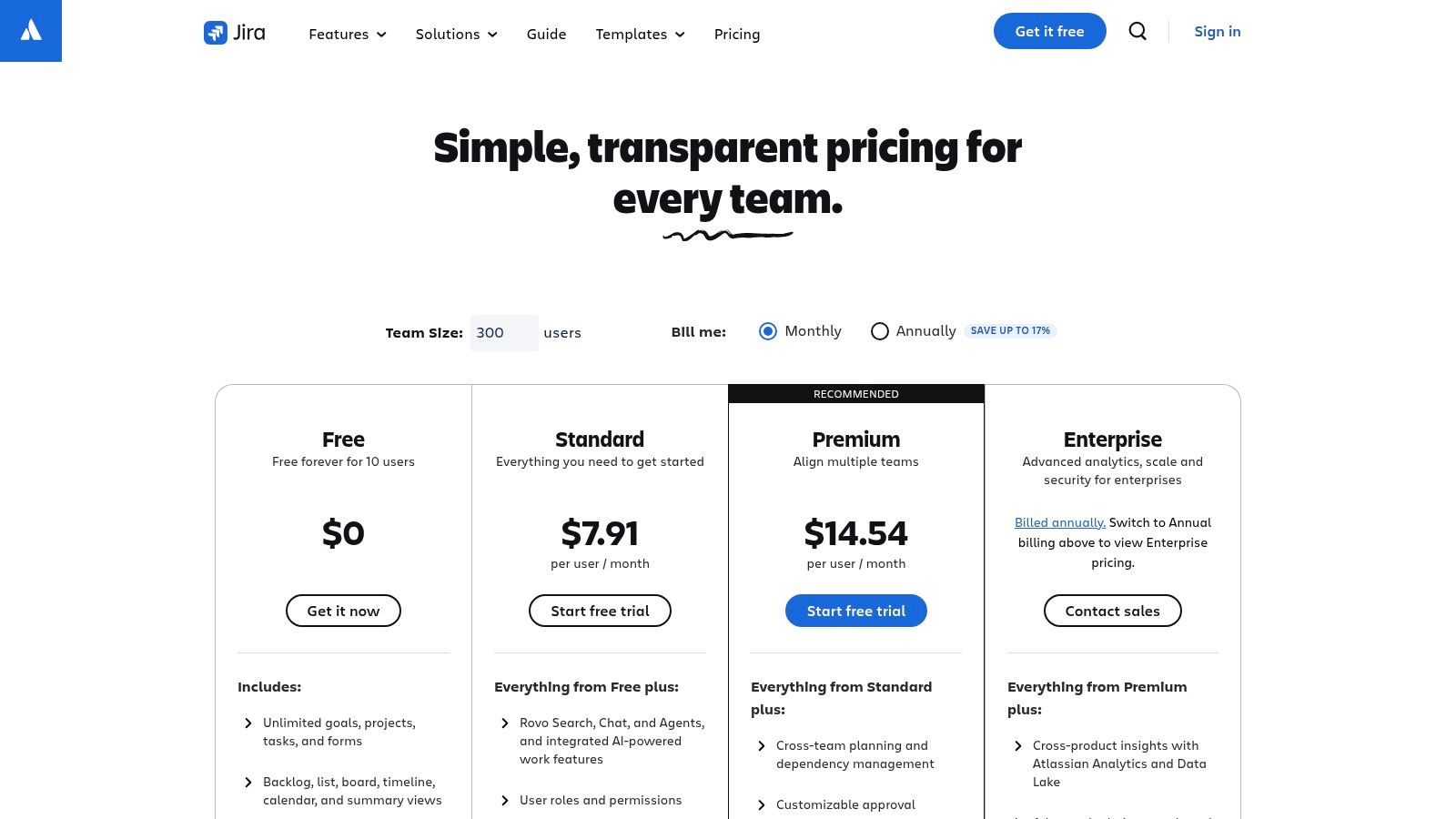
This tool is ideal for established software teams that need to connect their bug tracking directly to their development lifecycle. With native integrations for CI/CD tools, code repositories like Bitbucket and GitHub, and a vast marketplace of third-party apps, Jira centralizes the entire development context around each issue.
Key Features & Pricing
Best For: Engineering leads, project managers, and large development teams needing a highly structured, customizable system.
Standout Features: Custom JQL (Jira Query Language) for advanced searching, detailed reporting dashboards, and powerful automation rules for reducing manual tasks. Scrum and Kanban boards provide clear visibility into sprints and workflows.
Pricing: A generous Free plan supports up to 10 users. Paid plans start with Standard at $8.15 per user/month, adding more storage and features, and scale to Premium and Enterprise tiers for advanced security and support needs.
Pros: Extremely powerful and flexible, massive integration ecosystem, excellent for complex agile methodologies.
Cons: The learning curve is steep, and the interface can feel overwhelming for new users or non-technical teams. Costs can escalate quickly with add-ons and a large user base.
3. GitHub Issues (within GitHub)
For development teams living within the GitHub ecosystem, GitHub Issues provides a frictionless, native solution for bug tracking that lives right next to your code. It has evolved from a simple issue tracker into a powerful project management tool, centralizing planning, bug reports, and roadmaps alongside pull requests and CI/CD workflows. This colocation of code and tasks is its greatest strength, eliminating the context-switching required with external tools.
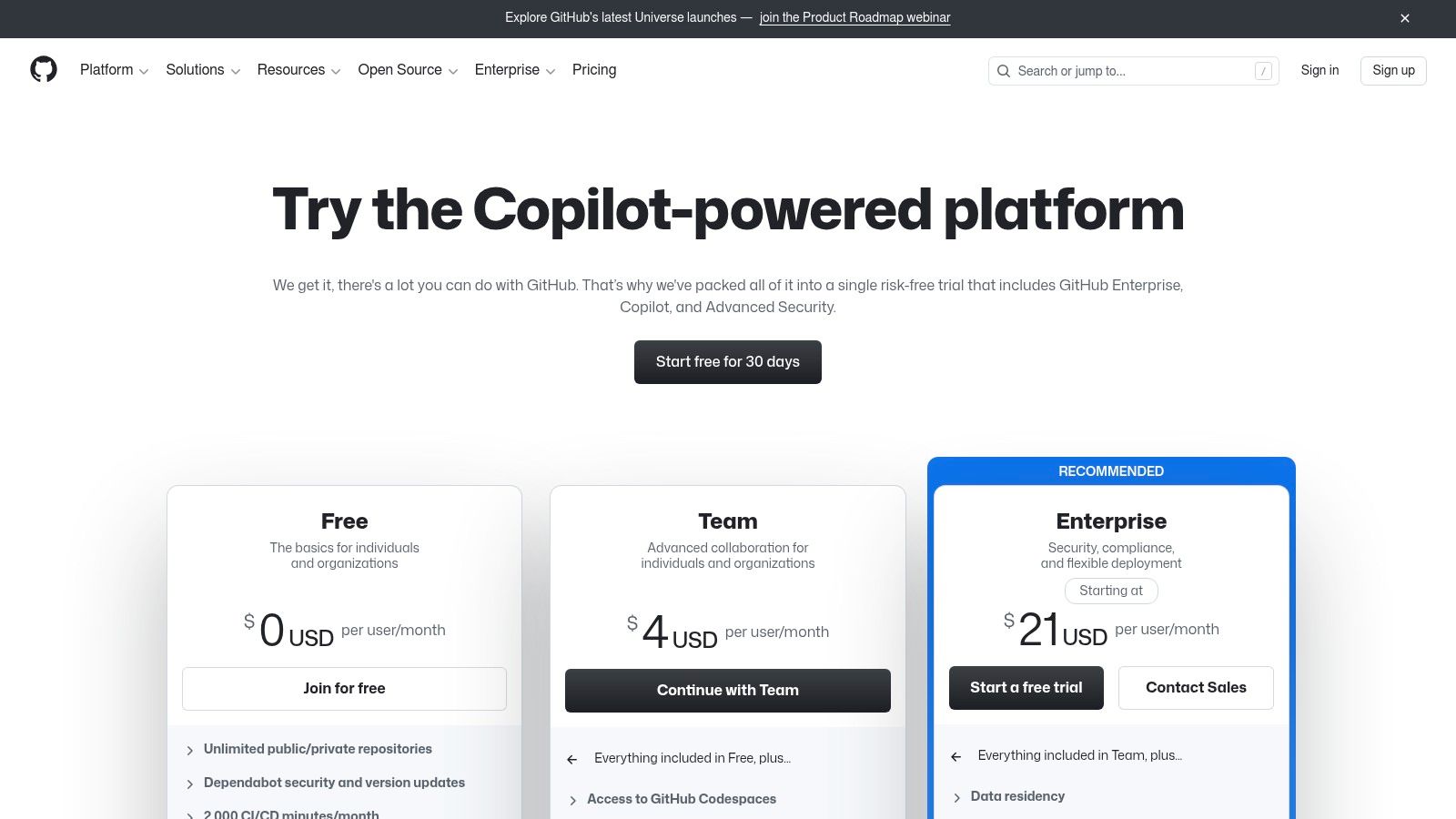
This tool is perfect for developers and open-source projects that want to keep their entire workflow under one roof. With flexible Project boards (tables, Kanban-style boards, and roadmaps), custom fields, and powerful automation capabilities, teams can design a bug triage process that fits their specific needs. Its deep integration means you can link issues directly to commits and pull requests, creating a clear audit trail from bug report to fix. For teams heavily invested in the platform, exploring more on GitHub monitoring can provide a wider lens on project activity and issue resolution.
Key Features & Pricing
Best For: Development teams, open-source maintainers, and project managers who want bug tracking deeply integrated with their codebase on GitHub.
Standout Features: Issues with sub-issues and task lists, customizable templates, powerful automation via GitHub Actions, and deep links to PRs, commits, and releases. The command-line interface (CLI) and mobile apps offer excellent accessibility. Learn how to write effective bug reports to make the most of this feature.
Pricing: A very capable Free plan is available for individuals and teams. Paid plans start with Team at $4 per user/month, adding protected branches and more actions, while the Enterprise tier provides advanced security and compliance features.
Pros: Seamless integration for repositories hosted on GitHub, strong automation capabilities, a robust free tier, and an efficient keyboard-driven workflow.
Cons: Advanced reporting and administrative controls may require paid tiers or custom solutions. Some users find the rapid addition of new AI features can create friction in established workflows.
4. GitLab
GitLab positions itself not just as a bug tracking tool, but as a complete DevSecOps platform delivered as a single application. This all-in-one approach is its biggest differentiator, integrating everything from issue tracking and source code management to CI/CD pipelines and security scanning. For teams looking to consolidate their toolchain and reduce the complexity of managing multiple services, GitLab offers a compelling, unified solution.

The platform is built around a single data store, which means a bug report is directly linked to the code that caused it, the merge request that fixed it, and the deployment pipeline that released it. This tight integration provides unparalleled traceability from issue creation to resolution, making it one of the best bug tracking tools for teams that prioritize a streamlined, end-to-end development workflow and robust security compliance.
Key Features & Pricing
Best For: Development teams, DevOps engineers, and organizations that want to consolidate their tools into a single, unified platform.
Standout Features: Tightly integrated source code management, CI/CD, and security vulnerability scanning. Powerful issue boards with epics and roadmaps for strategic planning. Flexible deployment options, including SaaS, self-managed, and dedicated.
Pricing: A comprehensive Free tier is available for individuals and small teams. The Premium plan is $29 per user/month, adding enterprise features, and the Ultimate plan at $99 per user/month includes advanced security and compliance.
Pros: Single application reduces tool sprawl and integration headaches. Excellent built-in automation, security, and compliance features. A powerful free tier makes it accessible.
Cons: Can be more expensive than standalone bug trackers for teams only needing that functionality. The self-managed option can be complex to administer and maintain.
5. Azure DevOps (Azure Boards)
Azure Boards is Microsoft's answer to integrated agile planning and is a core component of the Azure DevOps suite. It excels in environments that are heavily invested in the Microsoft ecosystem, offering a seamless connection between work items, code repositories, and CI/CD pipelines. More than just a simple issue tracker, it provides a comprehensive solution for managing backlogs, sprints, and team capacity within a single, unified platform, making it one of the best bug tracking tools for teams needing enterprise-level governance.
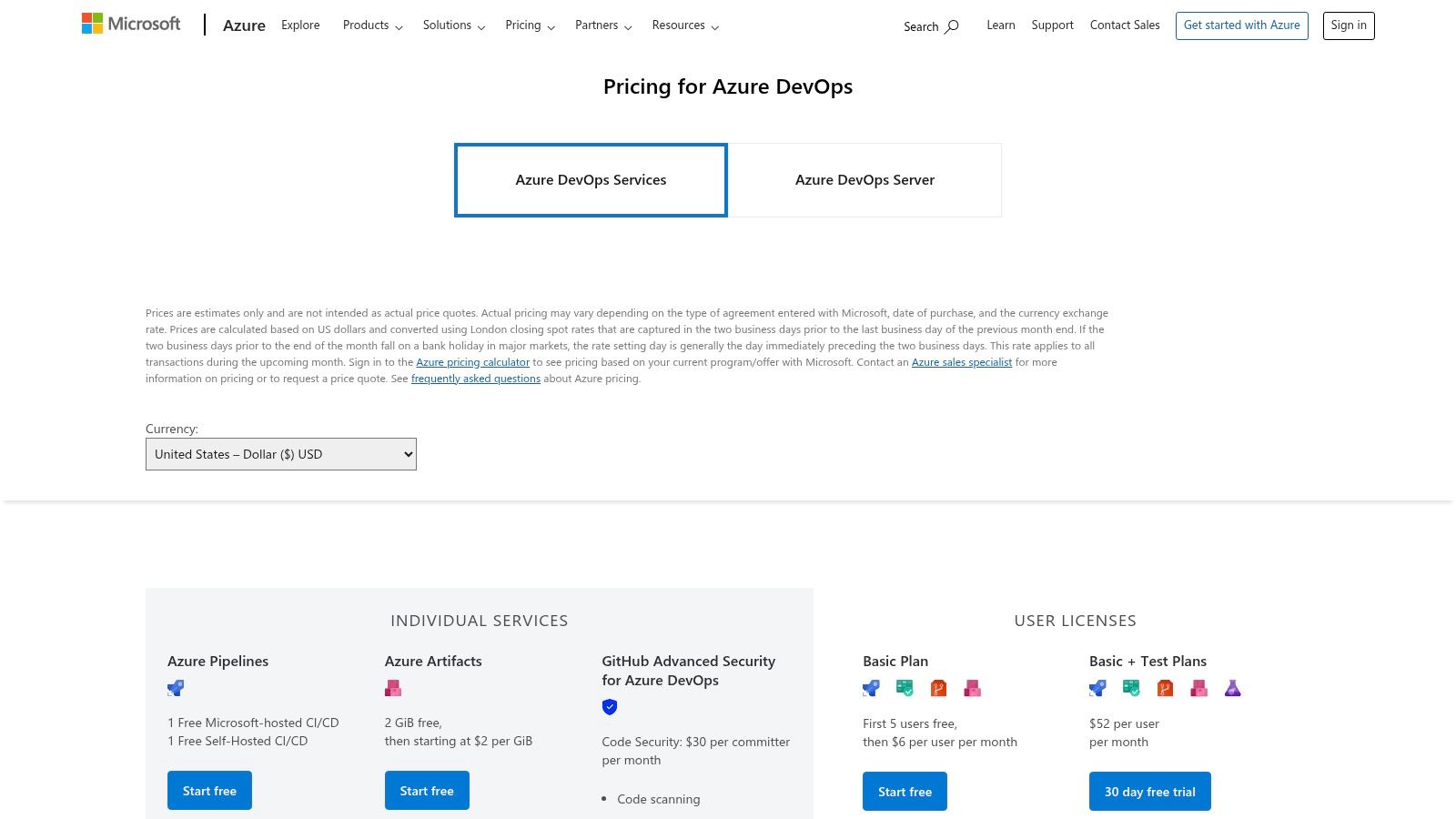
This tool is particularly powerful for organizations using Azure for hosting and development, as it centralizes the entire DevOps lifecycle. The tight integration with Azure Repos and Pipelines allows for full traceability, linking a bug report directly to the code changes and deployments that resolved it. This level of cohesion is ideal for teams focused on compliance, security, and process automation from start to finish.
Key Features & Pricing
Best For: Development teams in Windows/.NET environments, large enterprises needing integrated DevOps tooling, and organizations using Azure Active Directory (Entra ID) for user management.
Standout Features: Customizable Kanban boards, interactive backlogs, and powerful query-based dashboards for reporting. Native integration with Azure Repos, Pipelines, and Test Plans creates a fully traceable development workflow.
Pricing: The Free plan is generous, offering all Azure Boards features for the first five users. The Basic plan costs $6 per user/month after the first five. Additional costs apply for CI/CD parallel jobs and other Azure DevOps services.
Pros: Deep and seamless integration with the entire Microsoft and Azure ecosystem. The free tier for five users makes it highly accessible for small teams. Strong governance and security features.
Cons: The interface and terminology can feel complex and heavy for smaller teams or those not accustomed to the Microsoft suite. Costs can become less predictable as you add other paid Azure DevOps services.
6. JetBrains YouTrack
JetBrains YouTrack is a powerful and developer-centric bug tracking tool that merges issue management with project planning and team collaboration. Developed by the minds behind popular IDEs like IntelliJ IDEA, YouTrack is designed to fit seamlessly into a developer's workflow. Its major differentiator is the inclusion of an integrated Knowledge Base and Helpdesk, making it a unified platform for both internal development and external customer support.
This tool is particularly well-suited for teams that want a single source of truth for bugs, feature requests, and support tickets without needing to stitch together multiple applications. YouTrack's smart, query-based search and command-line style controls offer a fast, keyboard-first experience that technical users will appreciate, making it one of the best bug tracking tools for efficiency-focused teams.
Key Features & Pricing
Best For: Development teams, IT support staff, and product managers who want an all-in-one bug tracker, knowledge base, and helpdesk solution.
Standout Features: A powerful query language for searching issues, customizable workflows, agile boards (Scrum, Kanban), time tracking, and a built-in Knowledge Base. The integrated Helpdesk allows teams to convert customer tickets directly into trackable issues.
Pricing: A robust Free plan supports up to 10 users and includes all features. Paid plans start at $5.50 per user/month, with all features and AI assistance included. Note that new pricing will take effect on October 1, 2025.
Pros: Generous free tier with full functionality, an integrated platform reduces tool sprawl, and a developer-friendly interface speeds up issue management.
Cons: The third-party app marketplace is smaller compared to competitors like Jira. Teams should budget for the upcoming pricing changes in 2025.
7. Linear
Linear is a modern issue and bug tracking tool designed for high-performance software teams that prioritize speed and efficiency. It distinguishes itself with an exceptionally fast, keyboard-driven interface and an opinionated, streamlined workflow that removes friction from the development process. Unlike more complex systems, Linear focuses on doing a few things exceptionally well, making it a favorite among startups and product-focused companies.

This platform is built for teams that live in tools like GitHub and Slack. Its deep integrations allow developers to manage issues, link pull requests, and update statuses without leaving their primary applications. Linear organizes work into "Cycles," their take on sprints, helping teams maintain momentum and ship features consistently. The recent introduction of AI features for summarizing issues and drafting responses further enhances productivity, making it one of the best bug tracking tools for modern, fast-paced environments.
Key Features & Pricing
Best For: Startups, product managers, and engineering teams seeking a fast, design-centric tool with minimal setup.
Standout Features: Blazing-fast UI with keyboard-first navigation, powerful GitHub and Slack integrations, automated "Cycles" for sprint management, and growing AI capabilities for task summaries and assistance.
Pricing: A Free plan is available for up to 10 users with core features. The Standard plan is $10 per user/month, adding unlimited teams and advanced features. The Plus plan at $19 per user/month includes SLAs, triage automation, and enterprise security.
Pros: Extremely fast and intuitive user experience, thoughtful and streamlined workflows, excellent integrations, and clear pricing with generous startup programs.
Cons: The opinionated design may feel rigid for teams requiring highly customized processes. Some advanced analytics and automation features are locked behind higher-priced tiers.
8. ClickUp
ClickUp aims to be the "one app to replace them all," positioning itself as an all-in-one work platform where bug and issue tracking exist alongside project management, docs, whiteboards, and goals. Its primary advantage is unifying disparate workflows into a single workspace, making it one of the best bug tracking tools for teams looking to consolidate their tech stack and reduce tool sprawl. This approach is perfect for organizations that want to keep product management, development tasks, and bug reports in one interconnected system.
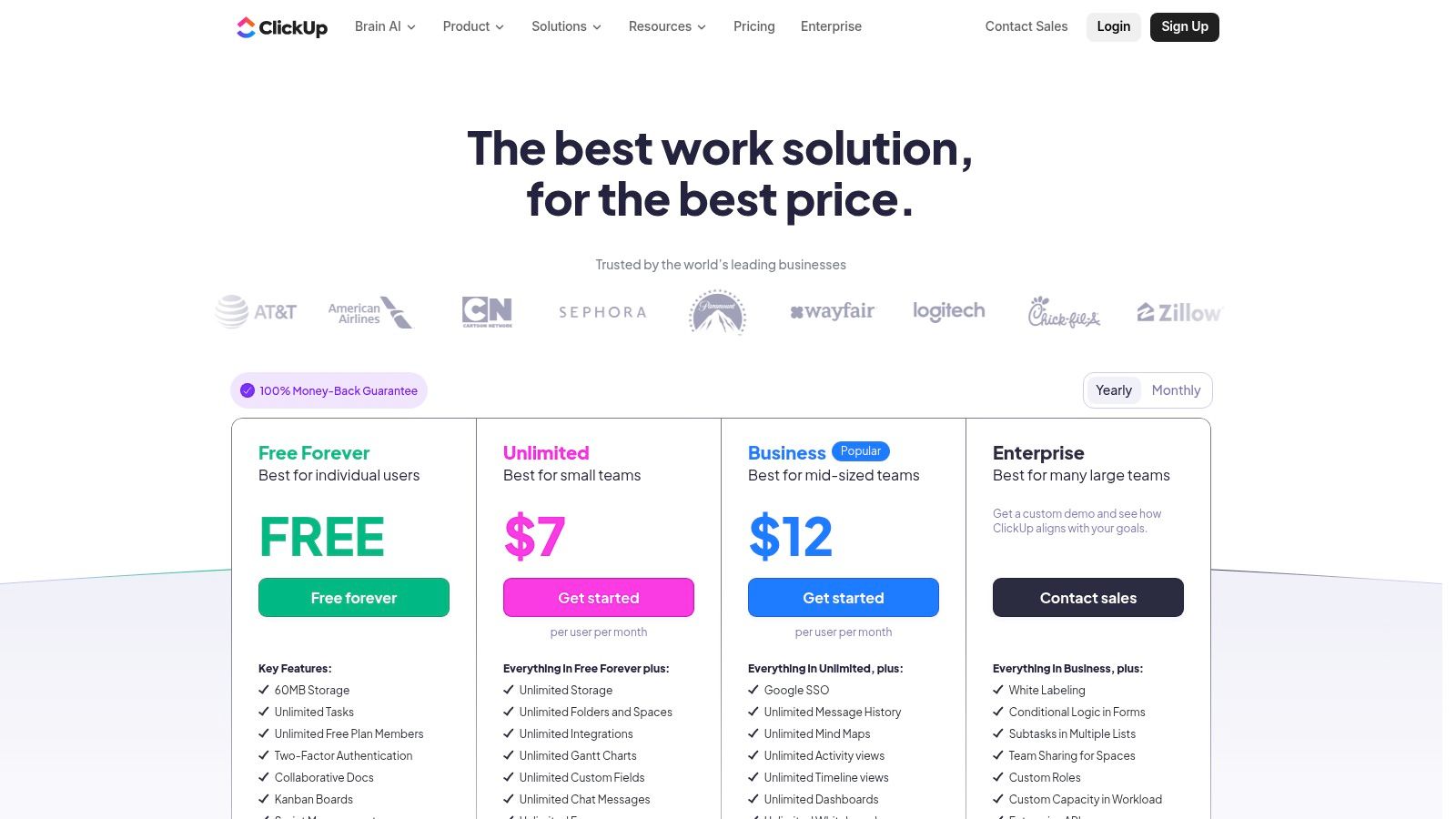
This tool is ideal for cross-functional teams where marketers, designers, and developers all need visibility into the bug resolution process without navigating a highly technical, developer-centric interface. ClickUp’s flexibility allows teams to create simple bug intake forms for non-technical users while providing developers with powerful views like boards, timelines, and lists to manage their workload effectively.
Key Features & Pricing
Best For: Cross-functional teams, product managers, and startups looking for a single, versatile platform to manage everything from bug tracking to marketing campaigns.
Standout Features: Highly customizable tasks with custom fields and multiple views (List, Board, Calendar, Gantt), integrated Docs and Whiteboards for collaborative problem-solving, and powerful automations to streamline bug assignments and status updates.
Pricing: A comprehensive Free Forever plan is available for personal use. Paid plans start with Unlimited at $7 per user/month (billed annually) for small teams, scaling to Business at $12 per user/month and custom Enterprise plans.
Pros: All-in-one platform reduces the need for multiple subscriptions, highly competitive pricing, and offers 24/7 customer support.
Cons: Its broad feature set can feel less specialized for deep developer needs compared to dev-native tools. Optional add-ons like ClickUp AI can increase the total cost.
9. Sentry
Sentry is not a traditional project management tool; it’s an application monitoring platform that excels at real-time error tracking and performance monitoring. It provides developers with the deep, contextual data they need to find, triage, and resolve bugs in production code. By connecting errors, performance traces, session replays, and logs, Sentry helps teams understand the root cause of issues much faster than manual debugging.
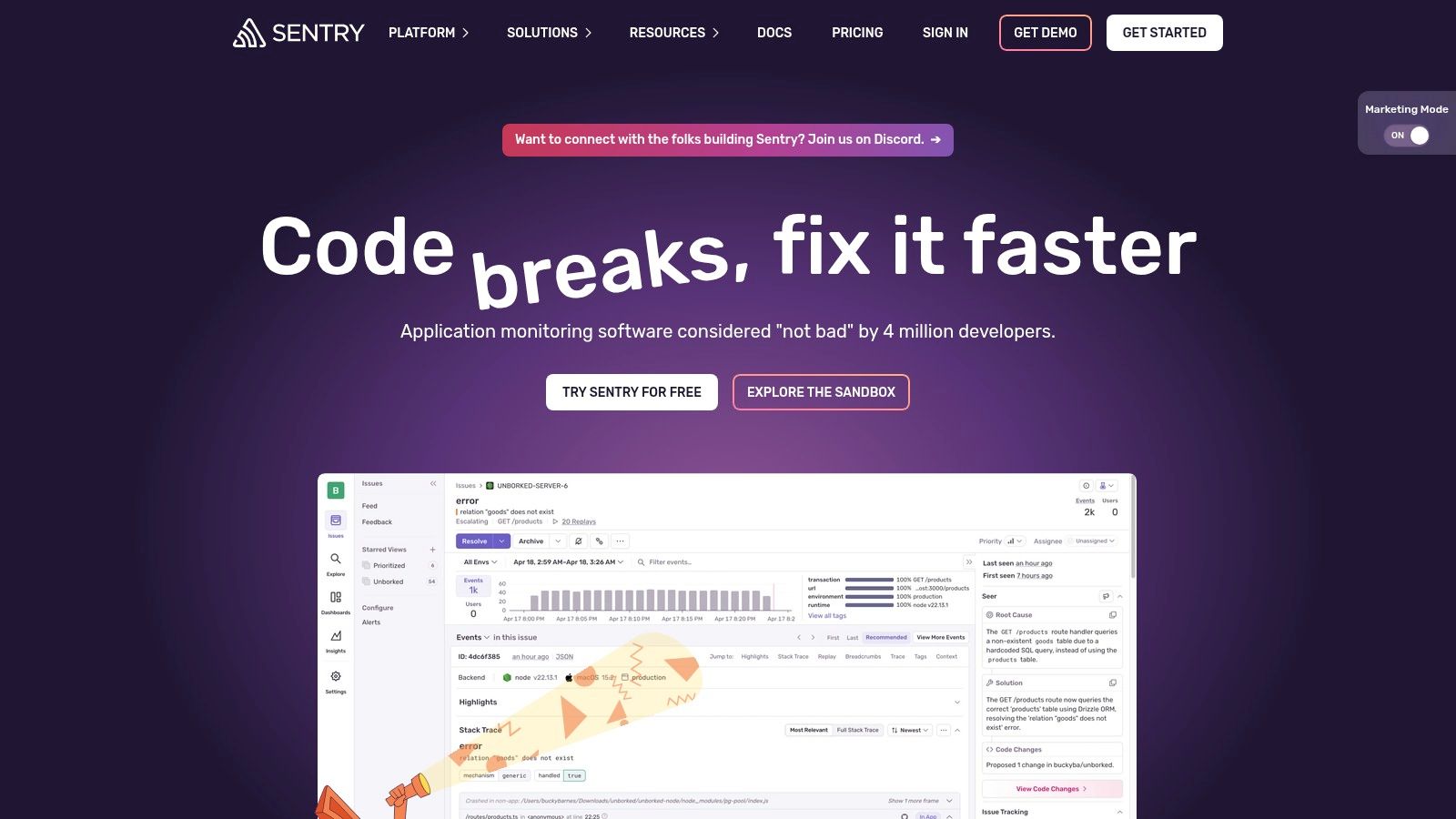
This platform is a favorite among engineering teams who want to proactively identify and fix issues before users report them. Its broad SDK coverage means it can be integrated into almost any application stack, providing immediate value by surfacing actionable insights. Many organizations use Sentry alongside a dedicated planning tool, creating a powerful workflow where Sentry detects the bug and a tool like Jira manages the resolution process.
Key Features & Pricing
Best For: Developers and DevOps engineers who need deep, code-level visibility into application health and production errors.
Standout Features: Comprehensive error and exception monitoring, performance tracing to identify bottlenecks, and session replays to see the exact user actions that led to a bug. An AI add-on, "Seer," helps with root-cause analysis.
Pricing: The Developer plan is a generous free option. The Team plan starts at $26 per month (billed annually) and includes more events and features. The Business plan at $80 per month (billed annually) adds more advanced capabilities.
Pros: Developer-centric debugging that surfaces actionable context, broad SDK coverage for quick implementation, and excellent for proactive issue detection.
Cons: It's not a full project management system and is best used alongside a planning tracker. Costs can increase with add-ons like Seer and higher log ingestion volumes.
10. Shortcut (formerly Clubhouse)
Shortcut positions itself as a fast, intuitive, and developer-first alternative to more complex project management systems. For teams who find Jira cumbersome but need more power than a simple task list, Shortcut offers a balanced approach. It combines the simplicity of Kanban boards with the structure of iterations and roadmaps, making it one of the best bug tracking tools for agile software teams that prioritize speed and collaboration.

The platform is built around a core philosophy of sensible defaults and a clean user interface, reducing the setup time and mental overhead often associated with bug tracking. It excels at connecting engineering work directly to company goals through its Epics, Milestones, and Roadmaps, providing clear visibility for both technical and non-technical stakeholders without unnecessary complexity.
Key Features & Pricing
Best For: Fast-growing startups and mid-sized software teams looking for a streamlined, developer-centric bug and project tracker.
Standout Features: Tight integrations with GitHub, GitLab, and Sentry for seamless code-to-issue tracking. Detailed reporting on cycle/lead times helps teams optimize their workflows, and the Docs feature keeps project context and issues in one place.
Pricing: A generous Free plan is available for up to 10 users. The Team plan starts at $8.50 per user/month, adding unlimited teams and workflows. Business and Enterprise tiers add advanced features like roadmaps, SAML SSO, and dedicated support.
Pros: The interface is clean, fast, and easy to navigate. It offers a great balance of features without feeling bloated. Nonprofit and startup programs make it very accessible.
Cons: The integration marketplace is less extensive than Jira's. Advanced enterprise controls and security features are gated behind the most expensive plans.
11. Bugzilla
Bugzilla is one of the original, open-source bug tracking tools that has powered major projects like Mozilla and the Linux kernel for decades. As a self-hosted solution under the MPL 2.0 license, it offers organizations complete control over their data and infrastructure. Its primary appeal lies in being entirely free, with no per-user fees, making it a powerful choice for teams with the technical resources to manage their own instance.
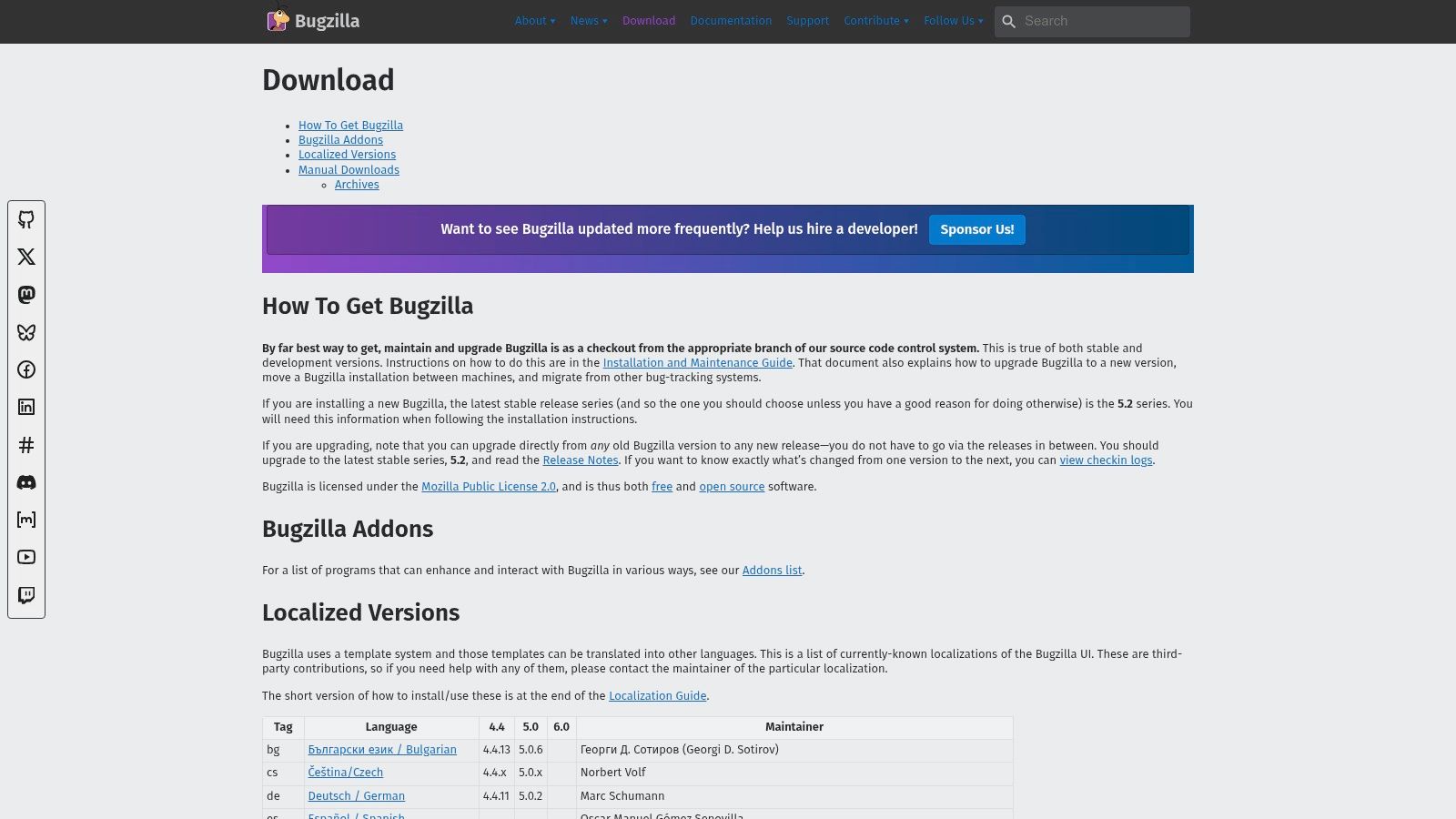
This tool is perfect for organizations prioritizing data sovereignty, deep customization, and cost-effectiveness over a modern user interface. While it requires administrative overhead to set up and maintain, Bugzilla’s time-tested, robust system for managing issues, components, and milestones is undeniable. To ensure its effectiveness, teams often standardize their submissions using a consistent structure, so it's a good idea to learn about the top bug report templates to streamline the process.
Key Features & Pricing
Best For: Open-source projects, large enterprises with dedicated IT staff, and teams that require a free, self-hosted, and highly customizable bug tracker.
Standout Features: Advanced search capabilities with a custom query builder, granular security controls and permissions, email-based workflows for notifications and updates, and extensive localization options.
Pricing: Completely Free and open-source. All costs are related to the hosting, administration, and maintenance of the server it runs on.
Pros: Proven at an immense scale and highly reliable, no licensing or per-user subscription fees, and offers full control over customization and data.
Cons: The user interface and experience feel dated compared to modern SaaS alternatives. It requires significant technical effort to deploy, configure, and maintain.
12. G2 – Bug Tracking/Issue Tracking Software Category
While not a bug tracking tool itself, G2’s software marketplace is an invaluable resource for comparing and vetting the best bug tracking tools based on verified user reviews. Think of it as a meta-tool for your research process, allowing you to filter, sort, and compare dozens of options side-by-side. It’s the perfect starting point when you need to create a shortlist of potential platforms tailored to your specific needs, whether it's budget, team size, or required integrations.
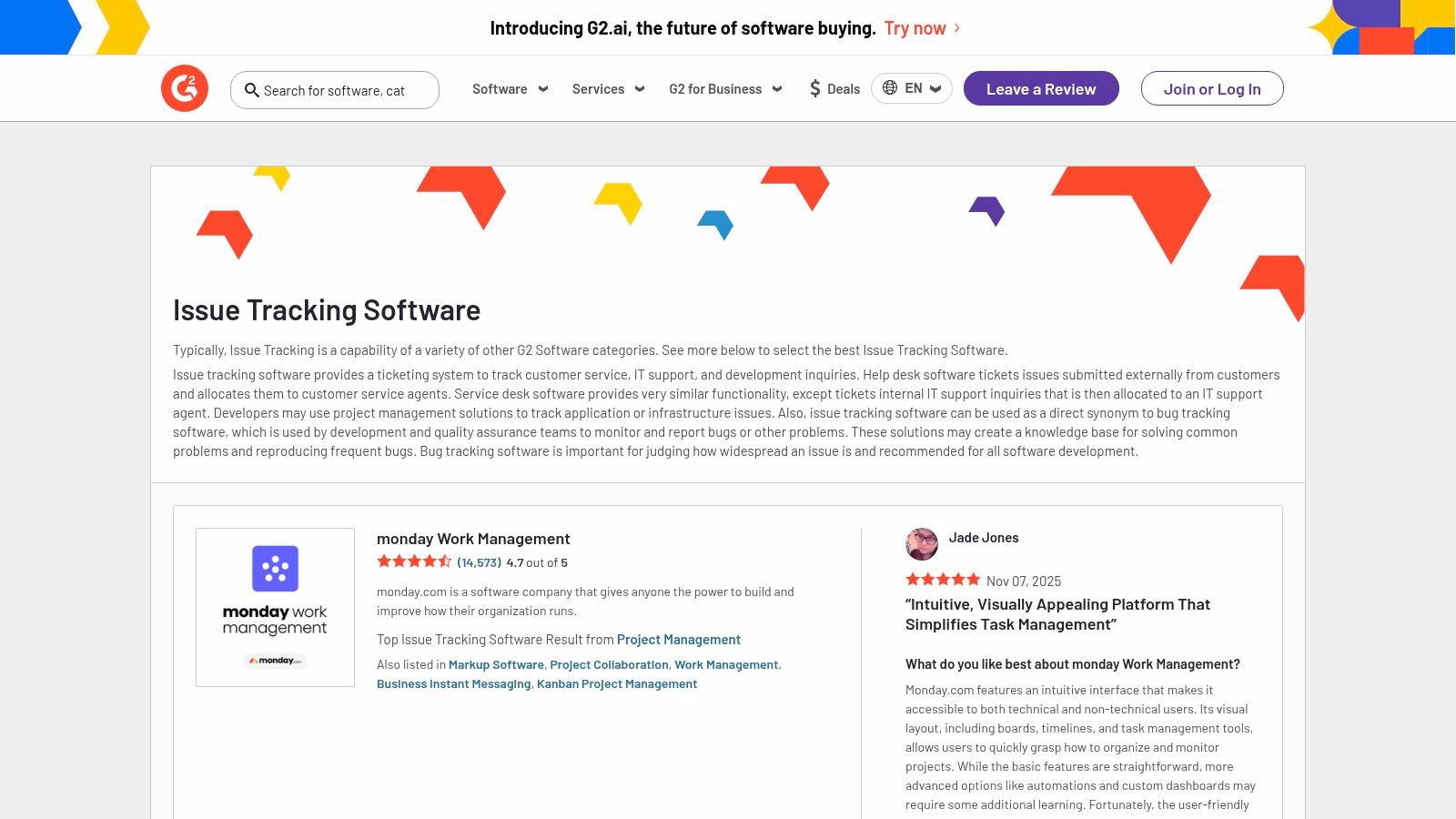
The platform’s strength lies in its "Grid" reports and detailed user-submitted feedback, which often reveal real-world implementation challenges and standout features that marketing materials might gloss over. By leveraging its powerful filters, teams can discover emerging or niche tools that might be a better fit than the well-known market leaders, ensuring a more informed purchasing decision.
Key Features & Pricing
Best For: Product managers, IT leaders, and anyone tasked with researching and procuring a new bug tracking system.
Standout Features: Filterable comparison grids based on user satisfaction and market presence, in-depth user reviews covering implementation and support, and detailed product profiles with links to free trials.
Pricing: Access to G2’s reviews and comparison tools is completely Free for users. Vendors pay for enhanced profiles and marketing placements.
Pros: Provides an up-to-date market overview with social proof from real users, excellent for discovering new and niche tools you might otherwise miss.
Cons: Sponsored placements can influence visibility, so critical reading is necessary. The quality and depth of user reviews can be inconsistent.
Top 12 Bug Tracking Tools — Feature Comparison
Product | Core Focus & Features ✨ | UX / Quality ★ | Value & Pricing 💰 | Target Audience 👥 | Standout / Unique Selling Point |
|---|---|---|---|---|---|
Beep 🏆 | ✨ Point-and-click visual annotations; auto-screenshots; in-built Kanban; integrations | 4.9★ — fast, zero-friction onboarding | Free trial, start <1min; paid tiers undisclosed 💰 | 👥 Web teams, designers, QA, stakeholders | 🏆 Clear visual feedback + guest links; reduces meetings & ambiguity |
Atlassian Jira Software | ✨ Scrum/Kanban, custom workflows, automation, Marketplace apps | ★★★★ — powerful but can be complex | Free ≤10 users; cost scales with users/add-ons 💰 | 👥 Large/complex engineering orgs | Flexible workflow engine & mature ecosystem |
GitHub Issues | ✨ Native issues, templates, project boards, PR/commit links | ★★★★ — frictionless for GitHub users | Solid free tier; paid for advanced security/enterprise 💰 | 👥 Dev teams using GitHub | Tight code ↔ issue linkage; CLI & native dev flow |
GitLab | ✨ Issues + CI/CD + security (DevSecOps all-in-one) | ★★★★ — integrated but feature-dense | Free tier; Premium/Ultimate higher cost 💰 | 👥 Teams wanting single-platform DevOps | All-in-one platform (repos, CI, security) |
Azure DevOps (Boards) | ✨ Work items, Kanban, backlogs, tight Azure integration | ★★★ — enterprise-grade, heavier UI | First 5 Basic free; cost-effective for MS shops 💰 | 👥 Microsoft/.NET & enterprise teams | AD/Entra ID integration & enterprise governance |
JetBrains YouTrack | ✨ Custom workflows, agile boards, KB & Helpdesk | ★★★★ — flexible, powerful search | Free for small teams; pricing updates planned 💰 | 👥 Small–mid dev teams & support desks | Built-in Knowledge Base + strong query language |
Linear | ✨ Fast issues, cycles, AI helpers, streamlined workflows | ★★★★☆ — very fast, polished UX | Clear pricing; startup/nonprofit programs 💰 | 👥 Startups & product-focused teams | Speed, elegant UX and growing AI features |
ClickUp | ✨ Tasks + docs + whiteboards + automations | ★★★ — feature-rich but can be broad | Competitive pricing; 24/7 support available 💰 | 👥 Teams wanting an all-in-one workspace | Combines docs, time tracking, automations in one app |
Sentry | ✨ Error monitoring, performance tracing, session replays | ★★★★ — developer-centric, actionable | Free tier; add-ons (Seer/logs) add cost 💰 | 👥 Engineering teams for runtime debugging | Connects errors → traces → replays for fast RCA |
Shortcut (formerly Clubhouse) | ✨ Stories, iterations, boards, roadmap, integrations | ★★★★ — simple, fast UX | Affordable pricing; startup/nonprofit discounts 💰 | 👥 Growing dev teams seeking simplicity | Sane defaults for engineering teams at scale |
Bugzilla | ✨ Open-source bug tracker; custom fields, email workflows | ★★★ — proven, functional but dated UI | Free self-hosted (ops cost only) 💰 | 👥 OSS projects & orgs preferring self-hosting | Free, highly configurable and proven at scale |
G2 (Category) | ✨ Marketplace: rankings, reviews, filterable comparisons | ★★★ — useful but review quality varies | Free to browse; sponsored placements exist 💰 | 👥 Buyers shortlisting tools | Up-to-date user reviews & category grids for selection |
Final Thoughts
Navigating the extensive landscape of bug tracking software can feel overwhelming, but the right tool is a powerful catalyst for a more efficient, collaborative, and successful development lifecycle. As we've explored, the market offers a diverse range of solutions, from all-in-one project management powerhouses like Jira and ClickUp to developer-centric platforms like Sentry and GitLab Issues. The core takeaway is this: the "best bug tracking tools" are not one-size-fits-all. The ideal choice is deeply contextual, hinging on your team's specific workflow, technical stack, budget, and overall project management philosophy.
This comprehensive guide aimed to move beyond surface-level feature lists, providing a realistic look at how each platform functions in practice. We saw how tools like Linear champion speed and simplicity for fast-moving startups, while enterprise-grade solutions such as Azure DevOps offer deep integration within a specific ecosystem. We also highlighted the enduring relevance of open-source veterans like Bugzilla for teams needing ultimate customization without the subscription fees.
Key Takeaways and Actionable Next Steps
To distill this information into a clear path forward, consider your primary needs. Your goal is to find a system that reduces friction, not one that adds another layer of administrative burden. Before you commit, it's crucial to evaluate your current processes and identify the most significant pain points.
For Development-Heavy Teams: If your workflow lives and breathes within your codebase, deeply integrated solutions like GitHub Issues, GitLab, or JetBrains YouTrack are your strongest contenders. They minimize context switching and keep issue resolution tightly coupled with code commits and pull requests.
For Comprehensive Project Management: If bug tracking is just one piece of a larger puzzle that includes sprint planning, roadmapping, and cross-functional collaboration, look towards Atlassian Jira, ClickUp, or Shortcut. These platforms are built to be the central nervous system for your entire product team.
For Visual and Contextual Feedback: For teams focused on web development, UX/UI design, and marketing, capturing visual bugs is paramount. This is where tools like Beep excel, providing the in-page context that a simple text description in a traditional tracker often lacks. This visual-first approach drastically cuts down on back-and-forth communication.
Implementation: The Key to Success
Selecting a tool is only half the battle; successful implementation is what truly drives value. Don't underestimate the importance of a smooth rollout. Start by defining a clear and concise bug reporting and triage process. Who is responsible for validating new issues? What information is mandatory for a bug report to be considered complete?
Create standardized templates for bug reports within your chosen tool. This ensures developers receive consistent, high-quality information every time, including steps to reproduce, environment details, and expected versus actual results. Finally, dedicate time to train your team, not just on the tool's features but on the workflow you've built around it. A powerful tool is only effective if everyone uses it correctly and consistently.
Ultimately, your chosen bug tracking software should feel like a natural extension of your team's workflow, empowering you to build better products faster. It's an investment in clarity, efficiency, and quality that will pay dividends throughout your project's lifecycle.
Ready to eliminate the guesswork from bug reporting? For marketing, UX, and product teams tired of ambiguous feedback, Beep provides the perfect visual layer on top of your existing workflow. Capture contextual, screen-recorded feedback directly on your website and send it to your project management tool with one click. Try Beep and see how visual context can transform your bug tracking process.
Just finished reading this and I liked how it highlighted tools like Jira and GitHub Issues for handling complex workflows and integrations—it made the comparison feel practical rather than generic. It got me thinking about how different teams choose tools based not just on features but on how smoothly they fit into daily processes, kind of like how students look for structured support, even in areas like Management Assignment Help Australia, without overcomplicating things. Curious though, with so many options listed, how teams actually decide what’s worth switching to versus sticking with what already works.