
.png)
Digital digital agency management software: Top options for 2026

Juggling projects, clients, resources, and finances is the core challenge of any digital agency. The right digital agency management software isn't just another tool; it's the central nervous system that keeps every moving part synchronized. Without a robust system, agencies often face chaotic workflows, inaccurate project profitability, missed deadlines, and burnt-out teams. This operational friction directly hinders growth and scalability.
This guide cuts through the noise of a crowded market. We provide a detailed, hands-on breakdown of the 12 best platforms designed specifically for the unique demands of agency life. Forget generic feature lists; we dive into real-world applications, from automating resource allocation to streamlining client feedback and ensuring projects stay on budget. This isn't just a list, it's a strategic resource to help you find the perfect operational backbone to scale your agency. Many agencies operate with distributed teams, adding another layer of complexity. To delve deeper into optimizing these specific operations, consider a comprehensive guide to remote workforce management software for specialized insights.
Inside this comprehensive review, you will find:
Detailed analysis of each software's core strengths and weaknesses.
Practical use cases for project managers, designers, and developers.
Clear pricing comparisons and "best for" recommendations.
Screenshots and direct links to help you evaluate each option quickly.
Our goal is to equip you with the insights needed to select a platform that not only solves today's problems but also supports your agency's growth in 2026 and beyond. Let's find the software that will transform your agency's efficiency.
1. Productive
Productive is a comprehensive, purpose-built digital agency management software designed to unify project delivery with financial operations. It directly addresses a core agency pain point: the disconnect between the work being done and the money being made. The platform achieves this by tightly integrating project management, resource scheduling, and time tracking with budgeting, invoicing, and profitability forecasting. This creates a single source of truth, eliminating the need to sync data between separate project and finance tools.
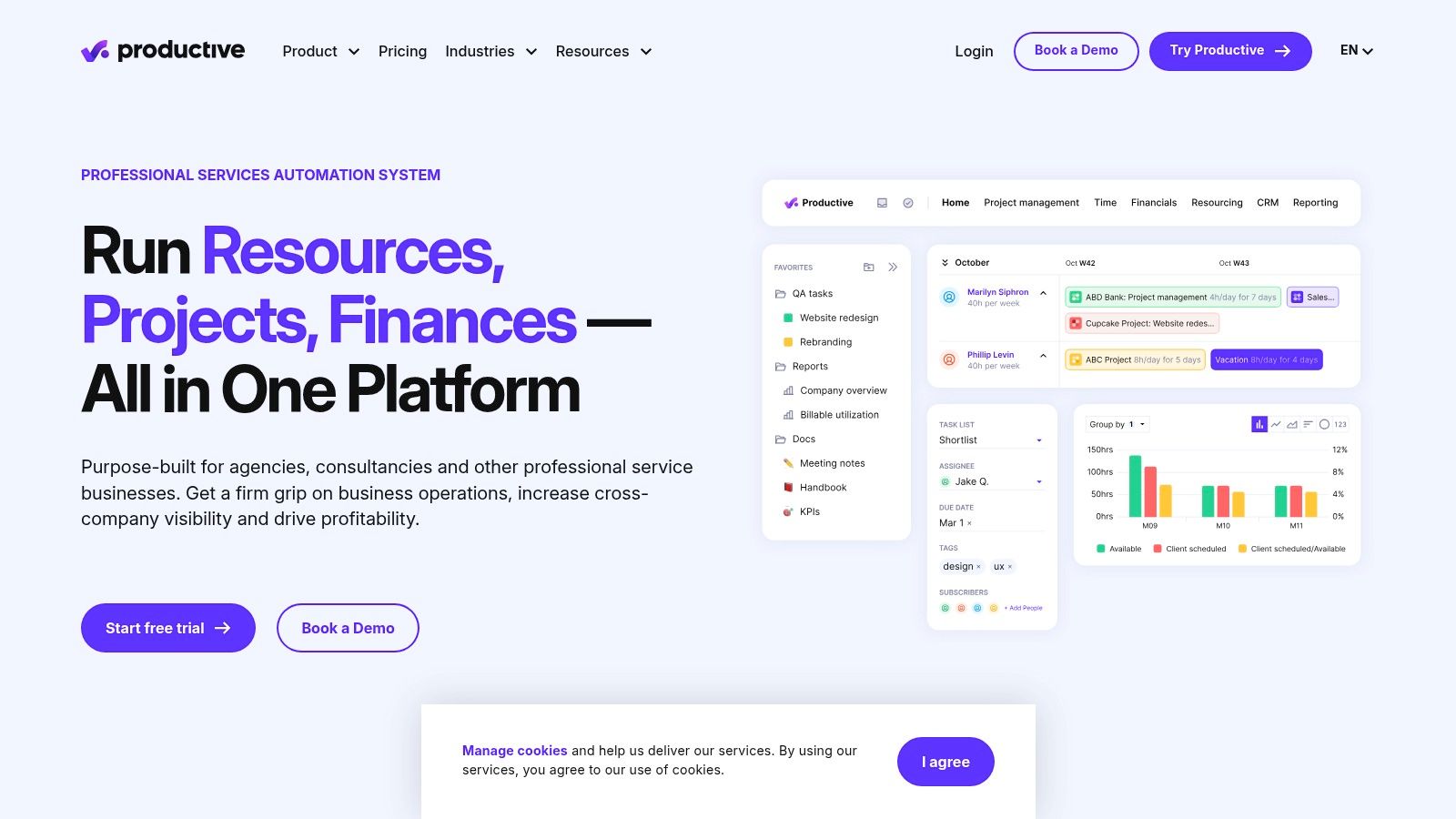
Unlike generic project management tools, Productive is structured around agency workflows. For instance, you can build a project budget using customizable rate cards, then immediately use that budget to inform resource allocation and track time against it. As the project progresses, you can see real-time profitability, forecast revenue, and generate invoices directly from tracked hours, all within the same system.
Key Details & Use Cases
Best For: Agencies needing to connect project delivery directly to financial performance and profitability reporting. It’s ideal for teams that have outgrown simpler tools and require robust forecasting and resource management.
Pricing: Starts at $20/user/month for the Standard plan. A more feature-rich Premium plan is available, with custom Enterprise pricing. A 14-day free trial is offered.
Pros: Its all-in-one nature provides a holistic view of agency health, from sales pipeline to final invoice. The reporting capabilities are powerful, with pivots and currency conversions.
Cons: Some advanced financial controls and integrations are locked behind the higher-tier Premium plan. Significant volume discounts only apply to teams of 50 or more users.
Website: https://productive.io
2. Scoro
Scoro is a powerful Professional Services Automation (PSA) platform that serves as a complete digital agency management software solution. It positions itself as an end-to-end work hub, combining project management, client relationship management (CRM), quoting, billing, and advanced financial reporting into a single environment. Its primary value proposition is providing deep control over agency profitability by connecting every billable activity, from initial quote to final invoice, with real-time financial data.
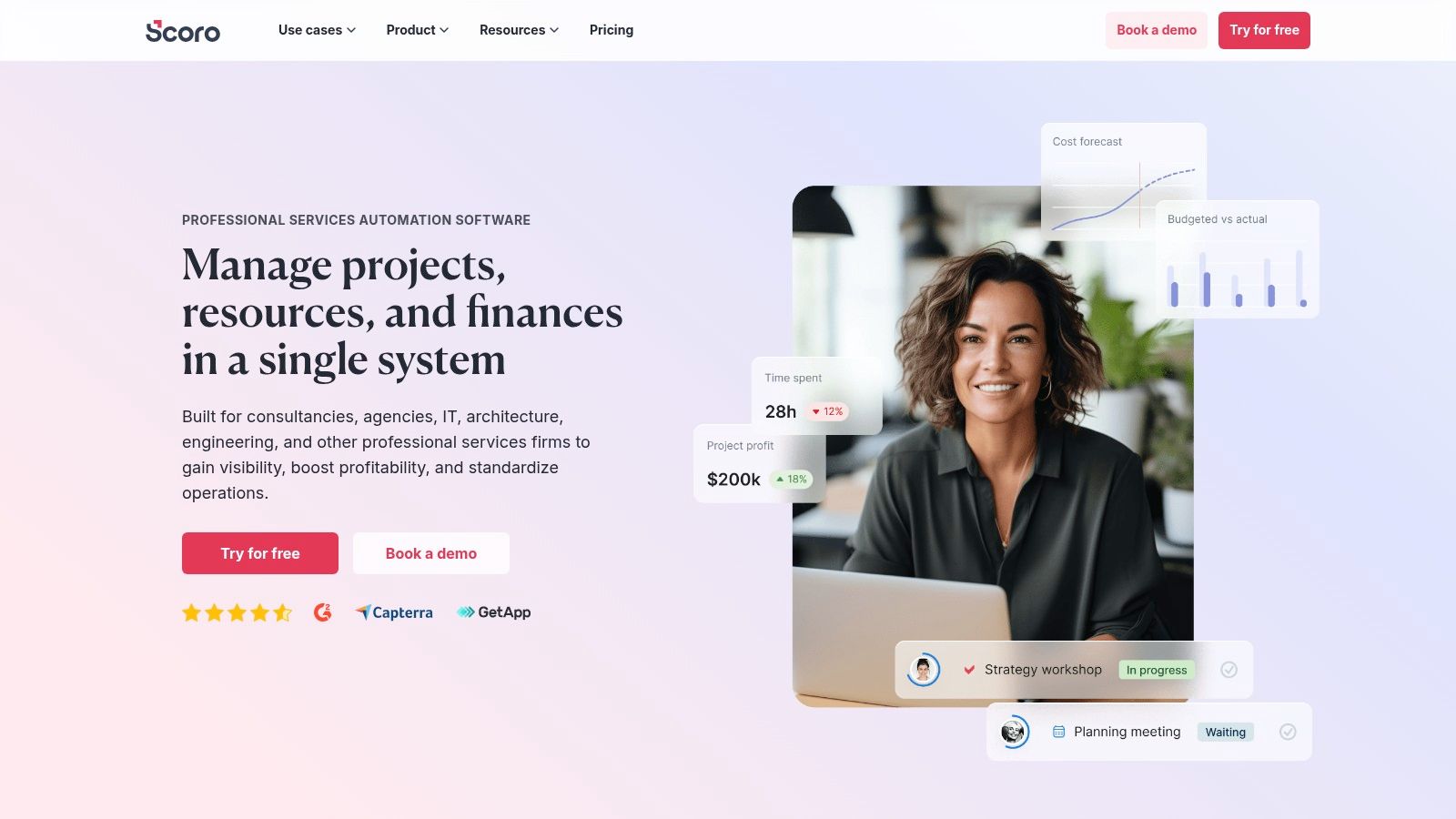
Where Scoro excels is in its granular financial governance. Agencies can manage retainers, track quoted versus actual costs on projects, and calculate utilization based on role-specific labor costs. This level of detail allows for sophisticated work-in-progress (WIP) reporting and revenue recognition, features typically found in dedicated accounting software but rarely integrated this tightly with project delivery. It’s built for agencies where financial oversight is just as critical as creative execution.
Key Details & Use Cases
Best For: Mature agencies requiring comprehensive financial control, including detailed profitability analysis, retainer management, and revenue forecasting. It’s a strong fit for teams needing to manage complex, multi-currency projects.
Pricing: Starts at €26/user/month (approx. $28 USD). Higher-tier plans unlock advanced features like WIP reporting and budgeting. A 14-day free trial is available.
Pros: Offers extensive financial depth that goes far beyond simple task and project management. The reporting capabilities and multi-currency support in its mid-to-high tiers are very powerful.
Cons: Pricing is primarily displayed in EUR, which can be a minor hurdle for US-based buyers. For teams larger than 15, professional onboarding services are often recommended, which adds to the initial implementation cost and time.
Website: https://www.scoro.com
3. Teamwork
Teamwork is a project management platform engineered specifically for agencies and client-facing teams. It stands out by building its entire feature set around the concept of billable work, making it a strong contender for any digital agency management software stack. The platform excels at managing retainers, tracking time against budgets, and simplifying client collaboration through dedicated portals, addressing the common agency challenge of juggling multiple projects and stakeholders transparently.
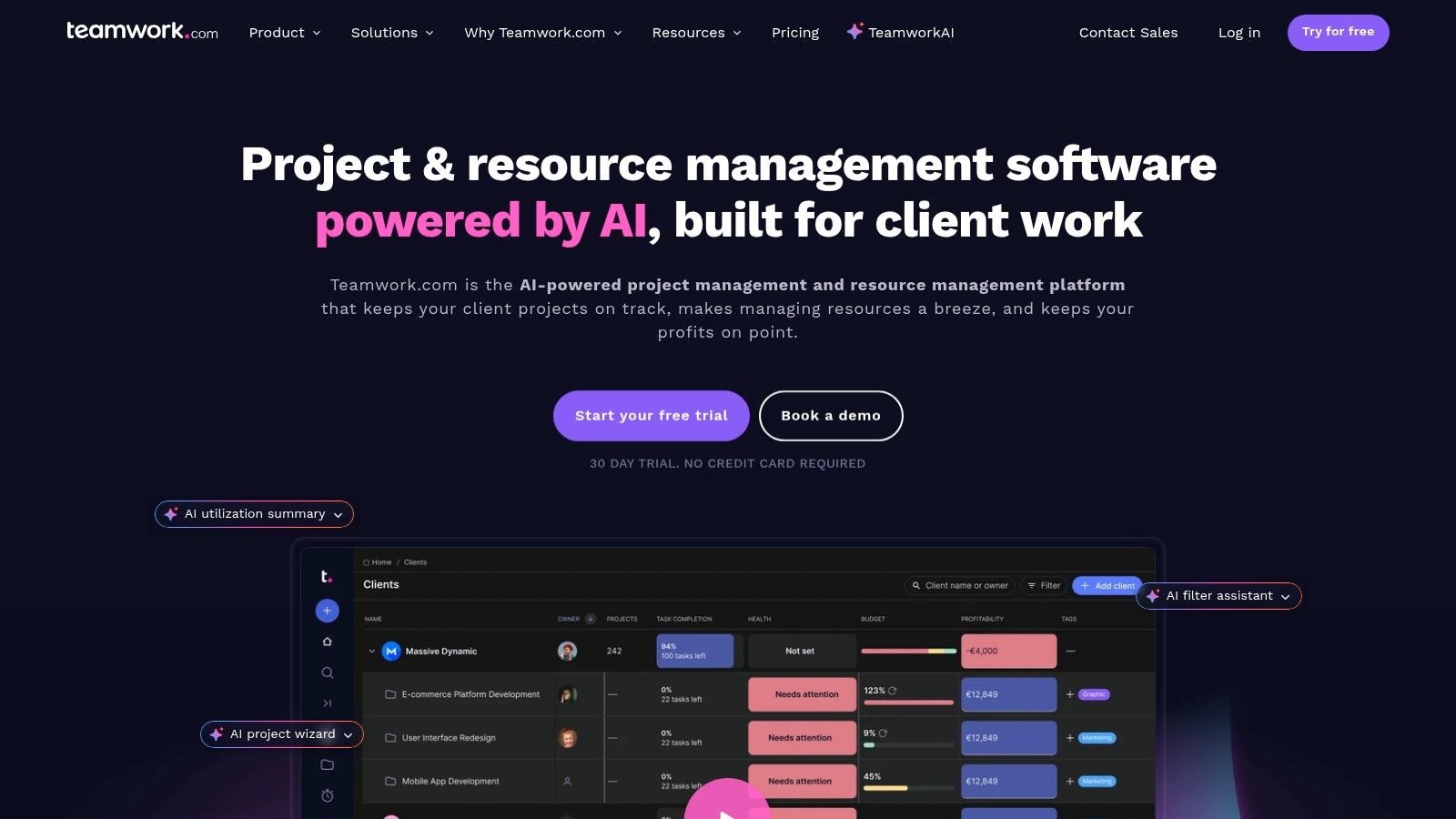
Unlike more generic tools, Teamwork offers agency-specific templates and intake forms out of the box. You can track planned versus actual hours, manage retainer budgets in real-time, and provide clients with a branded portal to review progress and approve work. This focus on client service delivery makes it a practical choice for agencies that prioritize communication and need to maintain alignment across their diverse project portfolio. Effective management of these moving parts is a key component of successful cross-functional team management.
Key Details & Use Cases
Best For: Service-based agencies that manage multiple client projects on retainers or fixed budgets and require strong client collaboration and reporting features.
Pricing: A free plan is available for up to 2 users. Paid plans start at $13.99/user/month for the Grow plan. A 30-day free trial is offered for paid tiers.
Pros: Its focus on agency workflows means features like retainer tracking and client portals are built-in, not bolted on. The free plan and generous trial are great for smaller teams.
Cons: The best financial features and integrations (like QuickBooks) require paid plans. Storage limits and automation quotas can be restrictive on lower-tier plans.
Website: https://www.teamwork.com
4. Workamajig
Workamajig is a long-standing and robust digital agency management software that functions more like a full-fledged ERP system. It consolidates nearly every aspect of agency operations, from project management and resource scheduling to CRM and complete accounting, into a single, unified platform. This all-in-one approach is designed to eliminate the common problem of tool sprawl, where agencies juggle separate applications for finance, project tracking, and client relations.
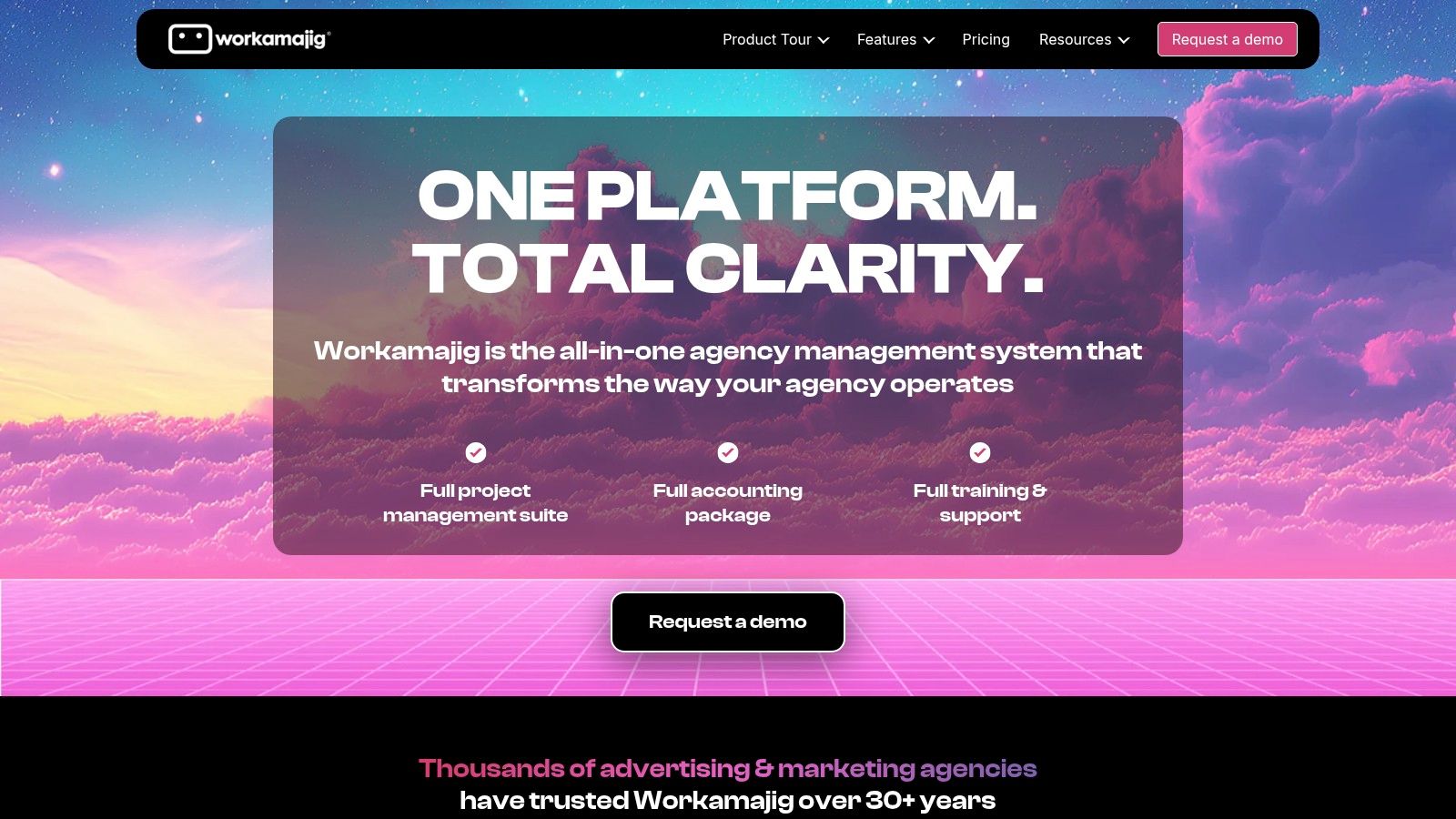
The platform's key differentiator is its integrated accounting module, which includes accounts payable, receivables, and general ledger capabilities, making it a true single source of truth for an agency’s financial and operational health. Its traffic management and resource scheduling tools are deeply connected to project timelines and budgets, providing managers with a clear view of team capacity and project profitability. The system also includes digital proofing with unlimited logins for clients and vendors, streamlining the feedback and approval process.
Key Details & Use Cases
Best For: Creative and marketing agencies that want to replace multiple disparate tools with a single, comprehensive system that includes full accounting. It's a strong fit for established agencies prioritizing operational efficiency and data consolidation over a lightweight, modern UI.
Pricing: Starts at $38/user/month for teams of 10-19, with the per-user price decreasing as team size increases. A minimum of 5 users is required, and there are discounts for annual prepayment.
Pros: Its true all-in-one nature significantly reduces tool sprawl by incorporating accounting. The pricing is predictable and includes comprehensive training and onboarding support.
Cons: The legacy UI and established workflows can feel clunky and less intuitive compared to newer, more modern platforms. Additional fees are charged for file storage that exceeds the included allocation.
Website: https://www.workamajig.com
5. Function Point
Function Point provides a comprehensive digital agency management software solution tailored to the financial and operational workflows of creative agencies. It excels at connecting the entire project lifecycle, from initial client briefs and detailed estimates to final invoicing and financial reporting. The platform's core strength lies in its ability to manage the financial health of projects with precision, integrating client management, project tasks, time tracking, and expense management into one cohesive system.
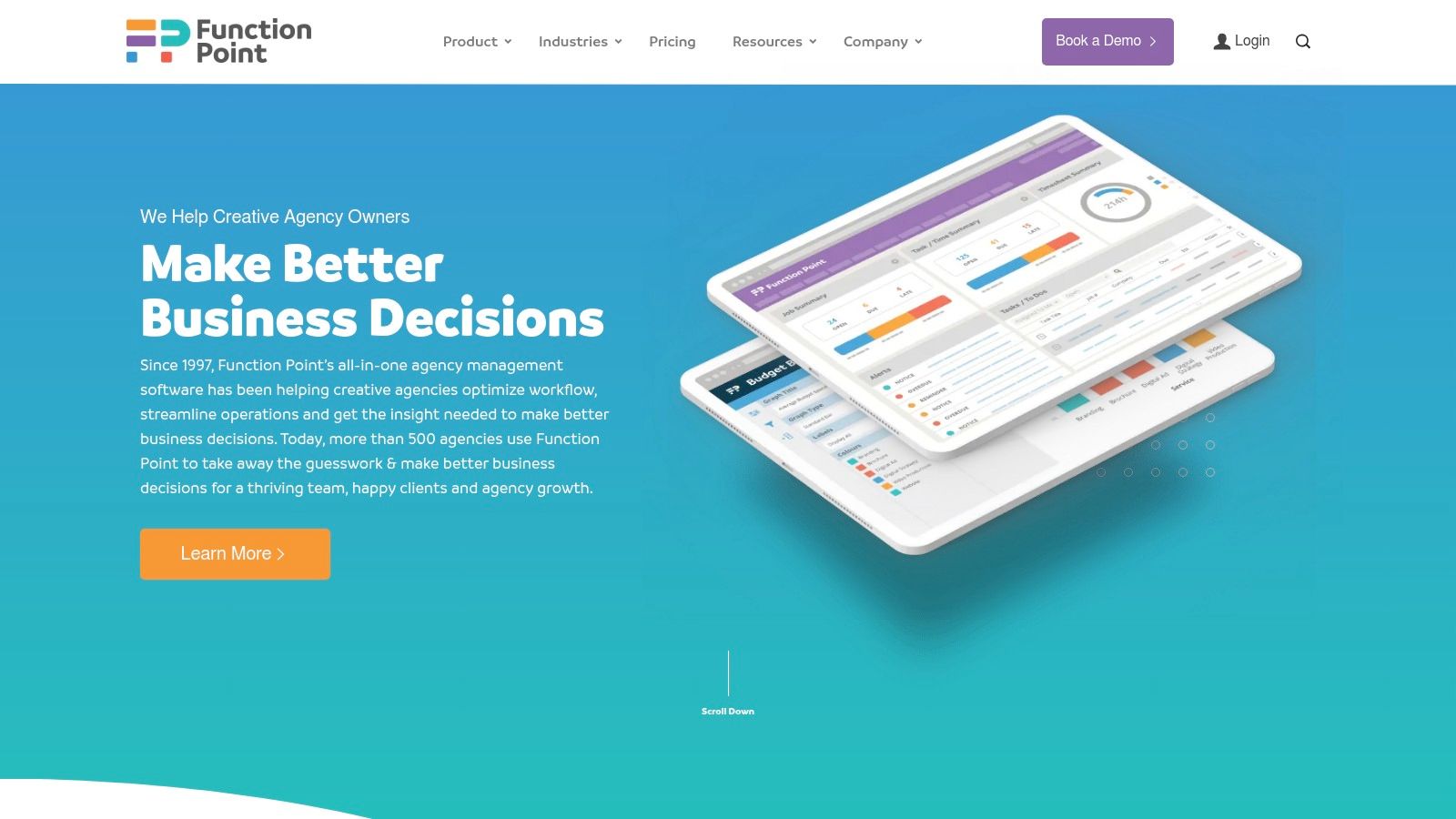
Unlike generic tools, Function Point is built around agency-specific processes like creating multi-part estimates, managing retainers, and tracking job profitability in real-time. It allows teams to create proposals that directly convert into projects, ensuring budgets and tasks are aligned from day one. With add-ons like QuickBooks Online integration and advanced BI reporting, it can scale to become the central financial hub for a growing agency, providing clear visibility into resource allocation and overall business performance.
Key Details & Use Cases
Best For: Creative and marketing agencies that prioritize financial management and need a robust system for estimating, job costing, and profitability tracking. It's a strong fit for teams needing to replace disparate spreadsheets and finance tools.
Pricing: Starts at $47/user/month for the Standard plan (minimum of 5 users), with Pro and Premier tiers available for more advanced features. Annual subscriptions offer a discount.
Pros: Strong focus on agency-specific financial controls and estimating workflows. The transparent per-user pricing model makes it easy to predict costs as your team grows.
Cons: The entry-level price point is higher than many generic project management tools. The depth of features and customization options may require a dedicated onboarding period to fully utilize.
Website: https://functionpoint.com
6. Accelo
Accelo is a powerful digital agency management software that operates as a complete Professional Services Automation (PSA) platform, handling everything from the initial quote to the final cash receipt. It’s uniquely positioned for service businesses that heavily rely on recurring revenue, such as retainers, support contracts, and ongoing maintenance. The platform unifies sales, projects, ticketing, and billing into a single, automated workflow, giving agencies a clear view of their entire client lifecycle.
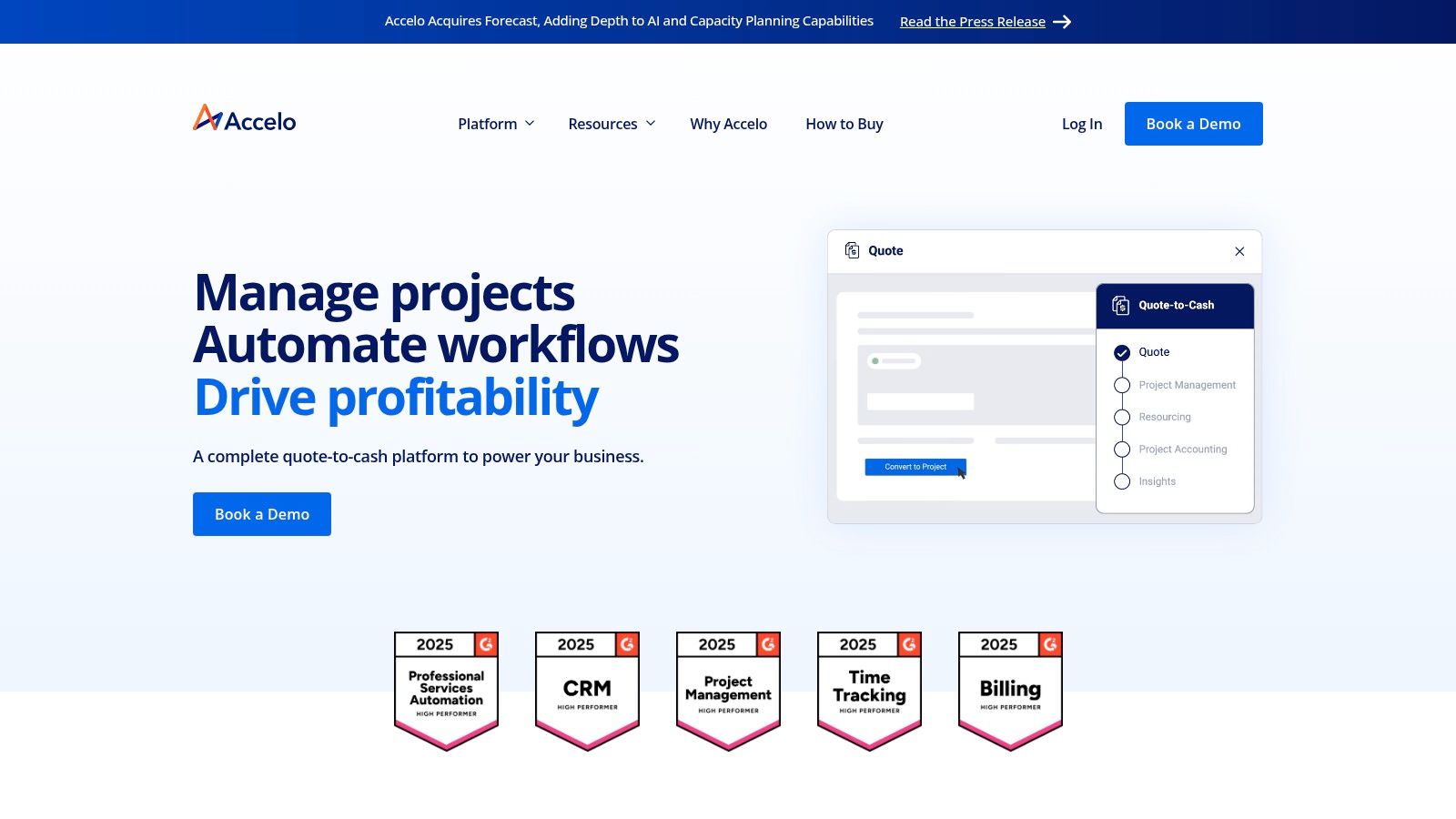
Unlike many project-centric tools, Accelo’s strength lies in its robust retainer and ticket management systems. You can set up complex recurring billing arrangements, automatically generate tasks from client emails, and track profitability on an ongoing basis. This makes it a standout choice for agencies whose work doesn't fit neatly into traditional project start-and-end dates, providing the infrastructure needed to manage and scale long-term client relationships effectively.
Key Details & Use Cases
Best For: Agencies with a significant portion of their revenue coming from retainers, support agreements, or managed services. It is ideal for teams needing to consolidate sales, project, and helpdesk functions.
Pricing: Pricing is not publicly listed and requires a custom quote through their sales team.
Pros: Its strong focus on retainer and ticket workflows is a major differentiator. The deep billing and rate structures allow for highly accurate job costing and invoicing.
Cons: The purchase process is sales-led, which can be slower than self-service options. If you enable payments processing, additional transaction fees from Payrix will apply.
Website: https://www.accelo.com
7. Kantata
Kantata, formed from the merger of enterprise PSA leaders Mavenlink and Kimble, is a professional services automation platform built for large-scale operations. It positions itself as a more robust digital agency management software for mature, multi-office organizations that require deep governance and control over resources, project delivery, and financials. The platform's strength lies in its ability to manage complex, multi-faceted engagements across a global resource pool.
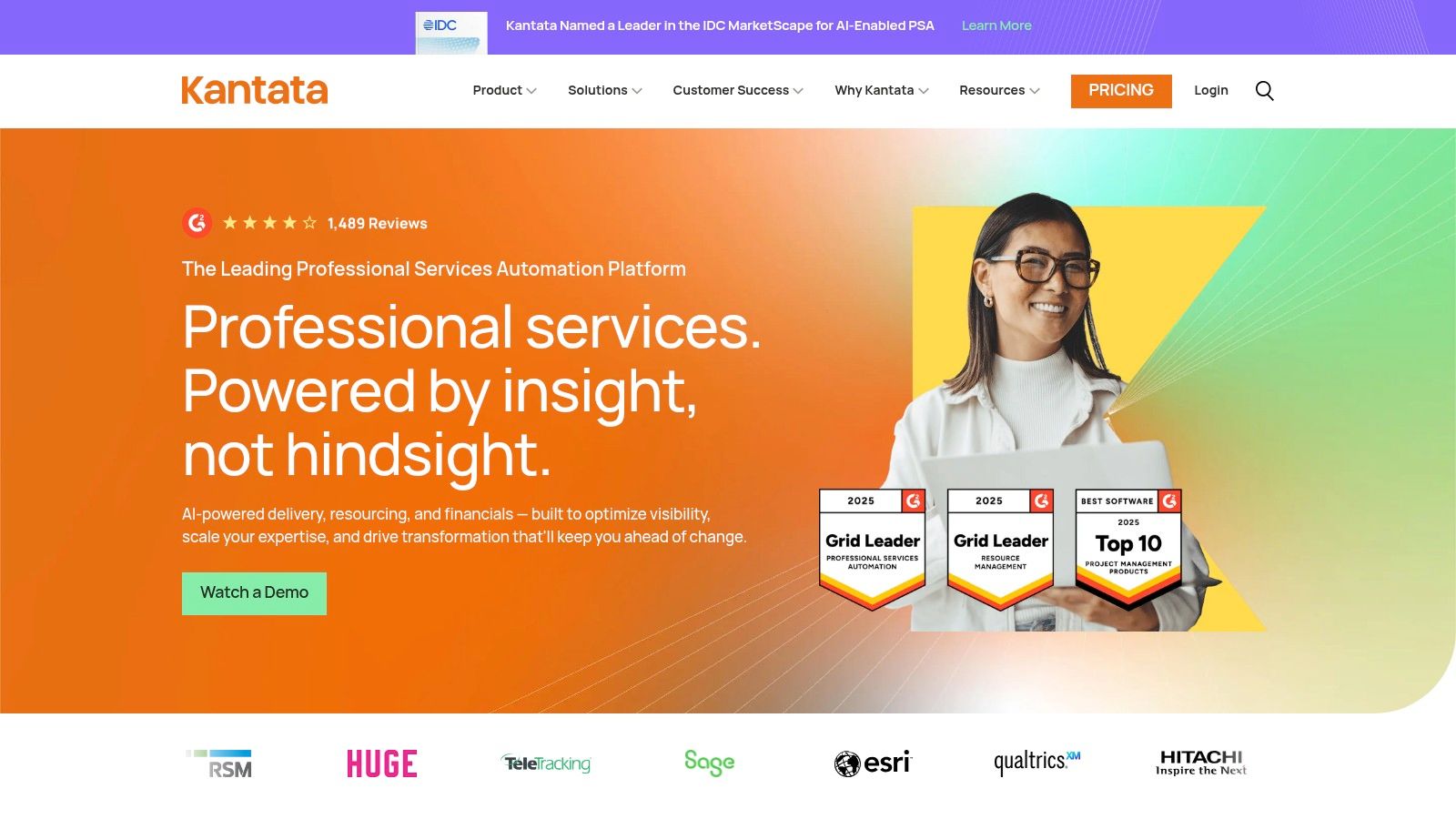
Unlike SMB-focused tools, Kantata provides enterprise-grade resource forecasting, capacity planning, and skills management, powered by an AI-driven optimization engine. It excels at answering complex questions like "who is our most profitable client?" or "what skills will we need in six months?". Its extensive integration layer, featuring over 1,200 pre-built connectors, allows it to serve as the central operational hub, connecting with existing CRM, ERP, and HR systems to create a unified data environment for strategic decision-making.
Key Details & Use Cases
Best For: Large agencies and professional services organizations that need sophisticated resource management, intricate financial controls, and powerful business intelligence across multiple departments or global offices.
Pricing: No public pricing is available. Kantata operates on a sales-led model with custom quotes tailored to organizational needs, indicating a significant enterprise-level investment.
Pros: Proven scalability for large and complex services organizations. The depth of its resource and financial controls is ideal for managing high-stakes, multi-phase projects.
Cons: The platform's complexity means it will likely require a heavier implementation effort and more dedicated training than simpler tools. The sales-led process makes it inaccessible for smaller teams needing immediate access.
Website: https://www.kantata.com
8. Wrike
Wrike is a highly flexible work management platform that serves as a powerful digital agency management software for teams requiring extensive customization and scalability. It excels at handling complex projects with intricate dependencies, offering robust features like resource and capacity planning, detailed approval workflows, and automated request forms. This allows agencies to standardize their intake process, manage team bandwidth effectively, and ensure creative assets go through the proper review cycles without manual chasing.
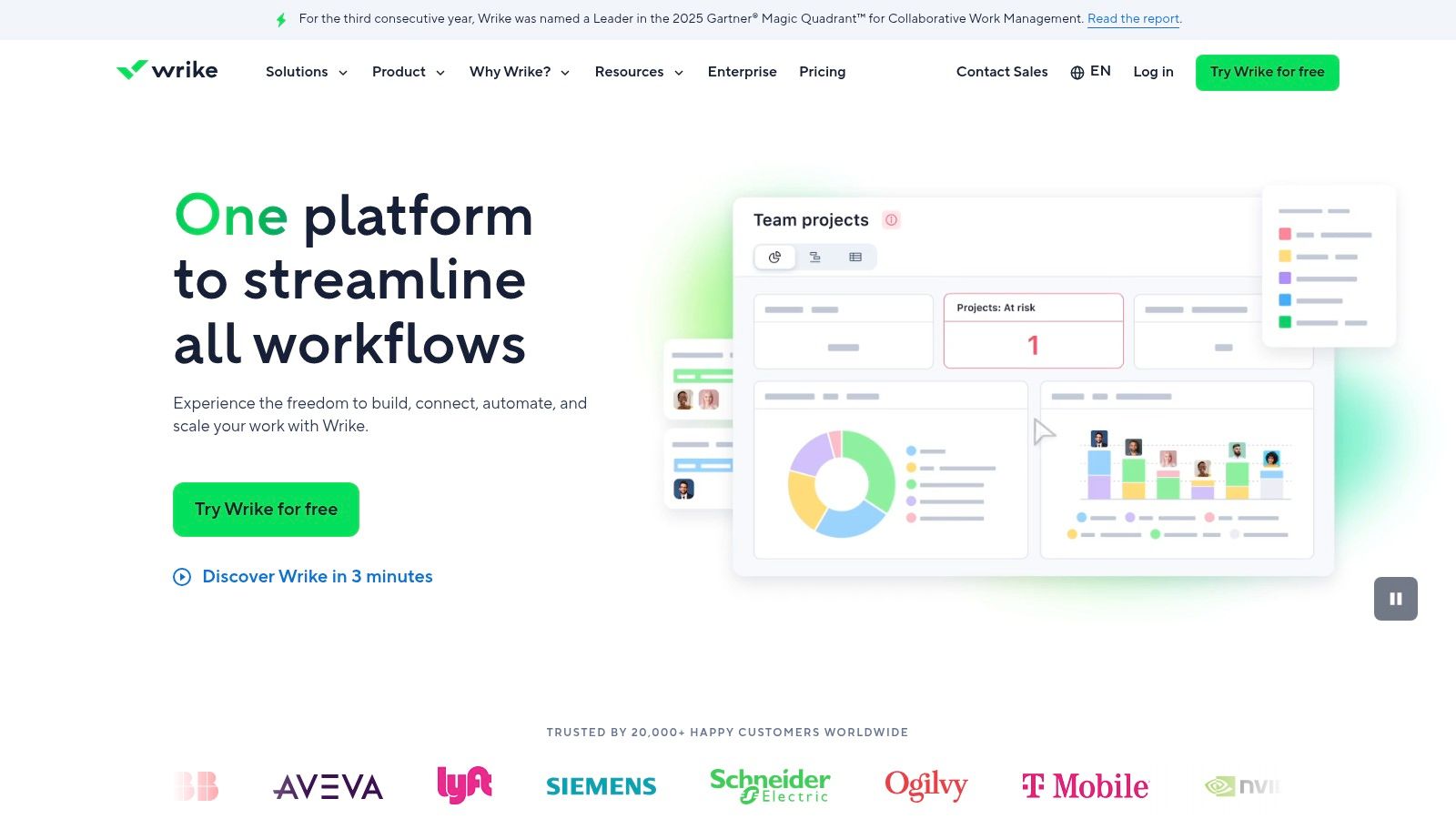
Unlike more opinionated tools, Wrike’s strength is its configurability. Agencies can build custom "Blueprints" to template recurring project types, ensuring consistency across client engagements. Its mature ecosystem, with over 400 integrations and a growing suite of AI tools like Copilot, allows it to serve as a central work hub that connects to an agency’s existing tech stack. This adaptability makes it suitable for agencies that have outgrown simpler tools and need a system that can evolve with their processes.
Key Details & Use Cases
Best For: Growing or enterprise-level agencies that need a highly customizable platform with strong permission controls and the ability to manage complex, multi-stage projects.
Pricing: A limited free plan exists. Paid plans start at $9.80/user/month for the Team plan. The Business plan, which includes resource management and approvals, is $24.80/user/month.
Pros: Scales effectively from a single team to the entire enterprise with granular permissioning. It has a mature ecosystem with extensive integrations, reducing friction with other tools.
Cons: Its broad configurability can lead to a longer setup and implementation period. Many advanced features and useful add-ons come at an additional cost.
Website: https://www.wrike.com
9. ClickUp
ClickUp positions itself as an all-in-one work platform that aims to replace multiple disparate applications. For agencies, this means consolidating tasks, documents, whiteboards, goals, and communication into a single, highly customizable environment. Its core strength lies in its flexibility; teams can manage everything from creative sprints to complex web development projects using a wide array of views like lists, Kanban boards, calendars, and Gantt charts. This makes it a powerful piece of digital agency management software for teams wanting to unify their entire workflow.
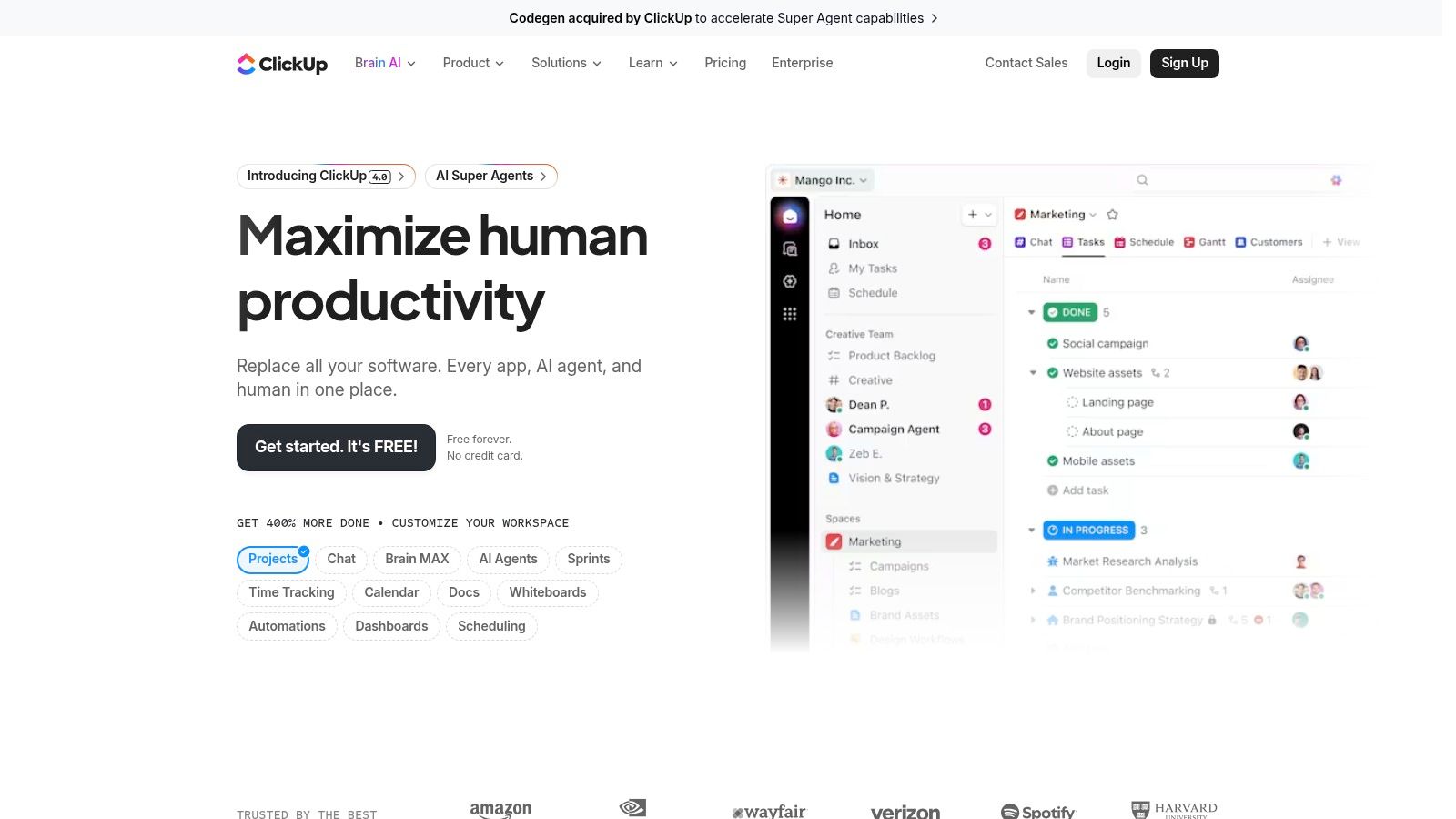
Unlike more rigid, specialized tools, ClickUp provides a massive feature set that can be tailored to almost any agency process. You can build powerful automations to reduce manual work, create internal docs and wikis to centralize knowledge, and track team goals against project milestones. Its ability to handle a wide variety of work types in one place is its key differentiator, appealing to agencies tired of juggling separate tools for project management, collaboration, and documentation. Essential strategies for managing projects from planning to launch can further enhance its utility.
Key Details & Use Cases
Best For: Agencies looking for a highly customizable, all-encompassing platform to consolidate their tool stack. It’s particularly strong for teams that need flexible project views and extensive automation capabilities.
Pricing: Offers a generous Free Forever plan. Paid plans start at $7/user/month (billed annually) for the Unlimited plan, with Business and Enterprise tiers adding more advanced features.
Pros: Very competitive pricing with a robust free tier makes it accessible. Its broad, built-in feature set and fast development cycle mean new functionality is added constantly.
Cons: The sheer number of features can create a steep learning curve for new users. Some users have expressed frustration with past changes to its pricing plans and feature availability.
Website: https://clickup.com
10. monday.com
monday.com is a highly visual and flexible Work OS that has become a popular digital agency management software due to its intuitive interface and powerful customization options. It excels at centralizing project and client work by using "boards" to track everything from creative briefs and task assignments to campaign calendars and client approvals. Its strength lies in making complex workflows easy to visualize and manage, allowing teams to quickly see project status, owner, and deadlines at a glance.
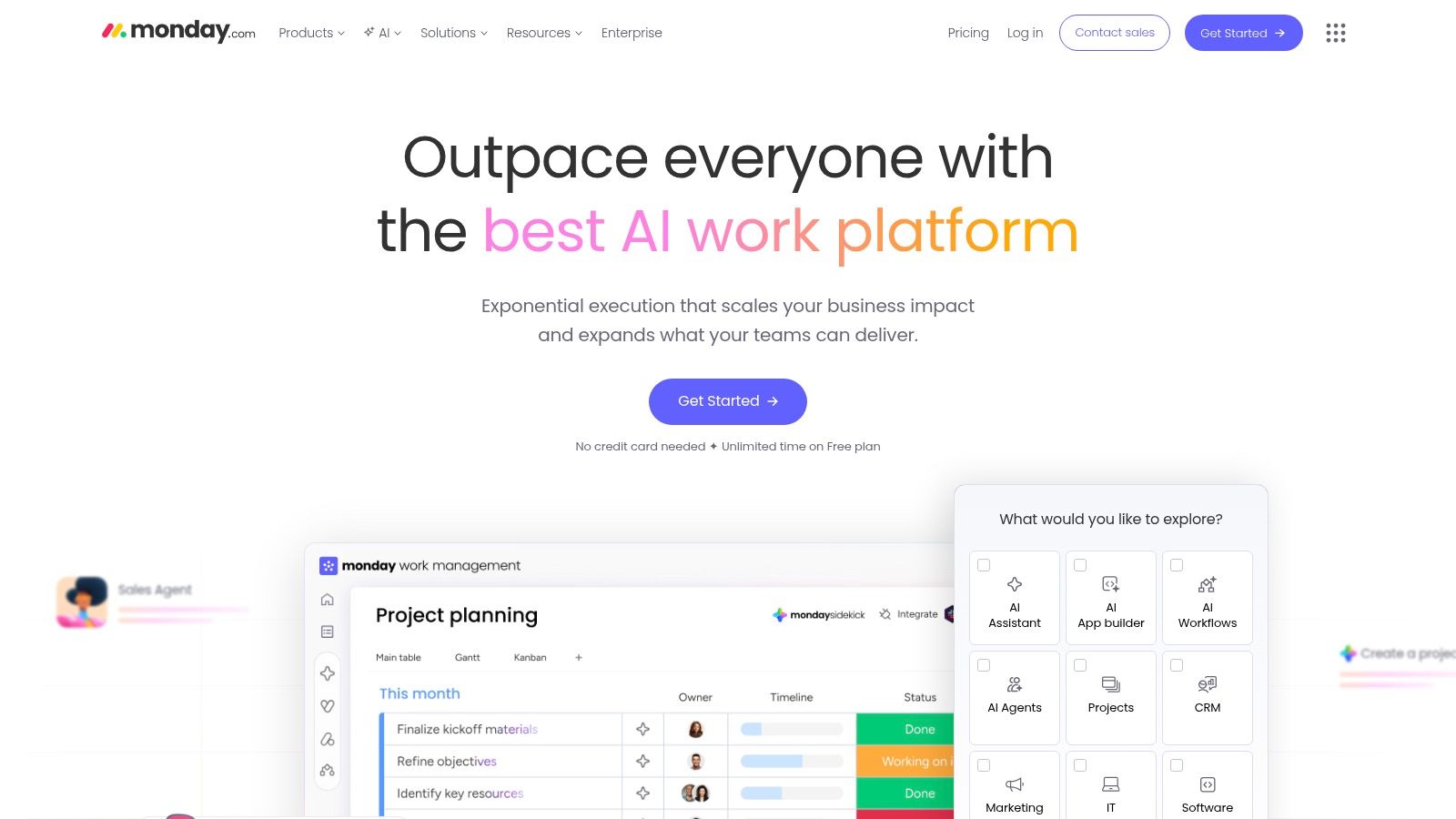
Unlike more rigid management tools, monday.com offers a vast template library specifically for marketing and creative agencies, providing a running start on building out workflows. Its powerful automation engine can handle repetitive tasks, such as notifying stakeholders when a status changes or creating new tasks based on triggers. The platform also includes guest access, which allows agencies to share specific boards or dashboards with clients for transparent progress updates and feedback collection.
Key Details & Use Cases
Best For: Agencies looking for a highly customizable and visual platform for managing diverse projects, from creative production to marketing campaigns. It's great for teams that value ease of use and powerful integrations.
Pricing: A free plan is available for individuals. Paid plans start at $12/seat/month, with a 3-seat minimum. Pro and Enterprise tiers unlock more advanced features like private boards and time tracking.
Pros: The user-friendly, drag-and-drop interface makes it easy to adopt. Extensive automation and integration capabilities connect it to the rest of an agency's tech stack.
Cons: Key features like time tracking, advanced reporting, and certain board views are locked behind higher-priced plans. Per-seat pricing with seat minimums can become costly for larger or growing teams.
Website: https://monday.com
11. Harvest
Harvest is a streamlined and widely adopted time tracking and invoicing platform. While not a full-suite digital agency management software, it excels at its core function: capturing billable hours accurately and turning them into invoices. The platform is often paired with dedicated project management systems, serving as the financial engine that tracks time, budget, and expenses against specific projects and clients. Its simplicity is its greatest strength, making it easy for teams to adopt and use consistently.
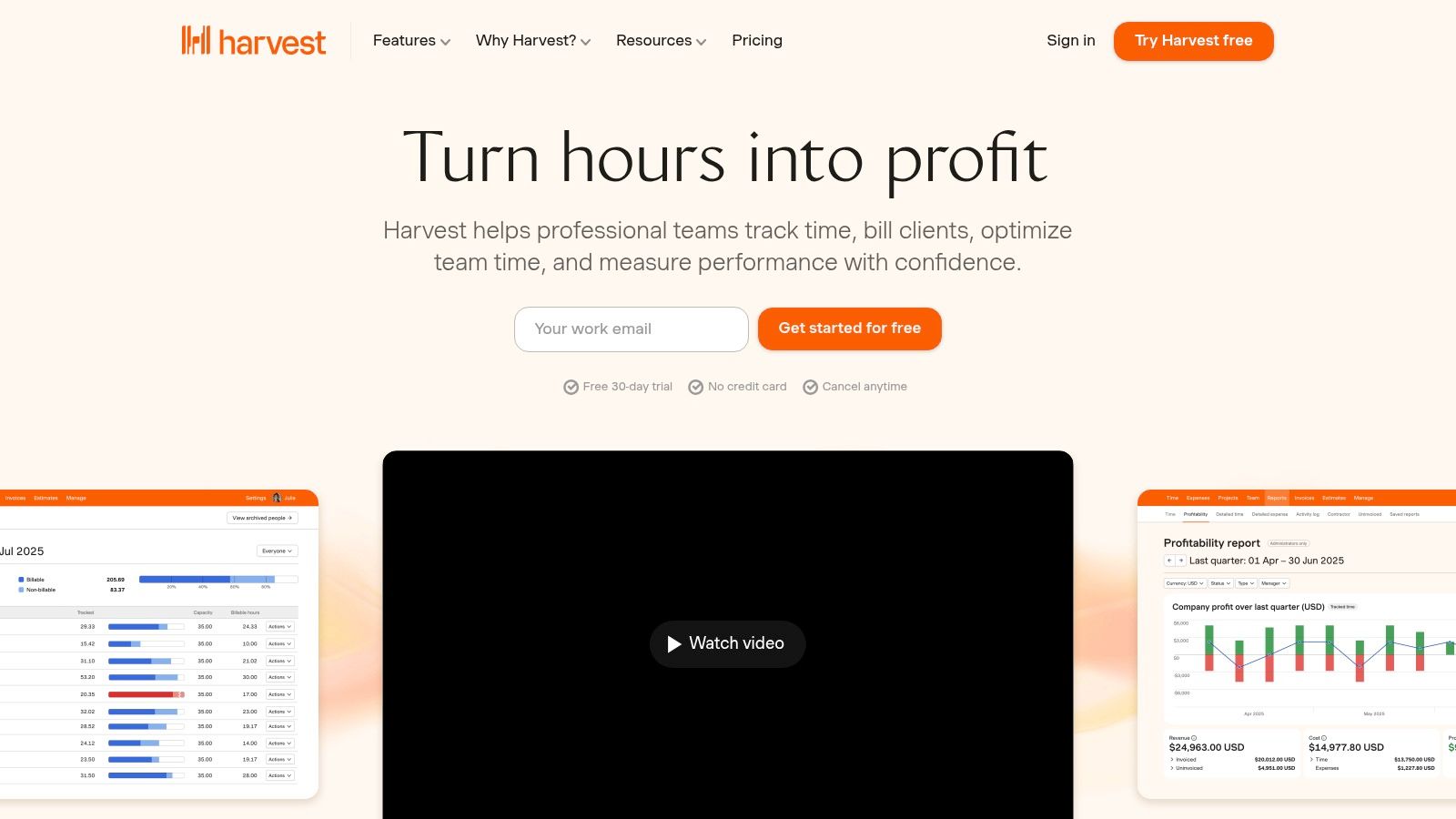
Unlike all-in-one solutions, Harvest focuses on doing one thing exceptionally well. Agencies can generate invoices directly from tracked hours, integrate with payment gateways like Stripe, and sync data with accounting software like QuickBooks and Xero. This focus on accurate timekeeping helps agencies maintain project profitability and provides the data needed to avoid scope creep by clearly documenting all logged work.
Key Details & Use Cases
Best For: Agencies of all sizes needing a reliable, user-friendly tool for time tracking and invoicing that integrates with their existing project management and accounting software.
Pricing: A free plan is available for 1 user and 2 projects. The Pro plan starts at $12/seat/month, with no user or project limits.
Pros: Its simple and intuitive interface ensures high adoption rates among team members. The platform offers robust integrations with popular tools like Asana, Trello, and Jira.
Cons: Project management and resource planning features are very light, requiring it to be used alongside another tool. Advanced profitability reporting is only available on the Pro plan.
Website: https://www.getharvest.com
12. Float
Float is a best-in-class resource planning tool that excels at helping agencies answer the critical questions: "Who is working on what?" and "Do we have the capacity for new work?". While not a full-suite digital agency management software, it specializes in solving the complex puzzle of scheduling and forecasting with an intuitive, visual interface. It’s designed to plug into an existing project management stack, providing a clear, high-level view of team availability and allocation across all projects.
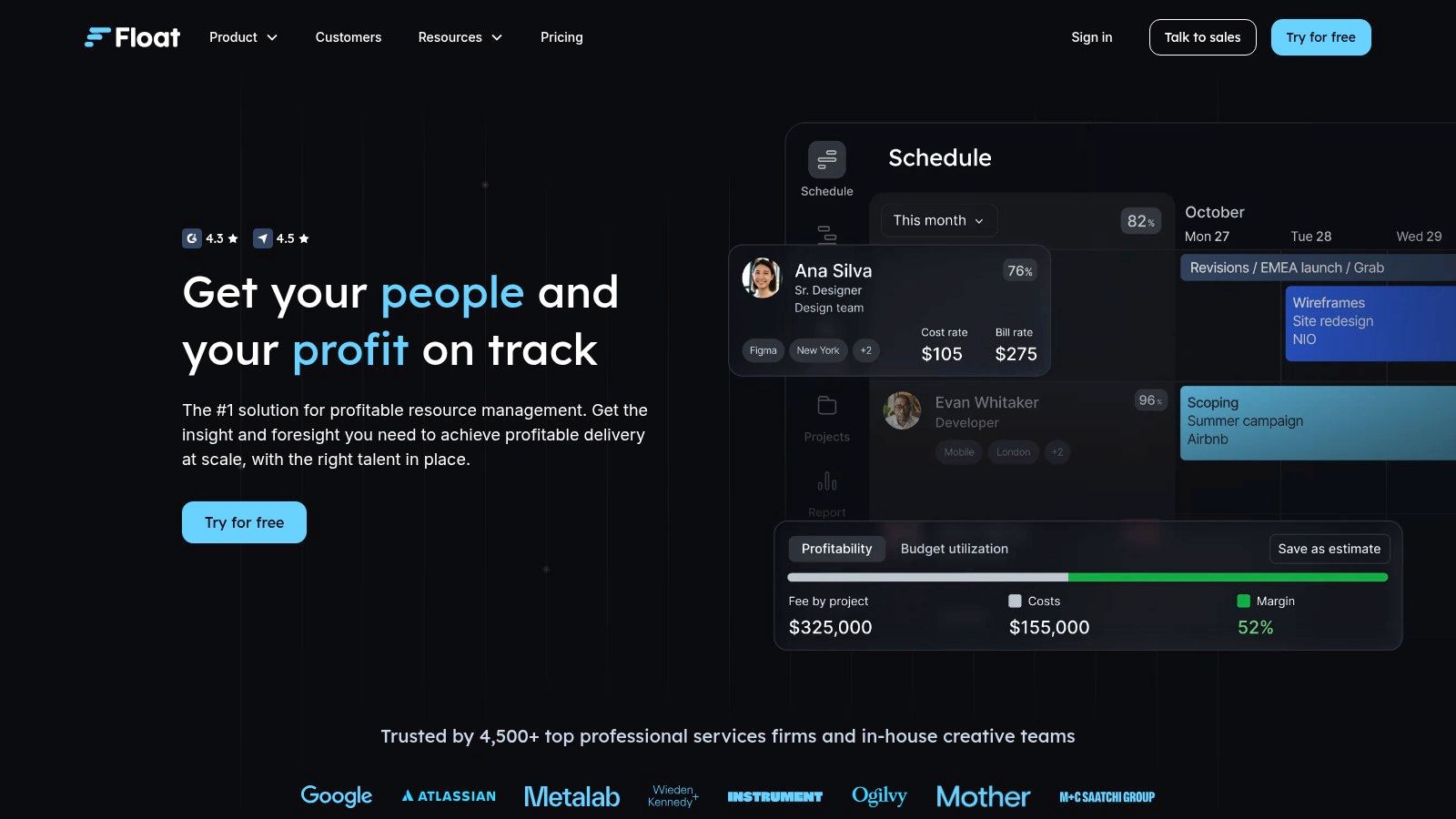
Unlike many all-in-one platforms where scheduling can be an afterthought, Float makes it the core focus. The drag-and-drop scheduler, capacity forecasting, and time-off management features are robust and easy to use. Agencies can visualize their entire team's workload, identify potential bottlenecks, and make informed staffing decisions weeks or months in advance. The Pro plan adds time tracking, allowing for direct comparison of estimated hours versus actuals to improve future project quoting and planning.
Key Details & Use Cases
Best For: Agencies that already have a project management tool they love but need a powerful, dedicated solution for resource planning, capacity forecasting, and team scheduling.
Pricing: The Resource Planning plan starts at $7/user/month. The Pro plan, which adds time tracking, starts at $12/user/month. Guest users are free, and a 30-day free trial is available.
Pros: Purpose-built for resourcing, which it does exceptionally well. The user interface is clean and highly visual, making complex schedules easy to understand. Straightforward per-person pricing model.
Cons: Project management capabilities are intentionally minimal; it is not a standalone agency management solution. Advanced enterprise features like SSO require direct sales contact.
Website: https://www.float.com
Top 12 Digital Agency Management Software Comparison
Product | Core features | Quality (★) | Price / Value (💰) | Target audience (👥) | USP / Highlights (✨🏆) |
|---|---|---|---|---|---|
Productive | Project & budget mgmt, resource planning, time tracking, forecasting, invoicing | ★★★★☆ | 💰 Tiered per‑user; free trial; advanced controls on higher tiers | 👥 Digital & creative agencies, multi‑entity firms | ✨ Agency‑centric finance↔delivery workflow; 🏆 SOC 2 & scaling |
Scoro | PSA with Gantt, retainers, utilization, forecasting, financial reporting | ★★★★☆ | 💰 EUR‑priced tiers; advanced reporting mid/high tiers; onboarding costs | 👥 Agencies needing profitability control | ✨ Deep financial depth; 🏆 advanced reporting & multi‑currency |
Teamwork | Time tracking, retainers, branded client portals, templates, automations | ★★★★☆ | 💰 Free plan + 30‑day trial; tiered limits on storage/automations | 👥 Client‑facing agencies and small teams | ✨ Client portals & agency templates; 🏆 built for billable client work |
Workamajig | PM + accounting, resource scheduling, digital proofing, CRM | ★★★☆☆ | 💰 Predictable per‑user pricing; annual prepay discount; storage fees apply | 👥 Creative/marketing agencies wanting an ERP | ✨ Single system including accounting; 🏆 reduces tool sprawl |
Function Point | Estimates/proposals, project/time/expense, dashboards, QuickBooks add‑ons | ★★★☆☆ | 💰 Transparent per‑user pricing; higher entry cost vs generic PM | 👥 Agencies needing estimating + financial controls | ✨ Agency‑specific estimating & controls; 🏆 clear pricing model |
Accelo | Quote‑to‑cash: sales, projects, retainers, tickets, billing, client portal | ★★★★☆ | 💰 Sales‑led pricing (quote); payment processing fees may apply | 👥 Agencies running retainer/support services at scale | ✨ Strong retainer & ticket workflows; 🏆 granular billing/rates |
Kantata | Enterprise PSA: advanced resource mgmt, forecasting, extensive integrations | ★★★★☆ | 💰 Enterprise, sales‑led quotes | 👥 Large professional services & multi‑office organizations | ✨ 1,200+ connectors, AI reporting; 🏆 enterprise governance |
Wrike | Resource & capacity planning, approvals, blueprints, add‑ons, integrations | ★★★★☆ | 💰 Published US pricing; many add‑ons cost extra | 👥 Teams → enterprise needing configurability & permissioning | ✨ Mature ecosystem & AI features; 🏆 highly scalable |
ClickUp | Tasks, docs, whiteboards, goals, time tracking, automations, API | ★★★★☆ | 💰 Generous free tier; competitive paid tiers | 👥 Teams consolidating tools, SMBs | ✨ Broad all‑in‑one feature set; 🏆 strong value per price |
monday.com | Visual boards, Gantt/timeline, automations, guest access, templates | ★★★★☆ | 💰 Transparent monthly/annual pricing; free plan available | 👥 Marketing & agency teams wanting visual workflows | ✨ Large template library & easy adoption; 🏆 simple client access |
Harvest | Time tracking, invoicing, Stripe/QuickBooks/Xero integrations, reporting | ★★★☆☆ | 💰 Free plan limited (1 user/2 projects); clear paid tiers & discounts | 👥 Agencies needing simple reliable time & billing | ✨ Simple, dependable time tracking; 🏆 integrates well with PM tools |
Float | Drag‑and‑drop scheduling, time off, capacity forecasting, Pro adds actuals | ★★★★☆ | 💰 Per‑scheduled‑person pricing; 30‑day trial | 👥 Resource planners & agencies focused on capacity forecasting | ✨ Purpose‑built resourcing; 🏆 clear pricing & easy scheduling |
Making Your Final Decision: Integrating Feedback into Your Workflow
We've explored a comprehensive landscape of top-tier digital agency management software, from all-in-one powerhouses like Scoro and Productive to flexible project hubs like ClickUp and monday.com. Each tool offers a unique blend of features designed to tackle the core challenges of agency life: resource planning, project tracking, time management, and financial reporting. The key takeaway is that no single platform is universally perfect; the "best" choice is the one that aligns most closely with your agency's specific size, workflow complexity, and growth ambitions.
Choosing the right platform is a monumental decision that will shape your team's daily operations. Reflect on the detailed comparisons and "best for" scenarios presented. An agency focused on complex, multi-stage client projects might find the robust financial tools in Kantata or the end-to-end scope of Accelo indispensable. Conversely, a more agile, fast-moving team might gravitate toward the visual, customizable nature of Teamwork or the all-encompassing, yet user-friendly, environment of Wrike.
Synthesizing Your Options: A Practical Framework
Before you commit, it's crucial to distill your needs into a clear decision-making framework. Don't get lost in an endless list of features. Instead, focus on the operational pillars that drive your agency's success and profitability.
Use this checklist to guide your final evaluation:
Core Functionality: Does the software excel at your most critical need? If profitability tracking is your biggest pain point, a tool like Function Point or Workamajig should be at the top of your list. If it's task management and team collaboration, ClickUp or monday.com might be a better fit.
Scalability: Consider where your agency will be in two to five years. Will this software grow with you, or will you be forced to migrate again? Platforms like Scoro and Productive are built with scalability in mind, offering tiered plans that accommodate growth.
Integration Ecosystem: Your agency management software does not exist in a vacuum. Assess its ability to connect with your existing tools, such as your accounting software, CRM, and, critically, your client feedback mechanisms. Strong API access or native integrations are non-negotiable for creating a seamless workflow.
User Adoption: The most powerful software is useless if your team finds it cumbersome. Prioritize a clean, intuitive user interface and consider running a small pilot program with a few team members before making a final decision. A platform like Teamwork is often praised for its user-friendliness, which can significantly speed up adoption.
The Missing Link: Streamlining Visual Feedback
A recurring theme in our analysis is that while many of these platforms are masters of internal project management, they often treat client feedback and quality assurance (QA) as an afterthought. This process is frequently relegated to confusing email threads, messy spreadsheets, or a series of disjointed screenshots. This is a significant bottleneck that can derail timelines and create friction in client relationships.
This is precisely where integrating a specialized feedback tool becomes a strategic advantage. Your chosen digital agency management software acts as your central nervous system, managing tasks, timelines, and resources. A dedicated visual feedback tool, like Beep, acts as the sensory input, capturing precise, contextual client requests directly on live websites or staging environments.
By integrating a tool like Beep, you create a powerful, symbiotic relationship. Actionable, visual feedback complete with technical data (like screen size and browser info) can be automatically funneled into your project management system. Imagine a client leaving a comment on a webpage, and a corresponding task instantly appearing in your Wrike or ClickUp board, assigned to the right developer. This hybrid approach doesn't just add a tool; it fundamentally upgrades your entire review and approval process, ensuring clarity, accelerating revisions, and ultimately delivering a better final product. Your core operations remain solidified in your chosen management platform, while your creative review cycle becomes faster, more accurate, and profoundly more efficient.
Ready to close the gap between project management and client feedback? Beep provides the essential layer for clear, contextual, and actionable visual feedback directly on your live projects. Stop deciphering vague emails and start integrating precise, developer-ready tasks into your workflow. Try Beep for free and see how it supercharges your agency's review process.
That's a really thorough breakdown—the financial integration part is what most agencies struggle with. Speaking of tools, good customer support matters just as much as features. I've seen some useful feedback at https://freetaxusa.pissedconsumer.com/customer-service.html when dealing with software issues.