
.png)
The 12 Best Online Proofing Tools for Faster Approvals in 2025

If you’ve ever found yourself deciphering feedback like “make it pop” from a stakeholder in a long email chain, you know the creative review process is broken. Projects get derailed not by a lack of talent, but by a chaotic feedback loop. Think of endless email threads with attachments like , conflicting instructions from different team members, and the constant fear that you’re working on an outdated version. The core problem isn't the people; it's the process. Spreadsheets, slideshow comments, and email are simply not built for providing clear, contextual feedback on creative assets.
This is where dedicated online proofing tools come in. These platforms are designed to streamline the entire review and approval workflow by replacing chaos with clarity. They centralize feedback directly on the creative asset, whether it's a website design, a video, a PDF, or a live web page. This provides crucial visual context, eliminates ambiguity, and creates a single source of truth with a clear, auditable trail of every comment, revision, and approval. For teams managing complex projects, these tools are not just a convenience; they are essential. They integrate seamlessly into a broader operational stack, which often includes powerful marketing campaign management tools to ensure campaigns run smoothly from concept to launch.
This guide cuts through the noise to help you find the best online proofing platform for your specific needs. We’ve analyzed twelve leading options, evaluating them on core features, pricing, unique use cases, and integration capabilities. Whether you're a product manager coordinating UX feedback, a marketing team approving ad creative, or a developer needing precise design handoffs, this comparison will provide the clarity you need. Each entry includes screenshots and direct links to help you make a confident, well-informed decision.
1. Beep
Beep stands out as a premier choice among online proofing tools, specifically engineered to accelerate web project delivery by transforming feedback into structured, visual tasks. It allows teams to move beyond ambiguous email chains and unproductive meetings by enabling point-and-click commenting directly on live websites. This direct interaction model ensures feedback is always contextual and instantly understandable.
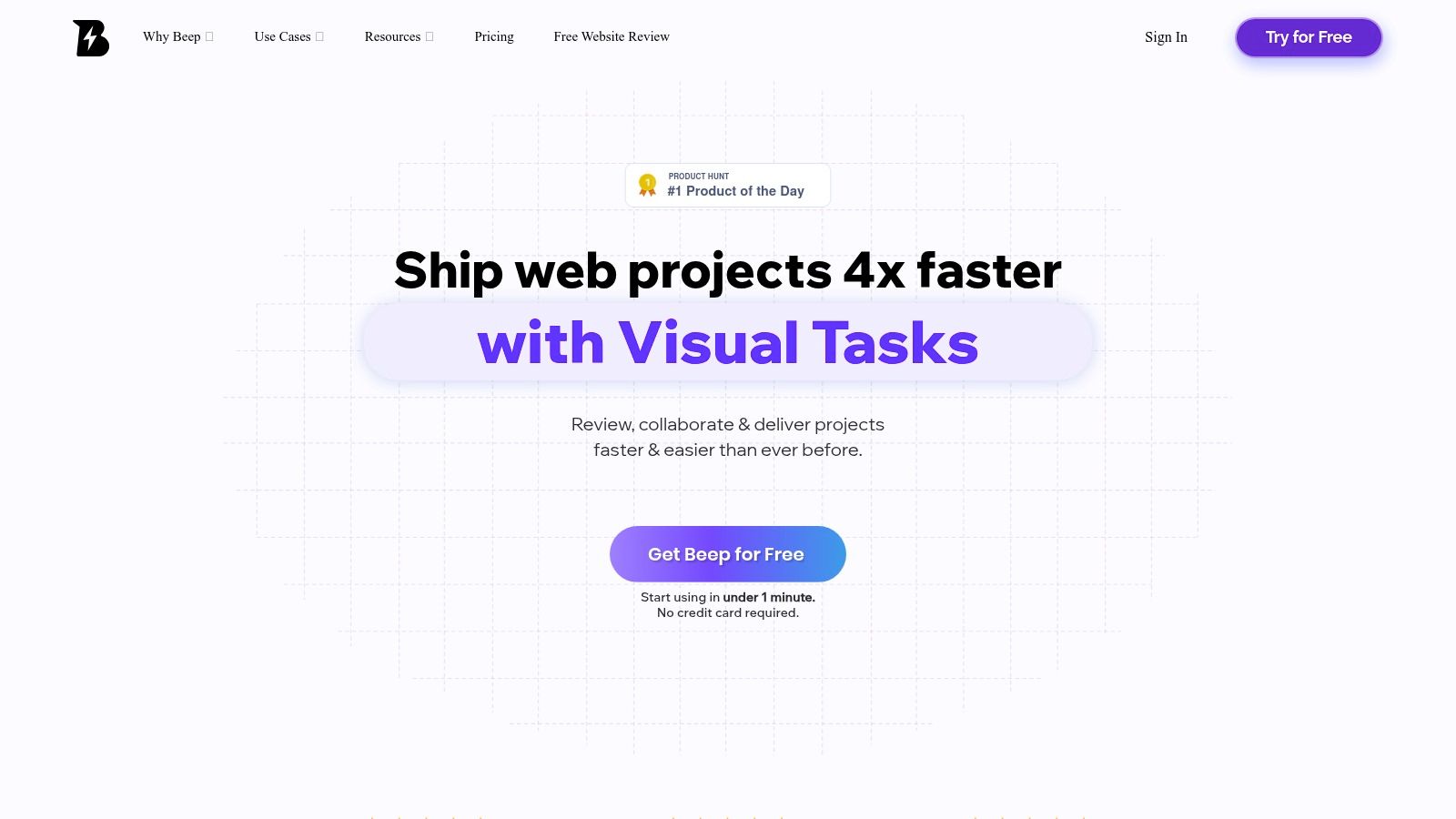
The platform’s core strength lies in its ability to capture rich, actionable data with every comment. Each annotation automatically generates a screenshot, precisely documenting the visual context of the feedback. Users can also attach files or add screen recordings, eliminating the back-and-forth typically required to clarify bug reports or design change requests. This clarity is a significant advantage, empowering development and design teams to act decisively.
Key Strengths & Use Cases
Beep excels in environments that demand rapid iteration and clear communication, making it ideal for product managers, UX/UI designers, developers, and marketing agencies.
Visual, Context-Rich Feedback: Every comment captures an automatic screenshot, so instructions are crystal clear and bugs are instantly locatable. This is perfect for detailed UI/UX reviews and QA testing.
Accelerated Project Delivery: The built-in Kanban board and deep integrations streamline the process of converting feedback into tracked tasks. Teams report saving hundreds of hours and shipping projects up to 4x faster.
Effortless Adoption: A simple Chrome extension allows for setup in under a minute. Guest links provide frictionless collaboration with external stakeholders, who can comment without creating an account.
Seamless Workflow Integration: Beep connects with essential project management and communication tools like Slack, Jira, Notion, Asana, and Zapier, enhancing existing workflows rather than disrupting them.
Considerations & Pricing
While Beep is primarily browser-based via its Chrome extension, which may be a limitation for teams not standardized on Chrome, its accessibility and ease of use are major assets. For a deeper look at similar tools, you can explore Beep's own comparison of the best website annotation tools in 2024.
The platform offers a robust free tier with no credit card required, making it easy to evaluate. For detailed information on paid plans tailored to larger teams or enterprise needs, you will need to contact their sales department directly.
Website: https://www.justbeepit.com
2. PageProof
PageProof positions itself as a powerhouse among online proofing tools, particularly for marketing, creative, and enterprise-level teams that require sophisticated review cycles and stringent security. Its core strength lies in its ability to manage complex, multi-stage approval workflows, allowing teams to automate the sequential review of assets from initial draft to final sign-off. The platform supports an impressive range of file types, from standard PDFs and images to interactive HTML, video, and audio files, making it a versatile hub for all creative collateral.
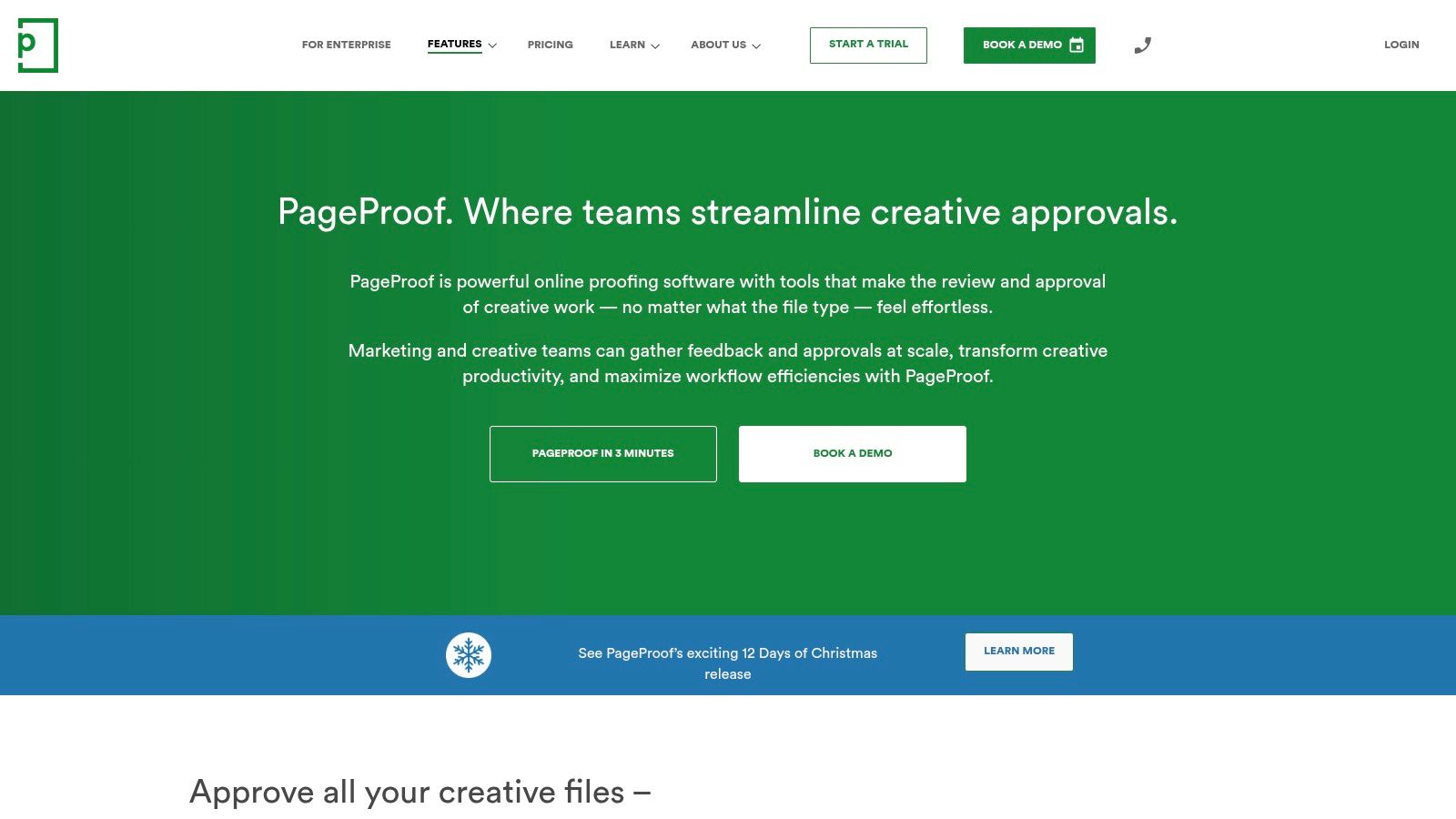
What truly sets PageProof apart is its enterprise-grade security and transparent pricing model. It boasts ISO 27001 certification and SOC2 compliance, providing the assurance needed in highly regulated industries. Unlike many competitors that charge per user, PageProof offers a flat-rate team plan that includes unlimited reviewers, which is a significant cost advantage for large organizations or those working with numerous external stakeholders. This approach simplifies budget management and encourages widespread collaboration without financial penalty.
Key Features & Use Cases
Best For: Enterprise teams, marketing agencies, and organizations in regulated industries (e.g., finance, healthcare) that need robust, auditable approval trails.
Standout Feature: The "version compare" tool allows reviewers to see a pixel-perfect comparison between two versions, highlighting exactly what has changed and ensuring all feedback has been correctly implemented.
Workflow Automation: Users can create and save workflow templates, automatically routing proofs to the right stakeholders in the correct order, which drastically reduces manual project management overhead. This is ideal for recurring projects like monthly ad campaigns or website updates.
Broad File Support: Its capability to handle rich media and interactive content makes it an excellent choice for teams proofing website banners or video content directly within the platform.
Pros and Cons
Pros | Cons |
|---|---|
Transparent, flat pricing with unlimited reviewers. | The entry-level price point may be high for freelancers. |
Enterprise-level security and compliance (ISO 27001, SOC2). | No free-forever plan is available, only a limited trial. |
Consistently high user ratings and industry recognition (G2 Leader). | |
Powerful workflow automation and version comparison tools. |
Pricing
PageProof offers a "Teams" plan and a customizable "Enterprise" plan. The Teams plan starts at a set price for a core number of users but includes unlimited guest reviewers. A 14-day free trial is available to test the platform's full capabilities. If your work involves extensive PDF collaboration, you can deepen your understanding of PDF annotation with this guide.
Website: https://pageproof.com
3. Ziflow
Ziflow is a highly popular online proofing suite built for creative agencies and in-house marketing teams that need to manage a high volume of creative assets. It shines with its robust support for over 1,200 file types, deep workflow automation, and governance options that scale from small businesses to large enterprises. The platform is designed to streamline the entire creative review process, from initial intake with custom forms to final approval with detailed audit trails.
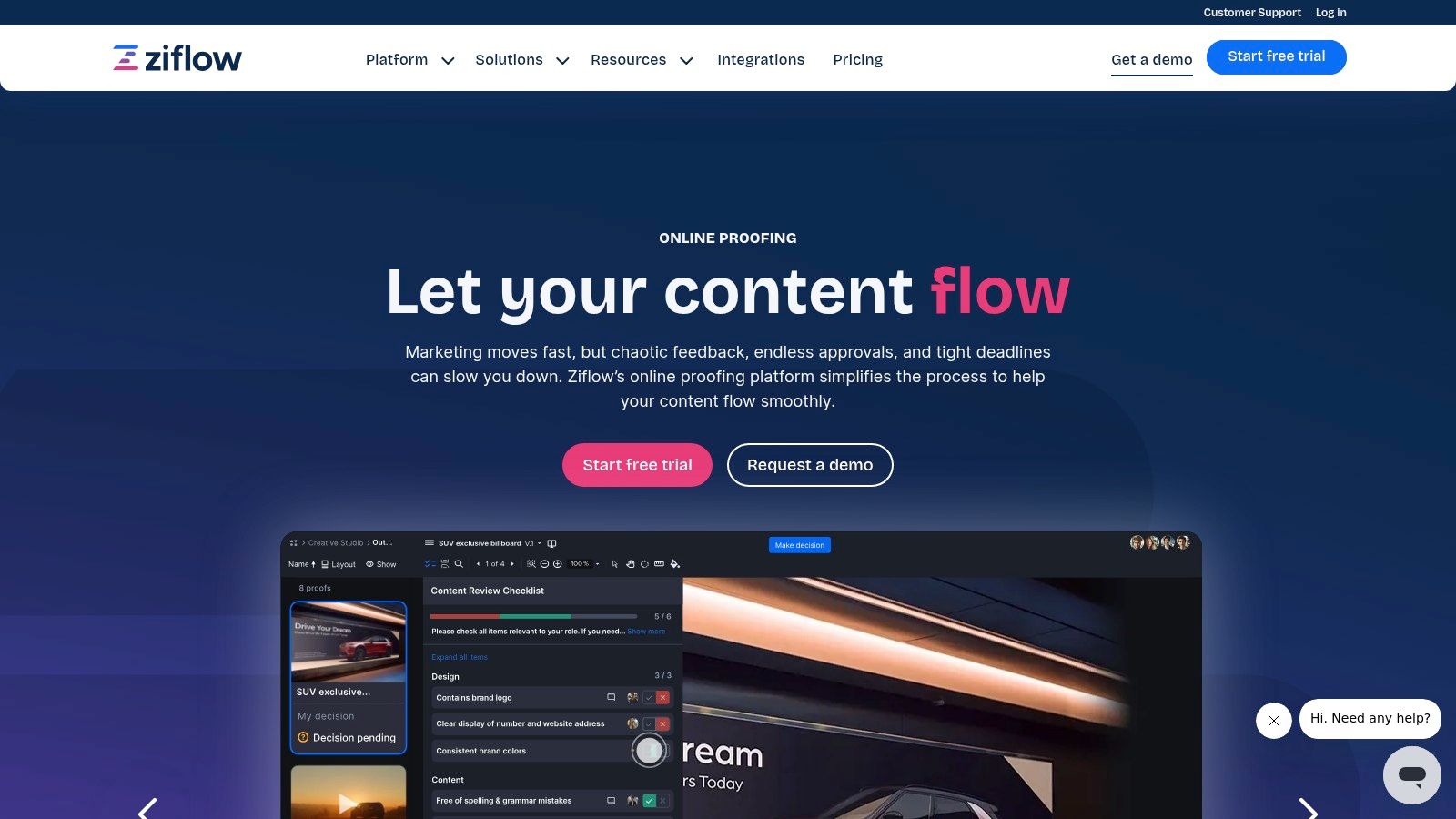
What makes Ziflow a standout choice is its combination of accessibility and power. It offers unlimited proofs and reviewers on all plans, including a generous free tier, removing barriers to collaboration. For more complex needs, its workflow stages allow for sophisticated, automated review sequences, while features like pixel-level version comparison ensure that every change is tracked and verified. This scalability makes it an adaptable solution that can grow with a team’s needs.
Key Features & Use Cases
Best For: Agencies and corporate marketing departments that require a scalable proofing solution with strong workflow automation and compliance features.
Standout Feature: Support for over 1,200 file types, including live websites, video, and rich media, allowing teams to consolidate nearly all their creative reviews into a single platform.
Workflow Automation: Users can create multi-stage workflows with automated routing, triggers, and deadlines. Intake forms and creative briefs can be used to standardize project kickoff and ensure all necessary information is captured upfront.
Enterprise Governance: For larger organizations, Ziflow offers SSO/SCIM, detailed audit trails, and data residency options, making it suitable for teams with strict security and compliance requirements.
Pros and Cons
Pros | Cons |
|---|---|
Generous free-forever plan is available for light use. | Per-plan user caps can require purchasing add-on packs. |
Scales effectively from small teams to enterprise-level needs. | Advanced automation and white-labeling are on higher-tier plans. |
Includes unlimited proofs and reviewers on all plans. | |
Excellent storage allocations provided for each pricing tier. |
Pricing
Ziflow offers several tiers, including a free Personal plan. Paid plans include "Business" and "Enterprise," with pricing based on the number of users and feature sets. Each plan comes with a specific storage allocation and an increasing level of automation and security capabilities. A free trial is available for the paid plans.
Website: https://www.ziflow.com
4. Filestage
Filestage is a highly intuitive online proofing tool designed to streamline the creative approval process, particularly for marketing teams and agencies. It offers a clean, user-friendly interface that simplifies how stakeholders provide feedback on a wide variety of file formats, including documents, images, videos, and live websites. The platform excels at organizing feedback, tracking versions, and automating review workflows, ensuring every piece of content moves from draft to final approval smoothly and efficiently.
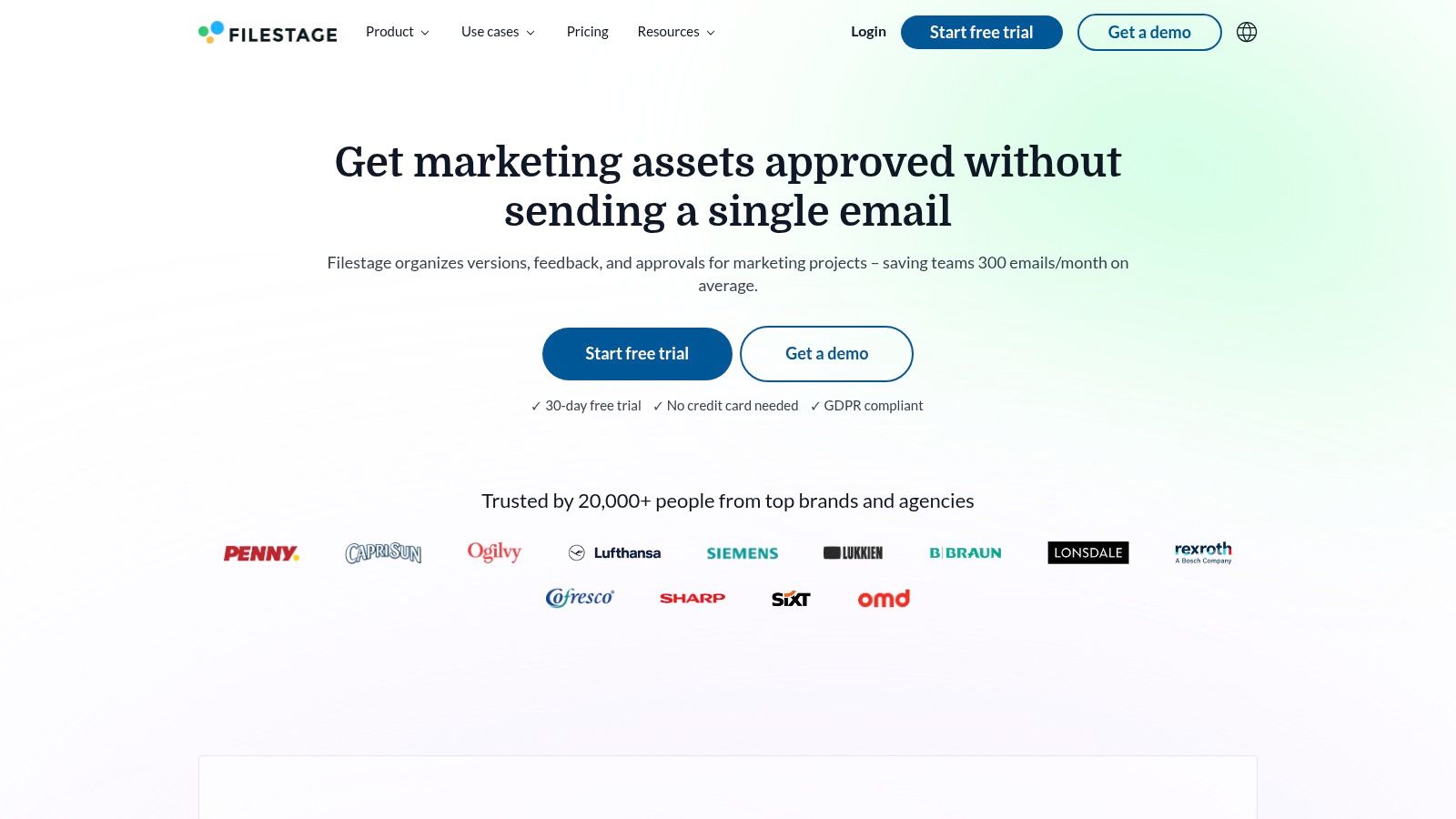
A key differentiator for Filestage is its emphasis on unlimited collaboration and compliance. The platform offers flat-rate team pricing that includes unlimited team members and reviewers, removing barriers to collaboration for growing teams or those working with many external partners. Additionally, with GDPR-focused hosting and a public API for custom integrations, Filestage provides both the security and flexibility needed by modern businesses. This combination makes it a strong contender for teams seeking a balance of powerful features and straightforward usability.
Key Features & Use Cases
Best For: Marketing teams, creative agencies, and video production houses that need a simple yet powerful system for managing multi-stakeholder feedback.
Standout Feature: Centralized, version-controlled feedback where all comments, replies, and attachments are organized in one place. Reviewers can annotate directly on the file, preventing messy email chains and lost feedback.
Workflow Automation: Users can create review templates and set up reviewer groups to automate the approval process. Team-only comments allow for internal discussions separate from client feedback.
Security and Integration: GDPR-compliant hosting provides peace of mind for European-based companies, while the API allows for deeper integration into existing tech stacks.
Pros and Cons
Pros | Cons |
|---|---|
Flat price per team with unlimited members and reviewers. | Active project limits on lower-tier plans can be restrictive. |
Excellent balance of usability and robust workflow control. | Free plan's storage may be insufficient for heavy users. |
A generous 30-day full-featured free trial is available. | |
Strong focus on security with GDPR-compliant hosting. |
Pricing
Filestage offers several tiers, including a Free plan for individuals, a Basic plan for small teams, and a Professional plan with advanced features. The paid plans are billed at a flat rate per team and include unlimited users. A 30-day free trial of the Professional plan is available, giving teams ample time to evaluate its capabilities.
Website: https://filestage.io
5. Frame.io
Frame.io has established itself as the industry standard for video-first review and collaboration, now integrated into the Adobe ecosystem. It is purpose-built for video producers, post-production houses, and marketing teams whose primary focus is video content. The platform excels at providing frame-accurate commenting and annotation tools, allowing stakeholders to leave precise feedback directly on the video timeline, eliminating ambiguity and streamlining the revision process.
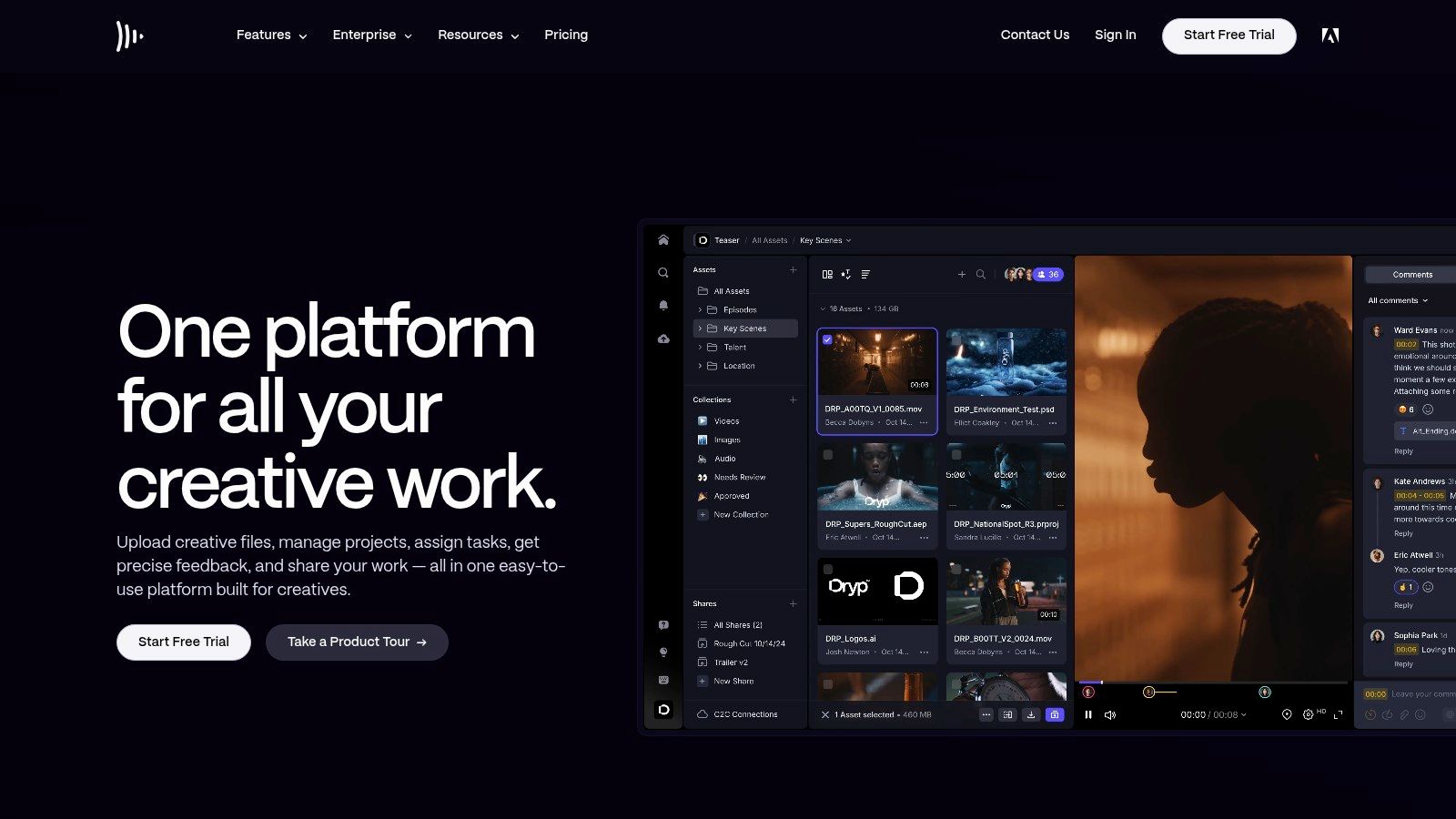
What truly sets Frame.io apart is its deep integration into professional video workflows, highlighted by its groundbreaking Camera to Cloud technology. This feature allows footage to be uploaded directly from the camera to the cloud, making it instantly available for review and editing by remote teams. This capability dramatically accelerates production timelines, making Frame.io an indispensable tool for fast-paced video projects. Its deep ecosystem and widespread industry adoption make it one of the most powerful online proofing tools for video-centric creative work.
Key Features & Use Cases
Best For: Video production companies, creative agencies, and marketing teams that produce a high volume of video content and require precise, time-stamped feedback.
Standout Feature: Camera to Cloud allows for the instant ingest of footage from on-set cameras to the cloud, enabling parallel workflows for editing and review from anywhere in the world.
Frame-Accurate Commenting: Users can draw directly on video frames and leave time-stamped, range-based comments, ensuring feedback is clear, contextual, and actionable for editors. For those looking to master this skill, you can explore this guide on how to annotate video like a pro.
Branded Presentations: Teams can create polished, password-protected presentation pages to share work with clients, complete with custom branding and secure link expirations.
Pros and Cons
Pros | Cons |
|---|---|
Unparalleled tools for video-specific workflows. | Storage is allocated per user and can become costly as teams expand. |
Low-cost entry plans with clear scaling to Team and Enterprise tiers. | Primarily optimized for video; less ideal for print or packaging proofs. |
Deep ecosystem and widespread industry adoption. | |
Powerful Camera to Cloud technology for accelerated production. |
Pricing
Frame.io offers several tiers, including a Free plan for small projects. Paid plans (Pro, Team, and Enterprise) scale based on the number of users, storage capacity, and advanced features like security controls and API access. The per-seat pricing model is straightforward but requires careful consideration for storage needs.
Website: https://frame.io
6. Dropbox Replay
Dropbox Replay leverages the ubiquitous Dropbox ecosystem to offer a streamlined solution for video and audio proofing. Designed for creative teams already embedded in Dropbox, it eliminates the friction of moving large media files between storage and review platforms. Its primary value is providing frame-accurate, time-stamped comments and annotations directly on video and audio files, simplifying feedback for editors, producers, and sound designers.
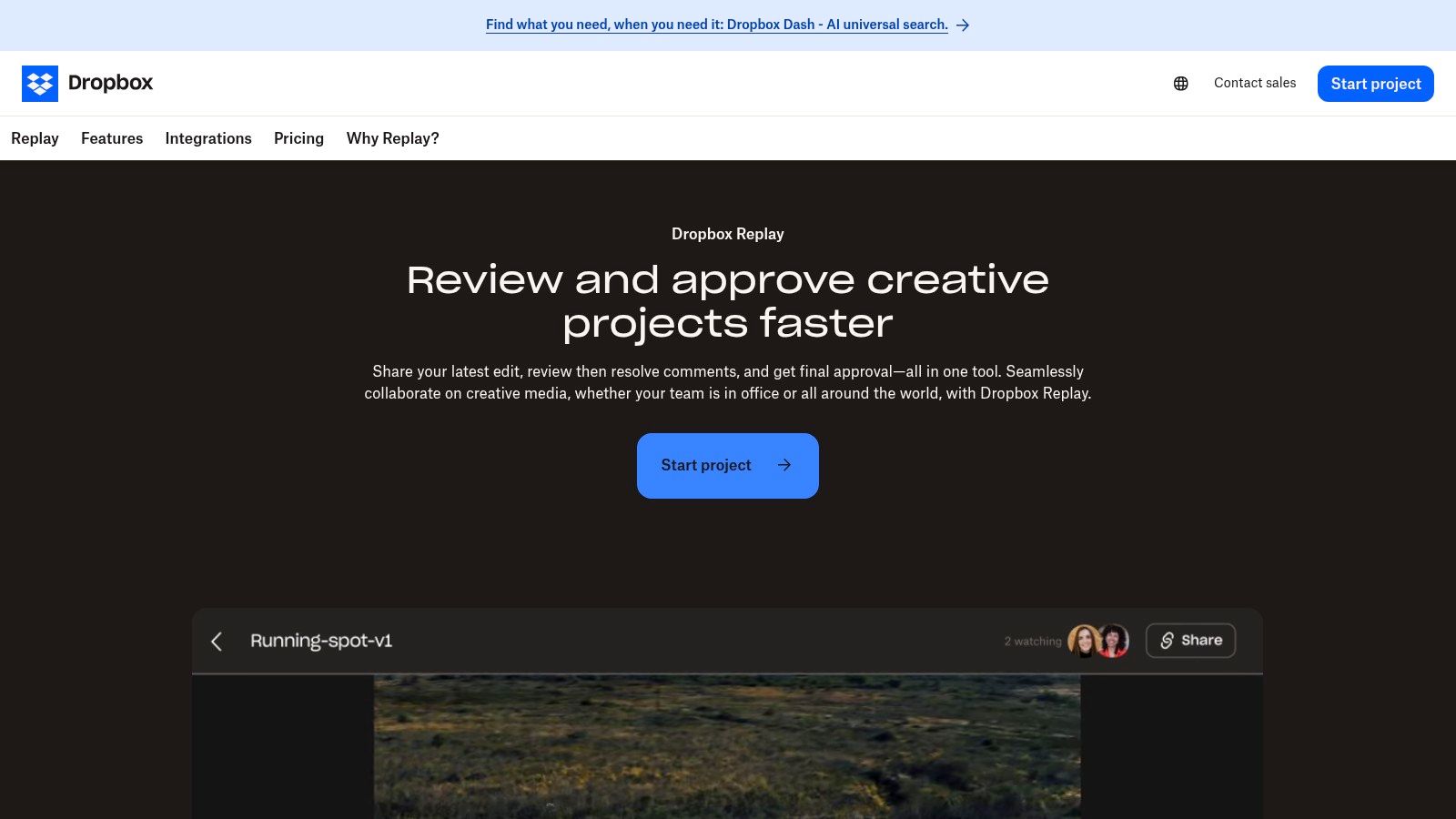
What makes Dropbox Replay a compelling choice is its deep integration with professional editing software and its seamless connection to Dropbox's storage and transfer capabilities. Reviewers can leave comments on a shared link without needing a Dropbox account, while editors can see that feedback directly within their timelines in Adobe Premiere Pro, Final Cut Pro, and DaVinci Resolve. This integration transforms it from a simple review tool into a connected part of the post-production workflow, reducing context switching and accelerating project delivery.
Key Features & Use Cases
Best For: Video production teams, marketing departments, and content creators who already use Dropbox for cloud storage and file sharing.
Standout Feature: Live review sessions allow teams to watch and mark up video and audio files together in real-time, no matter their location, ensuring everyone is on the same page.
Editor Integrations: Its native plugins for major video and audio editing software (e.g., Premiere Pro, After Effects, Pro Tools) allow creators to import comments directly onto their project timelines, eliminating manual transcription of feedback.
Centralized Workflow: Teams can manage versions, track approval statuses, and deliver final assets using Dropbox Transfer, all from a single, unified platform.
Pros and Cons
Pros | Cons |
|---|---|
Seamless adoption for existing Dropbox users. | Primarily focused on video/audio; not ideal for static or print proofs. |
Competitive add-on pricing for eligible plans. | Full feature set requires a paid Dropbox plan plus the Replay add-on. |
Direct integrations with professional editing software. | Lacks the complex, multi-stage workflow automation of enterprise tools. |
Smooth handoff to Dropbox storage and delivery. |
Pricing
Dropbox Replay is available as an add-on to eligible paid Dropbox plans (like Plus, Essentials, and Business). It offers a free trial that includes core review and approval features. The paid add-on unlocks premium capabilities such as larger file transfer limits, password protection, and automated transcription and captions.
Website: https://www.dropbox.com/replay
7. Hightail
Hightail occupies a unique space among online proofing tools by blending large file transfer capabilities with a straightforward creative review and approval process. Originally known as YouSendIt, its core strength remains the ability to securely send massive files that email systems can't handle. This foundation makes it an excellent choice for teams and freelancers who need to deliver large video, audio, or high-resolution design files and then immediately initiate a feedback cycle within the same platform, streamlining the handoff process.
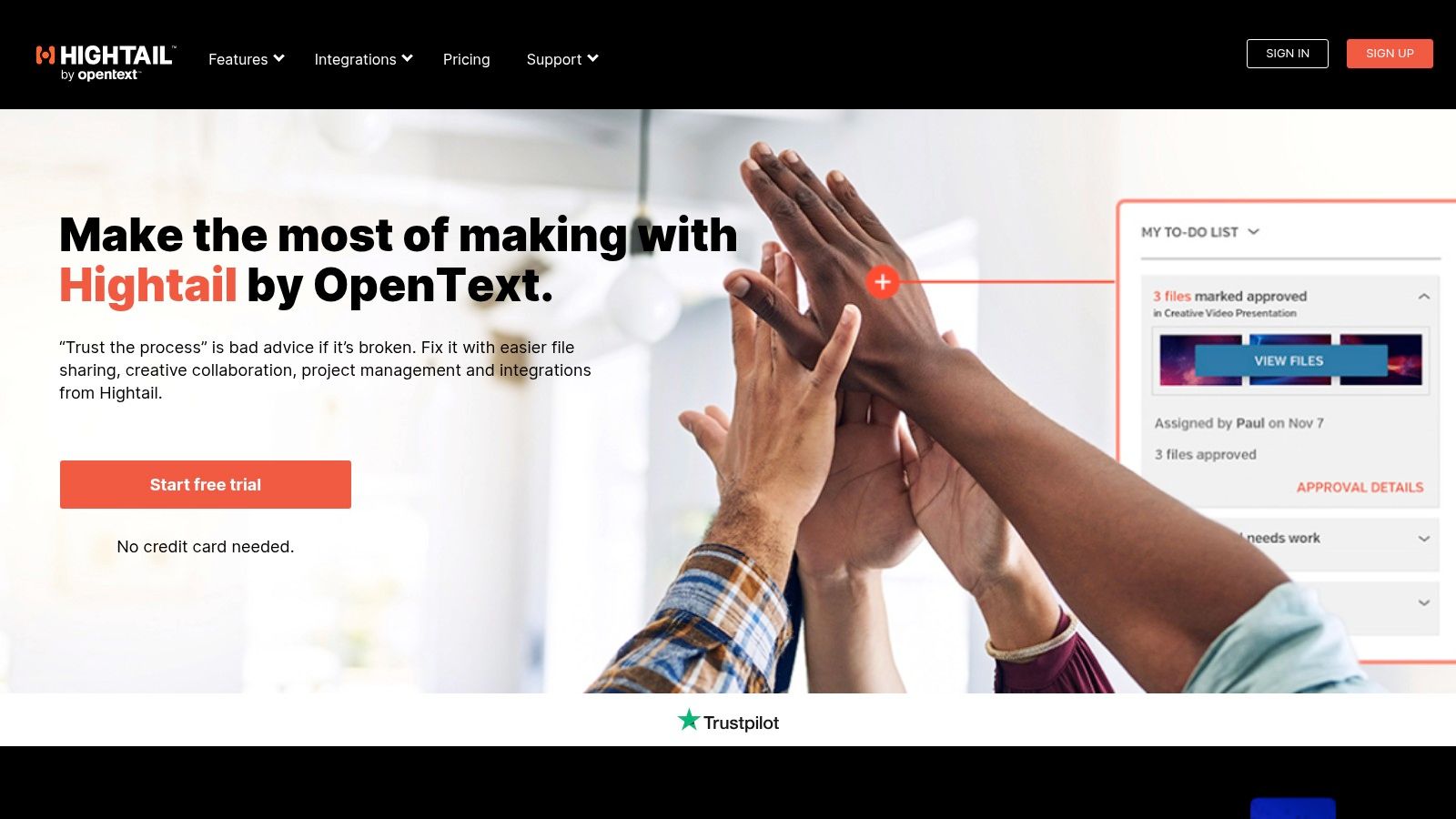
The platform focuses on simplicity, offering a familiar user experience for both senders and reviewers. Users can add precise comments and annotations directly on creative assets, track delivery to see who has viewed or downloaded a file, and manage versions in a central "Space." While it may not have the complex, multi-stage workflow automation of enterprise-focused competitors, its direct approach is ideal for simpler projects where the primary need is to send a file and collect consolidated feedback efficiently.
Key Features & Use Cases
Best For: Freelancers, small creative teams, and videographers who prioritize simple, secure large file delivery combined with a basic but effective feedback loop.
Standout Feature: The integration of large file sending with proofing. You can send files up to 500GB (depending on the plan) and have recipients immediately comment without needing a separate tool.
Delivery Tracking: Provides notifications and tracking to confirm when your files have been delivered and downloaded, adding a layer of accountability to the creative handoff process.
Creative Tool Integrations: Direct integrations with Adobe Photoshop and Illustrator allow designers to send proofs without leaving their creative environment, which helps maintain workflow momentum.
Pros and Cons
Pros | Cons |
|---|---|
Excels at combining large file transfer with proofing. | Advanced collaboration features are gated behind higher-priced plans. |
Simple, intuitive user experience for sending and reviewing. | Mixed recent user sentiment regarding platform updates and support. |
Unlimited storage is available on all paid plans. | Lacks the sophisticated, automated workflow features of other tools. |
Tiered plans accommodate individuals, small teams, and businesses. |
Pricing
Hightail offers a free "Lite" plan with basic file sharing. Paid plans include Pro, Teams, and Business tiers, which unlock features like larger file sends, unlimited storage, advanced collaboration, and branding. The pricing structure is user-based, making it scalable for growing teams.
Website: https://www.hightail.com
8. Wipster
Wipster carves out a niche in the online proofing tools landscape by focusing squarely on video review and approval for creative teams. Its platform is engineered for frame-accurate, time-coded feedback, allowing collaborators to drop comments directly onto the video timeline for clear, contextual revisions. This streamlined approach eliminates ambiguous notes like "change the part around 15 seconds" and replaces them with precise, actionable instructions, dramatically speeding up post-production workflows.
The platform is designed to scale with your needs, from an affordable entry-point for individual creators to robust multi-team governance for agencies and enterprises. Wipster supports high-definition playback and delivery, ensuring that what reviewers see is true to the final product. Features like version stacking, team-only comments, and custom branding allow organizations to maintain a professional and organized review process from start to finish.
Key Features & Use Cases
Best For: Video production teams, marketing agencies, and freelancers who primarily work with video content and need a precise feedback mechanism.
Standout Feature: Frame-accurate, time-based commenting allows reviewers to click anywhere on the video to pause it and leave a comment tied to that exact moment.
Version Control: All versions and their corresponding feedback are stacked in one place, making it easy to track changes and ensure previous notes have been addressed.
Secure Sharing: Users can share review links with passwords and expiration dates, controlling who sees the content and for how long.
Pros and Cons
Pros | Cons |
|---|---|
Low-cost “Light” plan makes it accessible for freelancers. | Highly specialized for video; less ideal for print or PDFs. |
Intuitive, video-centric interface that is easy to learn. | Seat minimums are required for the multi-team plans. |
Clear upgrade path to support enterprise-level governance. | |
Responsive customer support is available on paid tiers. |
Pricing
Wipster offers several tiers, including a "Light" plan for individuals and small teams, a "Team" plan with more collaboration features, and a "Multi-Team" plan for larger organizations needing advanced administration and security. A free trial is available to test the platform.
Website: https://www.wipster.io
9. ReviewStudio
ReviewStudio carves out its niche as a highly versatile and accessible online proofing tool, designed for creative agencies, marketing teams, and production studios. Its standout strength is its expansive file support, which goes beyond standard images and PDFs to include video, interactive web content, and even 3D models. This makes it a comprehensive solution for teams managing a diverse portfolio of creative assets, allowing them to consolidate their entire review process into a single platform.
A key differentiator for ReviewStudio is its commitment to collaboration, offering unlimited guest reviewers on all its plans. This is a significant advantage for agencies or teams that frequently work with external clients, freelancers, and stakeholders, removing the cost barrier to inclusive feedback. The platform combines robust annotation tools with a clear, intuitive interface, ensuring that both internal team members and external guests can easily participate in the review cycle without a steep learning curve.
Key Features & Use Cases
Best For: Creative agencies and production teams that need to proof a wide variety of file types, including video, websites, and 3D assets.
Standout Feature: The ability to review live websites and interactive HTML content. Users can drop a URL and add comments directly onto the live page, making it ideal for web design and UX feedback.
Workflow Automation: Higher-tier plans offer automated, multi-stage approval workflows, ensuring proofs are routed to the correct stakeholders sequentially and that sign-offs are tracked efficiently.
Task Management: Comments can be converted into actionable tasks, assigned to specific users, and tracked to completion, providing clear project oversight and accountability.
Pros and Cons
Pros | Cons |
|---|---|
Unlimited guests included on all pricing plans. | Storage caps are applied per user, though they are expandable. |
Broad file support including video, web, and 3D models. | Higher-tier plans have minimum user requirements. |
Competitive per-user pricing, especially for smaller teams. | Advanced features like API and SSO are on pricier plans. |
Intuitive annotation tools and a user-friendly interface. |
Pricing
ReviewStudio offers several tiered plans (Pro, Team, Agency, Enterprise) based on the number of users and feature sets. All plans include unlimited guest reviewers and projects. A 15-day free trial is available to explore its features.
Website: https://www.reviewstudio.com
10. GoProof (by Oppolis)
GoProof, developed by Oppolis, carves out a niche among online proofing tools with its exceptional native integration into the Adobe Creative Cloud ecosystem. This makes it a go-to solution for creative agencies and in-house design teams that live inside applications like InDesign, Illustrator, and Photoshop. The platform allows designers to send proofs directly from their Adobe apps, streamlining the handoff process and eliminating the need to constantly export and upload files, which saves significant time.
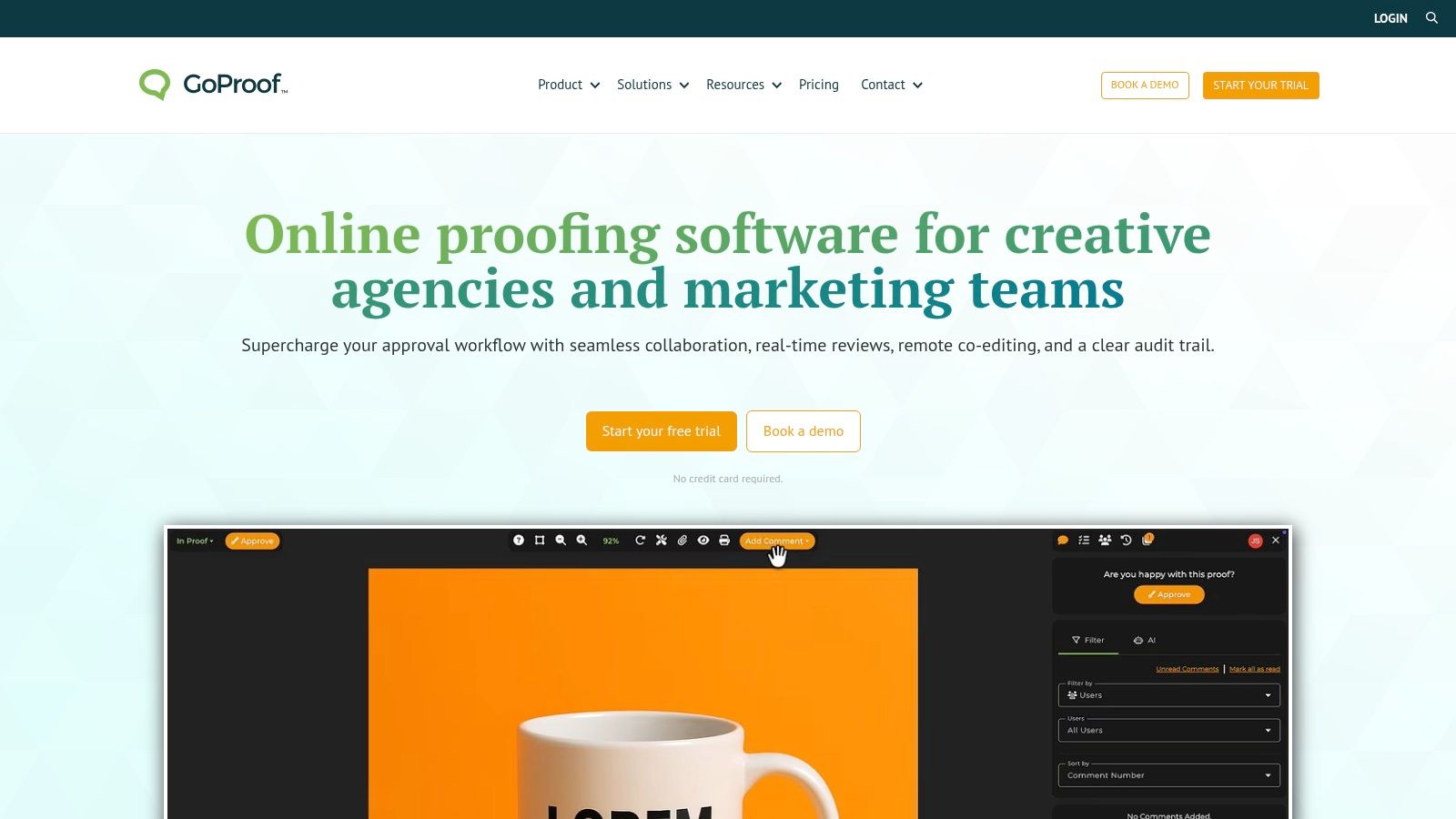
What distinguishes GoProof is its focus on connecting creative production with project management. Beyond its Adobe connection, it integrates deeply with platforms like monday.com, Asana, and ClickUp, allowing proofing status and feedback to sync automatically with project tasks. This bridges the gap between creative review and overall project tracking. Including unlimited reviewers on all paid plans further enhances its value, making it easy to involve a wide range of stakeholders without incurring extra costs.
Key Features & Use Cases
Best For: Creative studios, marketing agencies, and design teams heavily reliant on the Adobe Creative Cloud suite for production.
Standout Feature: The deep Adobe Creative Cloud integration allows designers to manage proofs, view comments, and upload new versions without ever leaving their design software.
Workflow Integration: Its powerful connections to monday.com and Asana make it ideal for teams wanting to embed the creative approval process directly into their existing project management workflows.
Remote Co-editing: GoProof supports remote co-editing, enabling multiple users to work on documents simultaneously, which is a major asset for collaborative teams.
Pros and Cons
Pros | Cons |
|---|---|
Strong native Adobe Creative Cloud integration. | User seats are limited by plan, which can be restrictive for teams. |
Unlimited reviewers are included on all paid plans. | Advanced workflow automation and SSO require the Enterprise tier. |
Generous storage allowances and clear feature tiering. | |
Integrates well with popular project management tools. |
Pricing
GoProof offers several paid tiers, including "Connect" and "Pro," with pricing based on the number of user seats and features. All plans include unlimited proofs and reviewers. Advanced features like multi-stage workflows and single sign-on (SSO) are reserved for the customizable Enterprise plan. A 14-day free trial is available to test the platform.
Website: https://www.goproof.net
11. Adobe Workfront (Workfront Proof)
Adobe Workfront is an enterprise-grade work management platform where online proofing is a deeply integrated component, not just a standalone feature. Known as Workfront Proof, this tool is designed for large organizations that need to connect asset review and approval directly to broader project management, resource allocation, and reporting. Its power lies in creating a single source of truth where creative approvals are a seamless step within a complex, end-to-end operational workflow, rather than a separate process.
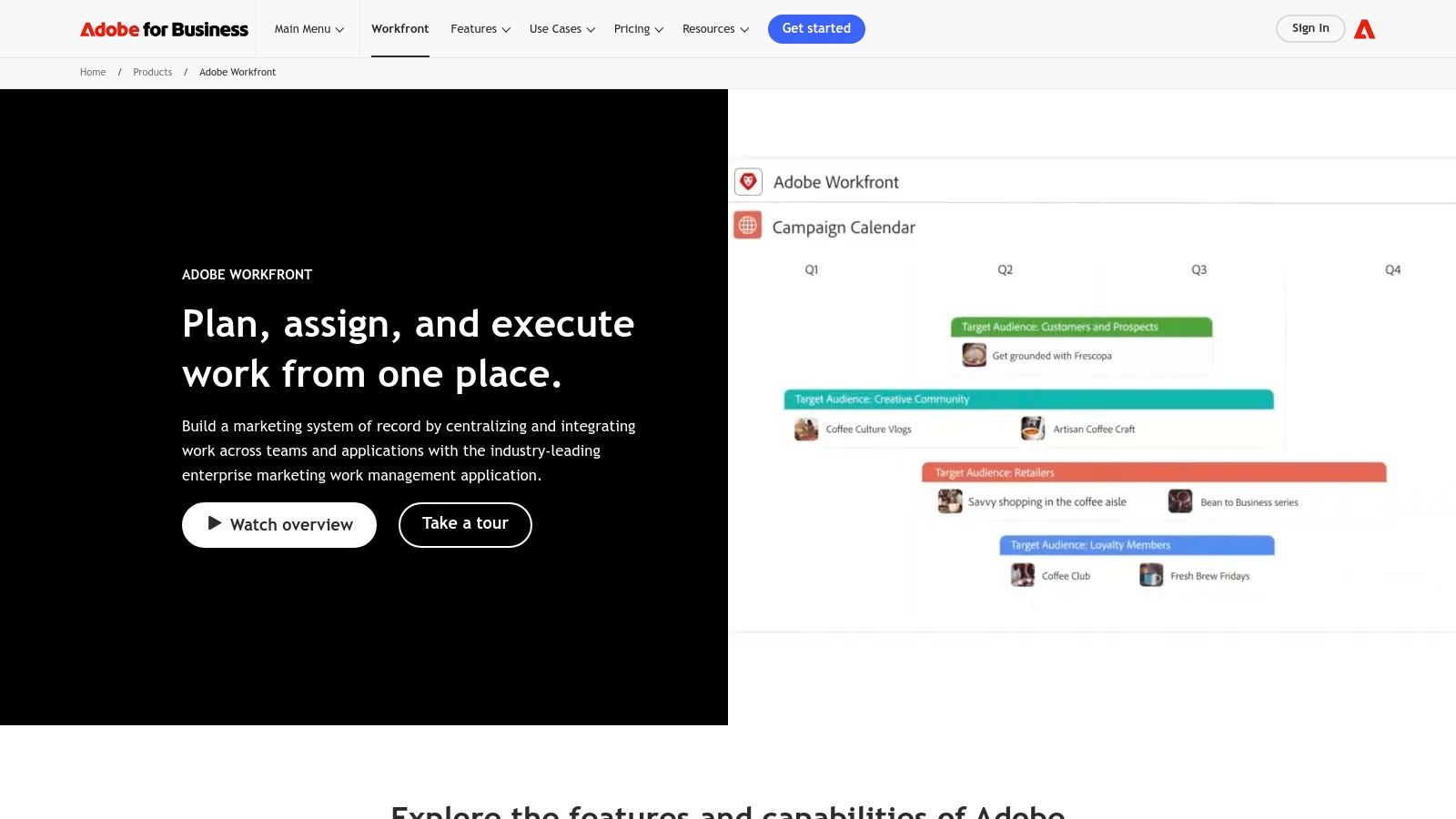
This platform is not for teams seeking a simple proofing solution; it's for enterprises that require centralized governance and auditable trails. Workfront Proof provides sophisticated administrative controls, single sign-on (SSO), and detailed reporting that aligns creative output with strategic business objectives. This makes it an ideal choice for regulated industries or global corporations managing hundreds of campaigns simultaneously, ensuring compliance and operational efficiency at scale.
Key Features & Use Cases
Best For: Large enterprises, marketing operations teams, and regulated industries needing proofing integrated within a full-stack work management system.
Standout Feature: The native integration with Adobe Creative Cloud allows designers to manage proofs and feedback without ever leaving apps like Photoshop or Illustrator, streamlining the creative-to-review process.
Automated Workflows: Users can build multi-stage approval paths with defined roles, permissions, and deadlines that are automatically triggered by project status updates within the main Workfront environment.
Centralized Governance: Provides enterprise-level admin controls to manage user access, enforce brand compliance, and maintain a complete, auditable record of all review and approval activities.
Pros and Cons
Pros | Cons |
|---|---|
Deep integration with enterprise work management and reporting. | Quote-based pricing is geared toward mid-market/enterprise scale. |
Centralized governance, SSO, and robust admin controls. | Overkill and too complex if you only need stand-alone proofing. |
Suitable for regulated or complex multi-team environments. | Requires significant setup and adoption effort across the company. |
Seamless Adobe Creative Cloud integration for designers. |
Pricing
Adobe Workfront operates on a custom, quote-based pricing model tailored to the specific needs of large teams and enterprises. It is not available as a standalone proofing tool, and interested parties must contact Adobe's sales team for a consultation and customized quote.
12. ProofHub
ProofHub carves out a unique niche by bundling online proofing tools within a comprehensive project management suite. It's designed for teams seeking to consolidate their tech stack, combining task management, scheduling, and creative approvals into a single platform. Instead of being a standalone proofing solution, its review features are an integrated part of the broader project workflow, allowing users to annotate files and manage approvals alongside their Gantt charts and Kanban boards. This all-in-one approach simplifies operations for teams tired of switching between multiple applications.
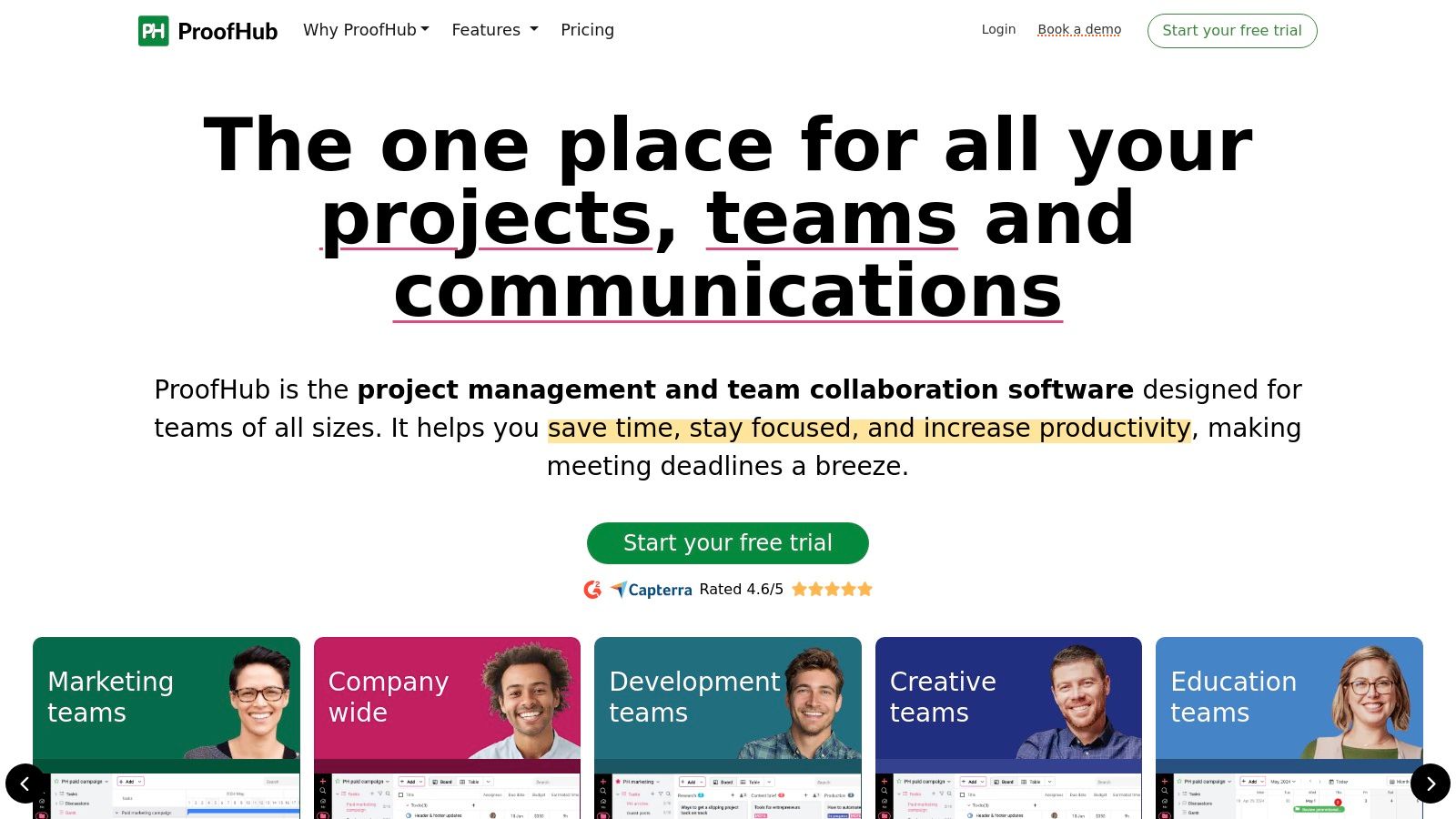
The platform's most compelling differentiator is its flat-rate pricing model. ProofHub charges a single monthly fee for an unlimited number of users, making it exceptionally cost-effective for large or growing teams, agencies, and nonprofits. While its proofing capabilities may not be as specialized as dedicated tools, they are robust enough for most standard creative review cycles, offering markup tools, version control, and clear approval stages. This makes it an ideal choice for organizations prioritizing budget predictability and a unified project management environment over highly advanced proofing-specific features.
Key Features & Use Cases
Best For: Teams of all sizes looking for an affordable, all-in-one project management and proofing solution without per-user fees.
Standout Feature: The integration of proofing directly into project tasks. A design file can be attached to a task, reviewed, annotated, and approved, with the entire history and conversation logged in one place.
Unified Project Management: Combines proofing with Kanban boards, Gantt charts, time tracking, and team discussions, eliminating the need for separate subscriptions.
Enhanced Control: The "Ultimate Control" plan offers advanced features like custom roles, white labeling, and IP restrictions, which is valuable for agencies managing multiple client projects.
Pros and Cons
Pros | Cons |
|---|---|
Flat, no-per-user pricing offers excellent value for large teams. | Proofing features are solid but less specialized than dedicated tools. |
Combines project management and proofing in a single subscription. | Storage and project limits are tied to the specific plan chosen. |
Attractive discounts are available for non-profit organizations. | The user interface can feel busy due to the sheer number of features. |
Offers a high degree of control with white labeling and custom roles. |
Pricing
ProofHub offers two primary plans: the "Essential" plan and the "Ultimate Control" plan, both with flat monthly pricing and unlimited users. The key differences are in the number of projects, storage capacity, and access to advanced features like API access and white labeling. A 14-day free trial is available.
Website: https://www.proofhub.com
Top 12 Online Proofing Tools — Feature Comparison
Product | Core features | UX / Quality (★) | Price / Value (💰) | Target (👥) | Unique selling point (✨) |
|---|---|---|---|---|---|
Beep 🏆 | Website annotations, auto-screenshots, built-in Kanban, Slack/Jira integrations | 4.9★ | 💰 Free entry tier; quick setup | 👥 PMs, UX/UI, developers, remote marketing | ✨ Visual tasks + auto-screenshots; guest links; <1‑minute setup |
PageProof | Multi-stage workflows, broad file support, version compare, enterprise security | ★★★★ | 💰 Flat team pricing; trial available | 👥 Marketing & regulated creative teams | ✨ Enterprise compliance, templates & governance |
Ziflow | Unlimited reviewers, 1,200+ file types, pixel-level compare, workflow stages | ★★★★ | 💰 Generous free tier; scalable add-ons | 👥 Agencies & large in‑house teams | ✨ Pixel-accurate comparison + wide file support |
Filestage | Centralized feedback, versioning, automations, GDPR-focused hosting | ★★★★ | 💰 Flat team pricing; 30‑day trial | 👥 Marketing & content teams | ✨ Flat pricing + GDPR hosting options |
Frame.io | Frame-accurate comments, Camera‑to‑Cloud, Adobe integrations | 4.5★ | 💰 Low-cost entry; storage per-seat can add cost | 👥 Post‑production & video teams | ✨ Industry-standard video workflows; Camera to Cloud |
Dropbox Replay | Time‑stamped comments, versioning, editor integrations, transcripts | ★★★★ | 💰 Add-on to Dropbox; competitive per-user | 👥 Dropbox users, video/audio teams | ✨ Tight handoff to Dropbox storage & transfer |
Hightail | Markup & comments, large-file transfers, delivery tracking | ★★★ | 💰 Tiered plans; unlimited storage on paid | 👥 Creatives needing large file delivery | ✨ Large-file sending + feedback/tracking |
Wipster | Time-based commenting, HD playback, captions, branding | ★★★★ | 💰 Low-cost "Light" plan; scalable tiers | 👥 Video creators & small teams | ✨ Affordable video review with scalable governance |
ReviewStudio | Annotations, compare mode, approvals, workflow automations | ★★★★ | 💰 Competitive per-user pricing; unlimited guests | 👥 Agencies & teams handling web/3D assets | ✨ Broad file-type support incl. web & 3D; unlimited guests |
GoProof (Oppolis) | Adobe CC integrations, threaded comments, multi-stage routing | ★★★★ | 💰 Per-seat tiers; unlimited reviewers on plans | 👥 Studio teams using Adobe Creative Cloud | ✨ Native Adobe CC + monday.com integrations |
Adobe Workfront (Workfront Proof) | Proofing inside enterprise PM, automated workflows, roles/SSO | ★★★★ | 💰 Quote-based enterprise pricing | 👥 Mid-market & enterprise with governance needs | ✨ Centralized project + proofing governance & reporting |
ProofHub | File proofing with markup, Kanban/Gantt, time tracking, approvals | ★★★ | 💰 Flat no‑per‑user pricing; good for large teams | 👥 Teams wanting PM + proofing bundled | ✨ Project management + proofing in one flat plan |
Conclusion: How to Choose the Right Online Proofing Tool for Your Team
Navigating the crowded market of online proofing tools can feel overwhelming, but making an informed decision is the final, critical step toward transforming your creative workflow. We've explored a dozen powerful platforms, from video-centric powerhouses like Frame.io and Wipster to versatile, all-in-one solutions such as Ziflow and PageProof. The journey from chaotic email chains to a streamlined, centralized review process is within reach, but it hinges on selecting the tool that aligns perfectly with your team’s unique DNA.
The most important takeaway is that there is no universal "best" platform. The ideal choice is deeply contextual, depending on your team's size, the types of creative assets you produce, the complexity of your review cycles, and your existing technology ecosystem. A small marketing agency focused on web design will have drastically different needs than a large enterprise video production house requiring strict compliance checks.
A Practical Framework for Your Final Decision
To move from analysis to action, your team must first define its core requirements. Avoid the temptation to chase a long list of features you might use. Instead, focus on the functionalities that will solve your biggest, most persistent pain points today. A tool with a hundred features is useless if the ten you need are clunky or poorly implemented.
Start by creating a simple evaluation matrix. List your top 2-3 contenders from this article down one side and your non-negotiable requirements across the top. This simple exercise provides immediate clarity and removes emotion from the decision-making process.
Key Questions to Guide Your Selection
Before committing to a subscription, gather your key stakeholders and work through these essential questions. The answers will illuminate the path to the right tool.
What is Your Primary Asset Type? Your most frequently reviewed content format should be the top consideration. * Live Websites & Staging URLs: A tool like Beep is purpose-built for this, offering direct, on-page commenting that is far superior to static screenshots. * Video & Audio: Frame.io, Dropbox Replay, and Wipster excel here with time-stamped comments and frame-accurate feedback. * Static Designs & PDFs: Platforms like Filestage, ReviewStudio, and GoProof (especially for Adobe users) offer robust markup tools for these formats. * A Mix of Everything: If your team juggles videos, designs, documents, and web pages, versatile options like Ziflow, PageProof, and ProofHub provide the necessary flexibility.
How Complex Are Your Approval Workflows? * Simple, Linear Reviews: For straightforward, single-stage approvals, tools like Hightail or the basic tiers of many other platforms are sufficient and cost-effective. * Complex, Multi-Stage Approvals: If you need automated, conditional logic (e.g., if Legal approves, then send to Marketing), enterprise-grade solutions like Adobe Workfront or the advanced tiers of Ziflow are designed for this level of process management.
What Is Your Budget and Growth Plan? * Predictable, Flat-Rate Pricing: Teams that prefer a single price for unlimited users will find models from Filestage or ProofHub appealing. * Per-Seat Scalability: If you're starting small and want to pay only for active users, the per-seat models offered by Frame.io and Ziflow provide a lower barrier to entry and scale with your team.
How Crucial Are Integrations? * A great proofing tool should enhance, not disrupt, your current tech stack. Map out your essential software. If your team lives in Jira, Beep's deep integration is a significant advantage. If your design process is centered on Adobe Creative Cloud, GoProof's direct connection is a game-changer. Don't underestimate the productivity gains from seamless integrations.
The ultimate test is a real-world trial. Shortlist two or three promising online proofing tools and run a live project through each. Pay close attention not just to the features, but to the user experience. Is it intuitive? Is it fast? Most importantly, does your team enjoy using it? The best tool is the one that gets adopted, reduces friction, and empowers your team to deliver exceptional work with clarity and confidence.
If your team spends countless hours capturing screenshots and wrestling with feedback on live websites or staging environments, consider a tool built specifically to solve that problem. Beep streamlines the entire process with on-page visual feedback, session recording, and seamless integrations with project management tools. See how it works at Beep.
Great list these tools really do cut through the chaos of email feedback. For anyone building or reviewing websites, having a solid proofing process saves so much time. And if you're managing domains or hosting alongside that, keeping the GoDaddy phone number handy never hurts for those quick support calls.